How many users per GPU? Our numbers, machine by machine
Updated: November 2026
How many users per graphics card?
From 3 to 15, depending on the card and the model.
A 16 GB RTX 5060 Ti supports 1 to 5 users simultaneously. An RTX 5090 supports 1 to 15. An RTX PRO 6000 supports 8 to 15 on a much larger model. With 4 cards, you can accommodate around forty users.
These figures are taken from our data sheets and comparisons. We have grouped them here, machine by machine, based on estimated capacities. These are benchmarks for sizing your machine, not speed measurements or guarantees.
Complete table, machine by machine
| Machine | Cards | Memory | Reference Model | Simultaneous Users | Price excl. VAT |
|---|---|---|---|---|---|
| CoreIA RTX 5060 Ti | 1 | 16 GB | 8 billion parameters | 1 à 5 | €1,724 |
| CoreIA Radeon AI PRO R9700 | 1 | 32 GB | 8 to 14 billion, text and RAG only | 1 à 12 | €3,469 |
| CoreIA RTX 5090 | 1 | 32 GB | 8 to 14 billion | 1 à 15 | €8,576 |
| CoreIA RTX PRO 6000 | 1 | 96 GB | 70 billion | 8 to 15 | €20,494 |
| CoreIA 2x RTX 5090 | 2 | 64 GB | 30 billion | 20 to 30 | €17,462 |
| CoreIA 2x RTX PRO 6000 | 2 | 192 GB | 70 billion | 20 à 35 | €40,423 |
| CoreIA Threadripper PRO 4 GPU | 1 to 4 | 96 to 384 GB | 70 billion | 8 to 15 with 1 card, around forty with 4 Max-Q cards |
€27,206 for 1 card |
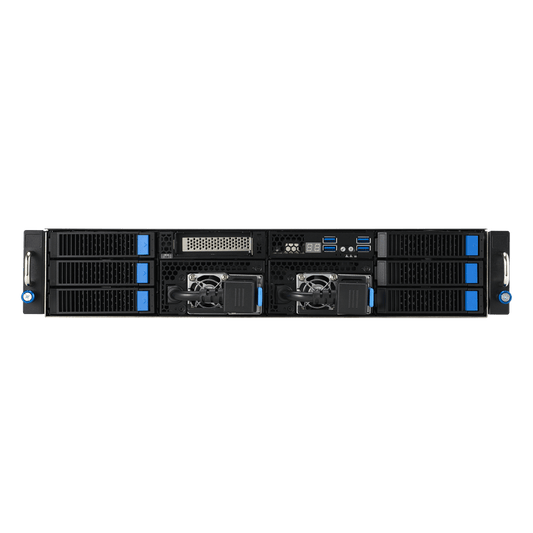
| EPYC 8 GPU AI Server | 4 à 8 | 384 to 768 GB | 70 to 180 billion | 50 à 200 |
€171,791 with 4 cards |
Our November 2026 comparison figures are based on base configurations with a 8,000 token context for most lines. These figures change according to the options selected in the configurator. Base configuration prices are shown excl. VAT and are automatically updated from our shop.
Machines with pricing based on the selected graphics card
On these two servers, the number of users varies depending on the graphics cards selected in the configurator. Their base configuration includes a R9700 with 32 GB.
| Machine | Memory by graphics card | Simultaneous users | Base price excl. VAT |
|---|---|---|---|
| Serveur IA PME EPYC 4005, 1 card | 32 or 96 GB | 1 à 15 | €6,511 |
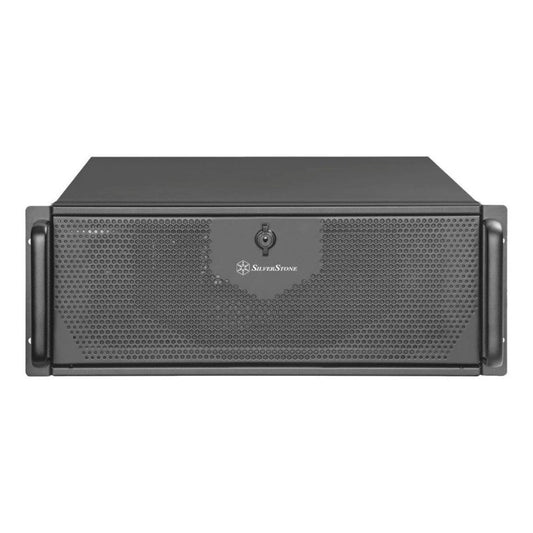
| 4U Rack AI Server, 1 or 2 cards | 32 to 192 GB | 1 à 20 | €4,694 |
Machines built for large models, not for teams
| Machine | Memory | Reference Model | Simultaneous users | Price excl. VAT |
|---|---|---|---|---|
| CoreIA GB10 | 128 GB of unified memory | 70 billion | 1 à 4 | €5,833 |
| EPYC AI Server 768 GB | 96 GB per card, plus up to 768 GB of system memory | Large model, in system memory | 2 à 5 | On quote |
While their memory capacity is vast, it is slower than that of a graphics card. They are designed to load what others cannot, meaning they serve fewer users simultaneously.
The figure per card
Here is the same table, scaled down to a single card. The final column is a simple division of our figures, not a measurement.
| Machine | Reference Model | Graphics Cards | People | By graphics card |
|---|---|---|---|---|
| CoreIA RTX 5060 Ti | 8 billion | 1 | 1 to 5 | 1 to 5 |
| CoreIA RTX 5090 | 8 to 14 billion | 1 | 1 to 15 | 1 to 15 |
| CoreIA 2x RTX 5090 | 30 billion | 2 | 20 to 30 | 10 to 15 |
| CoreIA RTX PRO 6000 | 70 billion | 1 | 8 to 15 | 8 to 15 |
| CoreIA 2x RTX PRO 6000 | 70 billion | 2 | 20 to 35 | 10 to 17 |
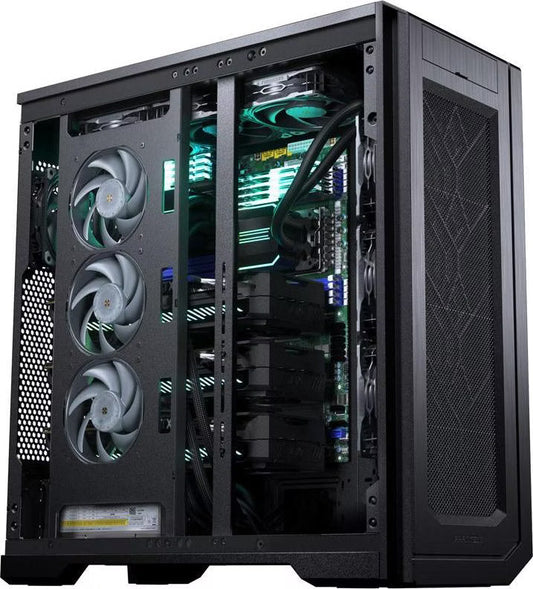
| CoreIA Threadripper PRO 4 GPU | 70 billion | 4 Max-Q | Around forty | About 10 |


Why the RTX PRO 6000 does not serve more users than an RTX 5090
This is the most common misconception. The RTX PRO 6000 has three times as much memory as the RTX 5090, yet the number of concurrent users is similar. However, these two lines refer to different model sizes:
- RTX 5090 : 1 to 15 users on an 8 to 14 billion parameter model;
- RTX PRO 6000 : 8 to 15 users on a 70 billion parameter model.
The model running on the RTX PRO 6000 is 5 to 9 times larger. Therefore, the extra memory is used to load a more capable model, not to accommodate more users. If your workflow fits within a smaller model, a larger card will not provide more available seats.
The same logic applies to the GB10: 128 GB of memory, but only 1 to 4 users on a 70 billion parameter model. It is designed to load very large models. Its memory capacity is not intended for serving a large team.
What drives these numbers
Model size
The larger the model, the more memory it occupies, leaving less for active conversations. Consequently, all our figures refer to the reference model.
Context length
Context is the text the model keeps in mind to answer. Our figures assume 8,000 tokens, a token being a piece of a word. Each ongoing conversation takes up memory for its context. If your colleagues send entire files, the number of people decreases. Our VRAM calculator has a "simultaneous sessions" setting to test your case.
Searching your documents
RAG sends excerpts of your documents to the model, which are added to the context. Count it in your use. To learn more, read our article on the AI station with integrated RAG.
The number of cards
Two cards give more memory, and more throughput when several people query the machine at the same time. They do not make a single answer twice as fast. The details are in our multi-GPU guide.
Sizing in four steps
1. Count the people active at the same time
Not your headcount. Everyone does not write at the same time. Look at the busiest time of your day.
2. Choose the model
Try the smallest that does the job. It is what sets the required memory.
3. Read the line in the table
Take the bottom of the range if your documents are long, the top if the exchanges are short.
4. Keep a margin
Uses add up after installation. A machine sized just right is the one we replace the fastest. If you are not sure, describe your use to us: we size it in the quote.
Our machines by number of people
They are assembled by hand in Auriol (13), except the GB10 assembled by ASUS. The assembly takes 15 business days maximum, often less, then comes the transport. 2-year warranty, extendable to 3 or 5 years, except the GB10.
 1 to 5 users: CoreIA RTX 5060 Ti16 GB, 8B parameter model.
€1,724 excl. VAT
1 to 15 users: CoreIA RTX 509032 GB, 8B to 14B parameter model.
€8,576 excl. VAT
 20 to 35 users: CoreIA 2x RTX PRO 6000192 GB, 70B parameter model.
€40,423 excl. VAT
 50 to 200 users: EPYC 8 GPU AI Server384 to 768 GB, 70B to 180B parameter model.
€171,791 excl. VAT
Tell us your team size
Staff size, documents, and use cases: we provide a perfectly sized hardware and software configuration. Free, no-obligation quote, with a response within 24 working days.
FAQ
How many users can one graphics card serve?
Based on our benchmarks, from 1 to 15 people simultaneously. An RTX 5060 Ti supports 1 to 5 people on an 8B parameter model. An RTX 5090 supports 1 to 15 on an 8 to 14B model. An RTX PRO 6000 supports 8 to 15 on a 70B model.
How many users for a 4 GPU server?
Our workstation equipped with 4 RTX PRO 6000 Max-Q cards supports up to about forty people at the same time on a 70B model. Our EPYC server, featuring 4 to 8 cards, serves 50 to 200 people on a 70 to 180B model.
Is the number of users the same as the number of accounts?
No. Our figures count active users at any given moment. There is no software limit on the number of accounts. Therefore, a machine can host more accounts than there are concurrent users.
Does doubling the cards double the number of users?
Roughly so, according to our data. On 2-card machines: 8 to 15 people with one RTX PRO 6000, 20 to 35 with two. With 4 cards, we reach about forty, which is approximately 10 per card. This gain comes from throughput and memory, not from faster individual response times.
Why does the GB10 serve so few people with 128 GB?
Its memory is vast, but slower than that of a graphics card. It loads very large models for a small team: 2 to 4 people on a 70-billion-parameter model.
Are these figures guaranteed?
No. These are orders of magnitude for the base configuration, with a context of 8,000 tokens on most lines. They vary depending on the model, the length of the documents, and the usage. For sizing tailored to your case, describe your project to us.
Sources: data sheets and comparisons of the Radiance Systems range, November 2026. The divisions per card are a reading calculation. Values vary depending on the model, the inference engine, and the settings.
Let’s talk about your local AI project
By phone or video call, we look at what you need together. You leave with a clear recommendation, with no commitment.
- The AI computer or server that fits your use and your team
- What we should develop for you, if needed: automations, applications, search in your documents
- Budget and lead times, with a quote within 24 hours
Calls in English, French or Dutch.
You are booked!