RTX 5090, R9700 or RTX PRO 6000: which card for enterprise local AI?
Updated: November 2026
RTX 5090, R9700 or RTX PRO 6000?
It all depends on the model, not the number of users.
The R9700 is the budget-friendly choice for text and searching your documents. The RTX 5090 does it all thanks to CUDA, with 32 GB. The RTX PRO 6000 offers 96 GB, for much larger models, with a similar number of users.
These three cards serve roughly the same number of users, but not with the same model. That's the game-changer. Here is the comparison, with the price of the complete machines, because a card on its own doesn't run anything.


The comparison
| Radeon AI PRO R9700 | RTX 5090 | RTX PRO 6000 | |
|---|---|---|---|
| Memory | 32 GB GDDR6 | 32 GB GDDR7 | 96 GB GDDR7 ECC |
| Card power | 300 W | 575 W | 600 W, or 300 W in Max-Q |
| CUDA | No, ROCm | Yes | Yes |
| Reference model | 8 to 14 billion parameters | 8 to 14 billion | 70 billion |
| Simultaneous users | 1 to 12 | 1 to 15 | 8 to 15 |
| Use cases | Text and RAG only | Text, RAG, image, video | Text, RAG, image, video, large models |
| Full machine, excl. VAT | €3,469 | €8,576 | €20,494 |
Simultaneous users: orders of magnitude for our comparisons, base configuration, 8,000 token context. Power specifications provided by NVIDIA and AMD. Prices are automatically updated from our shop.
Radeon AI PRO R9700: the best price per GB
It offers as much memory as an RTX 5090, but at a much lower price. It also consumes half as much power. In our range, we recommend it for one specific purpose: running a text model and querying your documents.
Choose it if your need is clear: an internal assistant, searching your documents, writing.
RTX 5090: the most versatile
It has CUDA, so the entire AI ecosystem works without adaptation. Text, image, video, transcription: you don't close any doors. Its 32 GB limits the size of the model, however. With two cards, you move to 64 GB, and a 30 billion parameter model for 20 to 30 people.
Choose it if you want a single machine for several uses, or if you don't yet know everything you will do with it.
RTX PRO 6000: for large models
Its 96 GB loads a 70 billion parameter model, five to nine times larger than that of our RTX 5090 lines. The number of users remains close: the extra memory is for a more capable model, not to serve more people. The detail is in our article how many users per graphics card.
It comes in three versions:
- Standard, 600 W: for one or two cards in a tower.
- Max-Q, 300 W: mandatory in a tower beyond 2 cards.
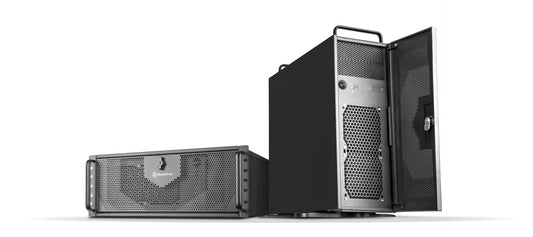
- Server Edition: passive, cooled by the server. It remains outside the towers.
Choose it if model quality matters more than anything, for example for long technical or legal files.
Matching Machines
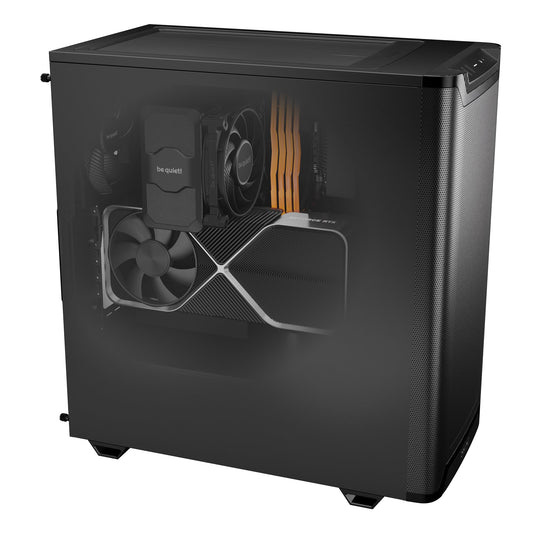
 CoreIA Radeon AI PRO R970032 GB, text and RAG, 1 to 12 users.
€3,469 excl. VAT
CoreIA RTX 509032 GB, text, image and video, 1 to 15 users.
€8,576 excl. VAT
 CoreIA 2x RTX 509064 GB, 20 to 30 users.
€17,462 excl. VAT
 CoreIA RTX PRO 600096 GB, large models, 8 to 15 users.
€20,494 excl. VAT
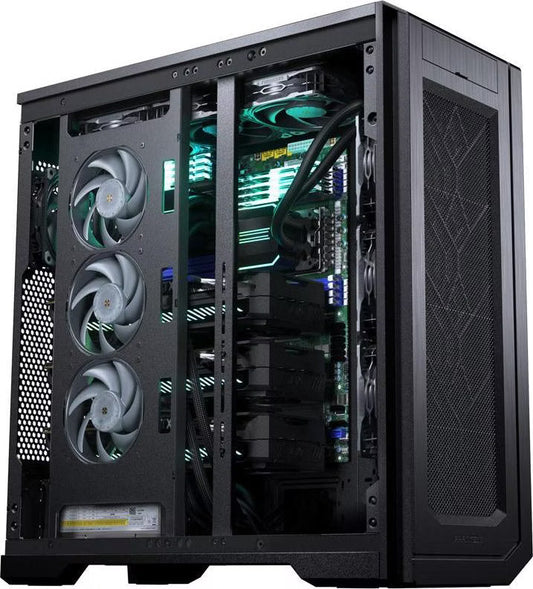
CoreIA 2x RTX PRO 6000192 GB, 20 to 35 users.
€40,423 excl. VAT
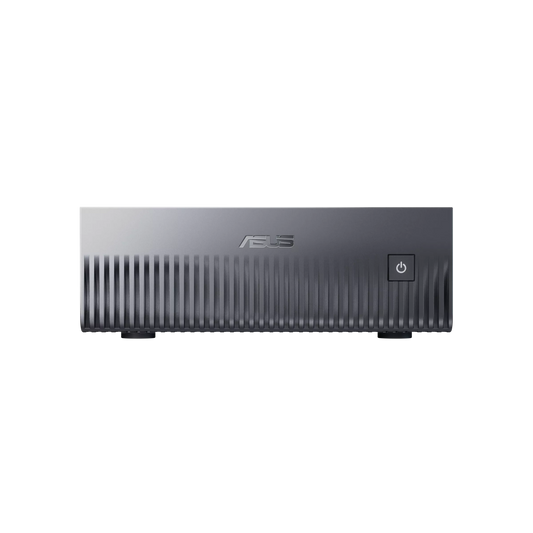
Working with a tighter budget? The CoreIA RTX 5060 Ti serves 1 to 5 users on a small model, while the CoreIA GB10 handles very large models for 1 to 4 users, text only. Our machines are assembled in Auriol (13), except for the GB10 assembled by ASUS. Assembly takes a maximum of 15 working days, often less, followed by shipping.
| Your situation | Our recommendation |
|---|---|
| Internal assistant and document research, controlled budget | R9700 |
| Multiple uses, including image or transcription | RTX 5090 |
| Large team on a mid-range model | 2x RTX 5090 |
| Long documents, best possible model | RTX PRO 6000 |
| Large model and large team | 2x RTX PRO 6000, or more |
Not sure which one to choose?
Tell us what you want to run: we provide the right graphics card, not just the most expensive one. Free quote, response within 24 working days.
FAQ
What is the best graphics card for local AI in a business environment?
There is no single answer. The R9700 is suitable for text and RAG on a budget. The RTX 5090 is the most versatile thanks to CUDA. The RTX PRO 6000 is the standard for large models, thanks to its 96 GB of memory.
Is the RTX PRO 6000 faster than the RTX 5090?
That is not the correct comparison. Its strength lies in the memory: 96 GB versus 32 GB. It can load a much larger model for a similar number of users. If your model fits within 32 GB, an RTX 5090 may be sufficient.
Can I use an R9700 to generate images?
We do not recommend it for this purpose. It does not support CUDA, and we reserve it for text and RAG. For image and video generation, choose a NVIDIA card.
How many users can each card support?
Based on our benchmarks, here are the approximate capacities: 1 to 12 for the R9700, 1 to 15 for the RTX 5090 on a model with 8 to 14 billion parameters, and 8 to 15 for the RTX PRO 6000 on a 70 billion parameter model.
What is the Max-Q version?
The Max-Q version is an RTX PRO 6000 limited to 300 W, while retaining the same 96 GB of memory. It allows for more cards to be installed in a tower. It is mandatory for configurations exceeding 2 cards in a tower.
Is a professional card necessary for business use?
Not always. An RTX 5090 is perfectly sufficient for a team working on a medium-sized model. The RTX PRO 6000 is justified by its 96 GB of ECC memory, not by its professional designation.
Sources: NVIDIA, RTX 5090 ; NVIDIA, RTX PRO 6000 family ; AMD, Radeon AI PRO R9700 ; Radiance Systems range specifications and comparisons, November 2026. The number of users are estimates, not exact measurements.
Let’s talk about your local AI project
By phone or video call, we look at what you need together. You leave with a clear recommendation, with no commitment.
- The AI computer or server that fits your use and your team
- What we should develop for you, if needed: automations, applications, search in your documents
- Budget and lead times, with a quote within 24 hours
Calls in English, French or Dutch.
You are booked!