Local supplier invoice OCR: no subscription or credits required
Do you process dozens of supplier invoices per day and does your software charge for automated document reading? Local OCR scans your invoices with no limits on a machine installed at your site: no more credits to buy, and your accounting documents stay within your company.
How does invoice OCR work?
OCR (Optical Character Recognition) transforms a scanned invoice or PDF into data that your software can use. Modern tools rely on AI models that understand layouts: they can find the total amount including tax, even on a poor-quality scan or an invoice with an unusual presentation.
PDF received by email, scan, or photo.
The model identifies useful areas of the document.
Vendor, number, date, pre-tax, VAT, total including tax.
In your ERP or accounting software.
The real cost of document-based OCR
Many management software programs sell OCR in the form of credits. This is the case for Odoo: scanning supplier invoices, expense reports, and resumes consumes one credit per document, purchased in packs.
| Odoo Pack | Documents | Pack Price | Price per document |
|---|---|---|---|
| Starter | 100 | €15 | €0.15 |
| Standard | 1,000 | €120 | €0.12 |
| Advanced | 10,000 | €1,000 | €0.10 |
| Expert | 100,000 | €5,000 | €0.05 |
Rates displayed by Odoo on the Document Digitization service page at the time of writing.
A few cents per invoice might seem small. Over a year of 250 working days, the bill quickly adds up:
Order of magnitude calculated with the most suitable pack for each volume. This cost recurs every year and increases with your activity.
There is also a less visible effect: when every document costs money, teams hesitate to digitize everything, and a portion of invoices continues to be entered manually.
The solutionsThe 3 ways to scan your invoices
Your software's OCR
- Nothing to install
- Connected directly to accounting
- Paid per document, every year
- Documents processed outside the company
An online OCR service
- Specialized tools and ready-to-use APIs
- Subscription or volume-based billing
- ERP integration to be planned
- Invoices sent to external servers
Local OCR
- Unlimited volume, no credits
- Operating cost: electricity
- Invoices processed on-premises
- Setup and integration to be planned
With local OCR, the software runs on a server or workstation installed at your facility. Open-source tools exist for traditional OCR (Tesseract, PaddleOCR), and open-source vision AI models can extract fields from an invoice. The constraint is the implementation: setting up the environment, connecting the OCR to your software (Odoo, Dolibarr, another ERP, or a shared folder), and maintaining the machine. This is exactly what we take care of.
The calculationWhen does local OCR become profitable?
in Odoo credits for 100 invoices per day, every year
one-time payment for the CoreIA 16 in base configuration
The hardware represents less than a year's worth of credits, and it continues to serve you afterwards. You must add the implementation: the Turnkey AI Pack (€499 incl. tax option) for a ready-to-use machine, or a quote-based development if the OCR needs to feed your ERP directly.
- A few invoices per week: the OCR integrated into your software is often the simplest solution.
- Several dozen invoices per day: the local option becomes significantly more attractive.
- Accounting for several companies: the local option is ideal, as one machine handles all files.
Which machine to choose for your invoice OCR?
For local AI, the key criterion is graphics card memory (VRAM): it determines the size of the models the machine can run. For invoice OCR, 16 GB is sufficient in most cases. A more powerful card is useful if you add an AI assistant, handle large volumes in parallel, or have multiple users.

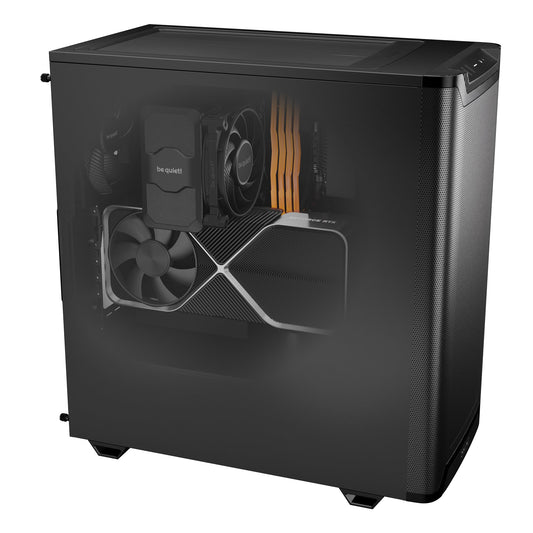
Radiance PC CoreIA 16
Invoice OCR for an SME or a firm, on a station that fits under a desk.
- Graphics cardRTX 5060 Ti
- VRAM16 GB
- ProcessorRyzen 5 7500F
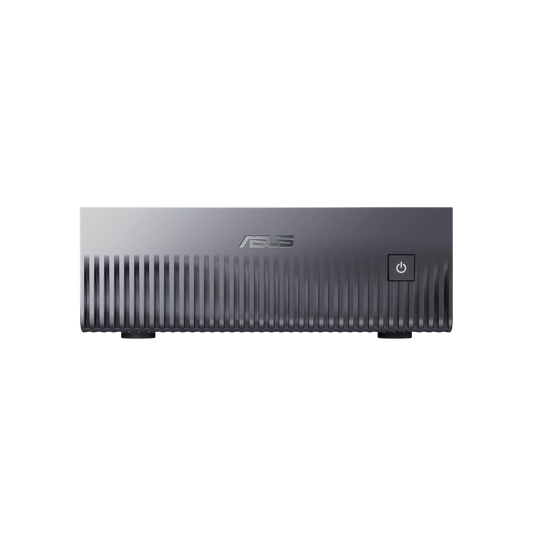
Radiance PC CoreIA 32
Faster: OCR, heavy processing, and multiple workstations at the same time.
- Graphics cardRTX 5070 Ti
- VRAM16 GB
- ProcessorRyzen 9 9900X
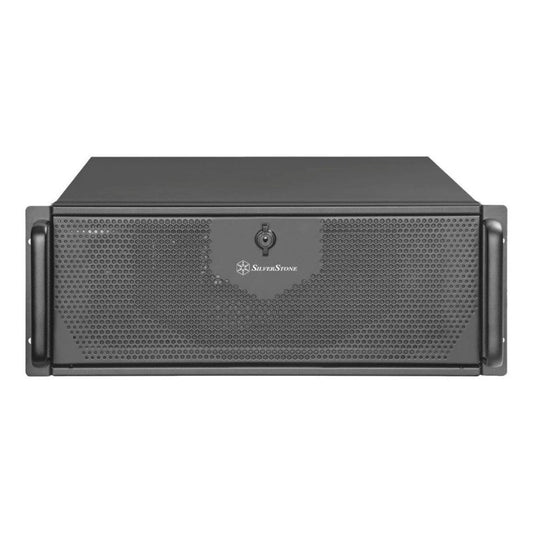
Radiance PC CoreIA 64
Large models in addition to OCR: internal assistant, agents on your documents.
- Graphics cardRTX 5090
- VRAM32 GB
- FormatWorkstation
Assembled and tested in France. Components of the base configuration can all be modified in the configurator; the price adjusts to your choices. A 2nd or 3rd graphics card can be added directly online; beyond that, upon request.


Frequently asked questions
Is local OCR as accurate as online OCR?
Recent open-source models provide excellent results on standard invoices. Accuracy depends primarily on the model chosen and the quality of the documents: the most reliable method is to test on a sample of your own invoices before rolling it out.
Do I need technical skills?
No, with the Turnkey AI Pack: the machine arrives installed, tested, and ready to use, with an explanatory video and startup assistance. The connection to your ERP is provided as a service on quotation.
Do my invoices stay in the company?
Yes. With local OCR, documents are processed on your machine, on your premises. No invoice is sent to an external service for reading.
What happens in case of a breakdown?
All our machines come with a 2-year warranty, with extensions available up to 5 years. Our after-sales service is specialized in AI: we know the models, drivers, and software that run on the machine, not just the hardware.
Let's talk about your invoices
How many invoices do you process per day, and in which software? In 20 minutes, we will tell you if local OCR is profitable for your case and which machine to choose. We will call you.