Renting a GPU in the cloud vs. buying your own AI workstation: the full calculation
The cloud isn't always cheaper.
Nor is it always more expensive.
It all depends on a single variable: the number of hours you actually use the GPU.
The comparison is rarely made honestly. On one side, articles tout the cloud while ignoring the ticking hourly billing. On the other, machine vendors forget to mention that an underutilized workstation is tied-up capital.
Let’s do the complete math, with your numbers.
The break-even calculator
Your usage
Comparative monthly cost
Indicative estimate. The rate of €0.80 per hour corresponds to an order of magnitude for an RTX 5090-class card from a specialized provider. Real rates vary significantly depending on the provider, region, card type, and billing model.
Real cloud rates in 2026
To provide context on magnitudes, here are the ranges observed among specialized providers, converted into euros.
| Card | VRAM | Indicative hourly rate | Full-time monthly basis |
|---|---|---|---|
| RTX 4090 | 24 GB | €0.30 to €0.65 | €220 to €470 |
| RTX 5090 | 32 GB | €0.60 to €1.10 | €440 to €800 |
| A100 80 GB | 80 GB | €0.80 to €1.10 | €580 to €800 |
| RTX PRO 6000 | 96 GB | on request | variable |
| H100 | 80 GB | €1.40 to €6.50 | €1,000 to €4,700 |
Costs not shown by the hourly rate
Time running idle
You pay for the instance being on, not for productive calculation. Time spent installing, configuring, staring at the screen, debugging: everything is billed. In practice, the ratio between billed hours and actual calculation hours often exceeds 1.5.
Data transfer
Ingressing your data is generally free. Egressing it is not. For large datasets, fine-tuned models, or video renders, egress fees become a distinct line item in your budget.
Persistent storage
A 40 GB model, your datasets, your checkpoints: these must be stored between sessions, otherwise you re-download them every time. This storage is billed monthly, even when you are not using the GPU. On a local AI station, these files remain on your own disks, with no monthly fees.
Restart time
Each session starts by provisioning the instance, re-downloading the model, rebuilding the environment. This is not just billed time; it is, above all, daily friction that discourages short experiments.
What each does better
True cloud advantages
- No upfront investment. Test an idea for a few euros without tying up capital.
- Access to inaccessible hardware. Datacenter cards that no one buys for individual use.
- Immediate elasticity. Need eight cards for two days for training? The cloud allows it; your office does not.
- Zero maintenance. No hardware failure to manage, no parts to replace.
- Ideal for discovery. Before buying, renting for a few hours lets you validate that a card suits your needs.
True local advantages
- Zero marginal cost. Once the machine is purchased, you only pay for electricity. Usage becomes unlimited.
- Data never leaves. Decisive for anything related to professional secrecy and GDPR.
- Immediate availability. No provisioning, no queues, no capacity shortages.
- Stable environment. Your configuration remains unchanged between sessions.
- A resellable asset. The machine retains value, unlike consumed hours.
Verdict by profile
The hybrid approach, often the most sensible
Pitting the two models against each other is a false debate. Many technical teams use a local workstation for daily work and rent occasionally from the cloud for spikes.
The reasoning is simple. Daily work represents a significant volume of hours but moderate hardware needs: a local station covers it at zero marginal cost, with your data under your control. Exceptional spikes require disproportionate hardware for a short time: this is exactly what the cloud does well.
Our machines, and what they replace
All are assembled by hand in Auriol (13390) and are fully configurable, including the number of graphics cards. Use our online configurator or request a custom quote at contact@radiancesystems.eu.
 CoreIA 16: RTX 5060 Ti 16 GBThe entry point. Pays for itself quickly compared to an entry-level cloud subscription.
€1,918
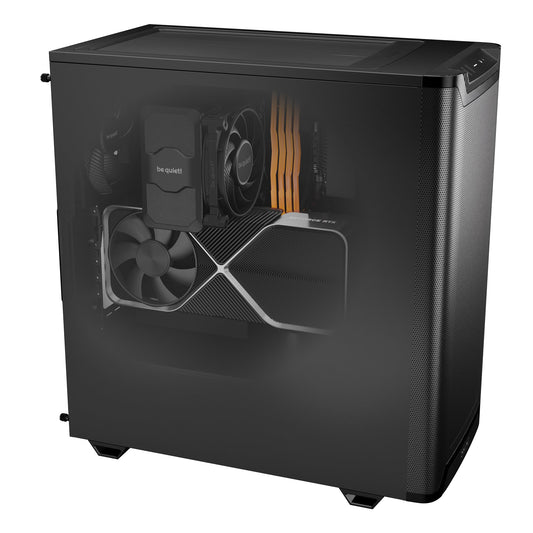
CoreIA 64: RTX 5090 32 GBThe local equivalent of an RTX 5090 instance rented continuously.
€8,642
CoreIA 16: RTX 5060 Ti 16 GBThe entry point. Pays for itself quickly compared to an entry-level cloud subscription.
€1,918
CoreIA 64: RTX 5090 32 GBThe local equivalent of an RTX 5090 instance rented continuously.
€8,642
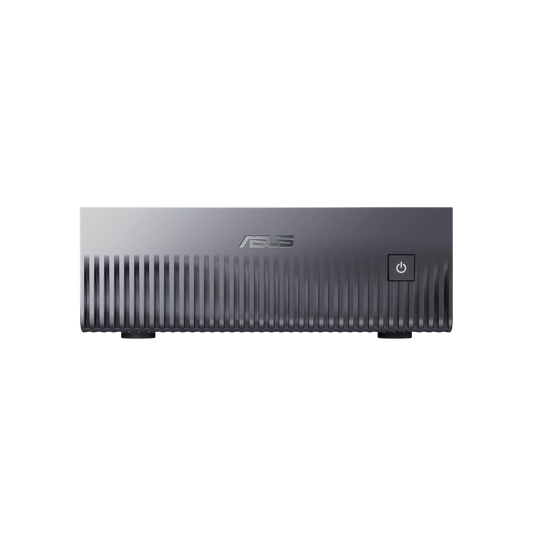
 Mini server GB10: 128 GB unifiedOnly 240 W. The best capacity-to-consumption ratio for continuous use.
€6,299
Mini server GB10: 128 GB unifiedOnly 240 W. The best capacity-to-consumption ratio for continuous use.
€6,299
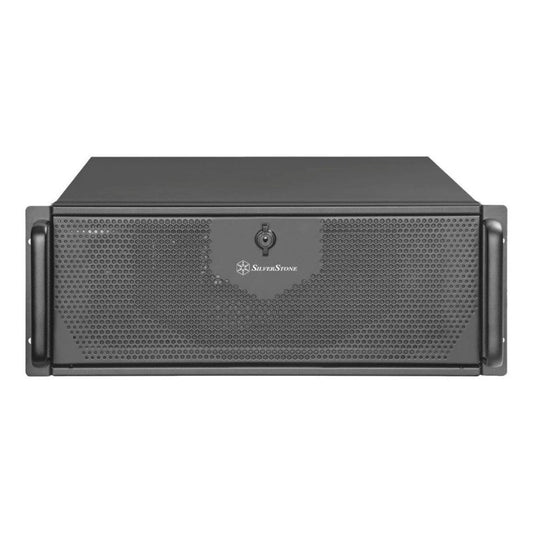
 Pro AI Ultra: up to 4 × RTX PRO 6000 Blackwell(96 to 288 GB ECC in the configurator, 4+ cards on quote). The local alternative to datacenter instances.
€26,890
Pro AI Ultra: up to 4 × RTX PRO 6000 Blackwell(96 to 288 GB ECC in the configurator, 4+ cards on quote). The local alternative to datacenter instances.
€26,890
In short
At how many hours does a local station become profitable?
It depends on three things: the volume of hours, the cloud rate for the equivalent card, and the price of the machine. The calculator at the top of the page shows your break-even point. As a rule of thumb, continuous operation makes local profitable in less than a year; daily office use typically takes one to three years and requires choosing a machine sized to your real needs.
How much does GPU rental cost in 2026?
Roughly €0.30 to €0.65 per hour for an RTX 4090 from a specialized provider, €0.60 to €1.10 for an RTX 5090, and €1.40 to over €6 for an H100 depending on the provider. Hyperscalers charge significantly more than specialized providers for the same card.
What costs are added to the hourly rate?
Billed but non-productive instance time, persistent storage between sessions, and data egress fees. These items can represent a significant portion of the real invoice.
Is the cloud compatible with confidential data?
It requires serious contractual safeguards and remains excluded for many regulated professions. For a firm bound by professional secrecy, local AI is not the cheapest option: it is often the only viable one.
Can the two be combined?
Yes, and it is common. A local workstation for daily work, the cloud for occasional load spikes. You retain control over your data and your recurring costs, while accessing more power when it is truly necessary.
The rates cited are orders of magnitude collected from specialized providers and converted into euros; they vary depending on the provider, region, card type, and billing model. The calculator's estimates are based on the values you enter and do not constitute a performance guarantee.