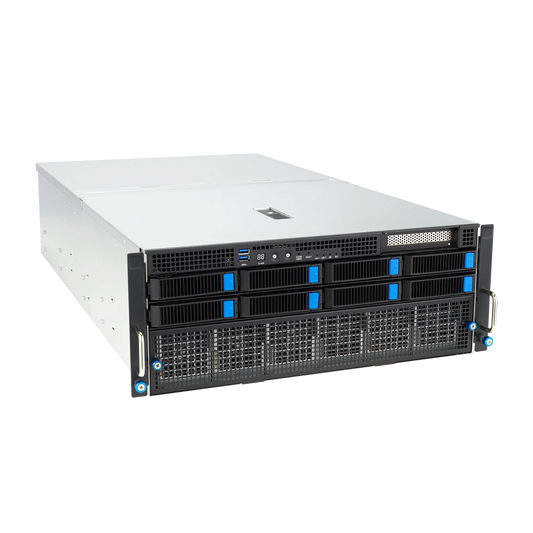
Local AI server for business: pricing, sizing, and deployment
A local AI server runs your language models on your own network: the whole team uses it from their workstation, and your documents are not sent to any third-party provider. Here is what it really costs, how to size it, and how to deploy it.
The answer in brief
A local AI server is a machine equipped with one or more graphics cards, installed on your premises, which hosts a language model (LLM) shared by your employees via the network.
Its price depends first on the graphics memory required by your models: our range of servers starts at €5,633 for a 4U rack with one 32 GB card and goes up to €48,508 for a rack with two professional cards (192 GB), up to €206,150 for the EPYC 8 GPU AI Server. It is a one-time purchase, without a per-user subscription.
What is a local AI server?
It is a single machine sized for compute, connected to your company network. Each colleague accesses it from their browser with a chat interface comparable to cloud tools. The difference: the request, attached document, and response stay on your network.
Practically, the server brings together three building blocks:
- The hardware: one or more graphics cards, whose memory (VRAM) hosts the model.
- An inference engine: Ollama, llama.cpp or vLLM, which loads the model and answers requests.
- A multi-user interface: for example Open WebUI, with a separate account and history per person.
The models used are open source (Llama, Mistral, Qwen, gpt-oss, DeepSeek…): you download them once, then they work even without an internet connection.
How much does a local AI server cost?
The cost of a GPU server for LLMs breaks down into three items: the machine, setup options, and electricity.
1. The machine
This is the bulk of the budget, and it is the graphics memory that determines the price. Here are the prices of our base configurations:
| Server | Memory for AI | Format | Base price |
|---|---|---|---|
| ASUS Ascent GX10 | 128 GB of unified memory (NVIDIA GB10) | Desktop mini-server | from €6,999 |
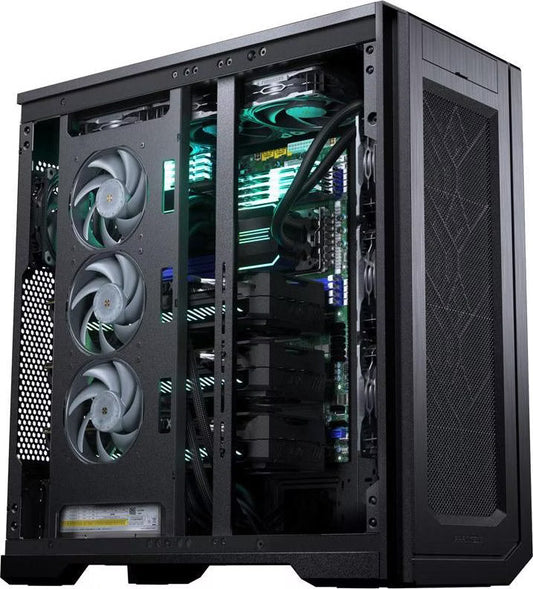
| CoreIA RTX 5090 | 32 GB (RTX 5090) | Tower | from €10,291 |
| CoreIA 2x RTX 5090 | 64 GB (2 × 32 GB) | 4U rack | from €20,954 |
| SME AI Server EPYC 4005 | 32 GB (Radeon AI PRO R9700) | Tower, remote management (BMC), 2 × 10 GbE | from €7,813 |
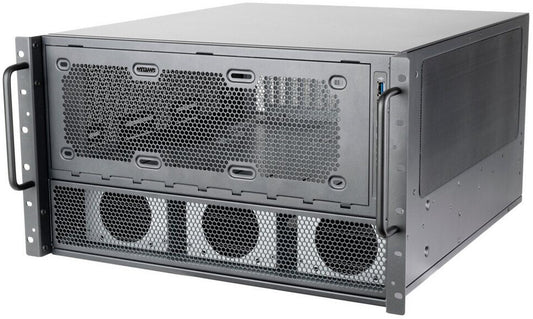
| CoreIA Threadripper PRO 4 GPU | 96 GB ECC (RTX PRO 6000 Blackwell) | 6U rack | from €32,647 |
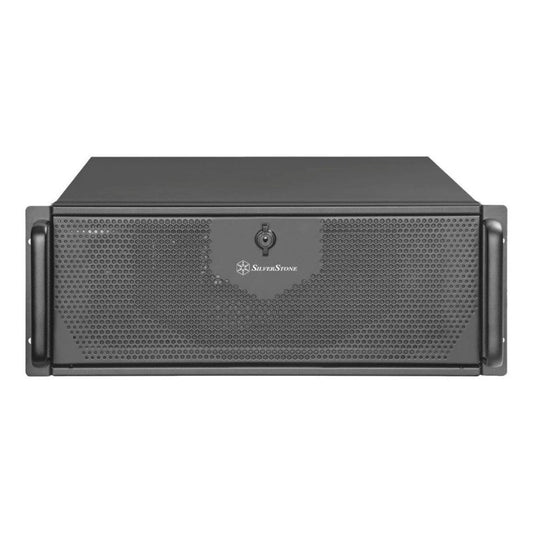
| CoreIA 2x RTX PRO 6000 | 192 GB ECC (2 × 96 GB) | 4U rack | from €48,508 |
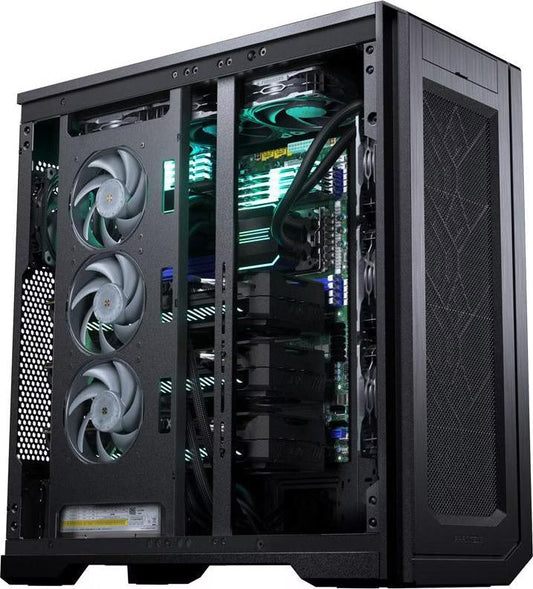
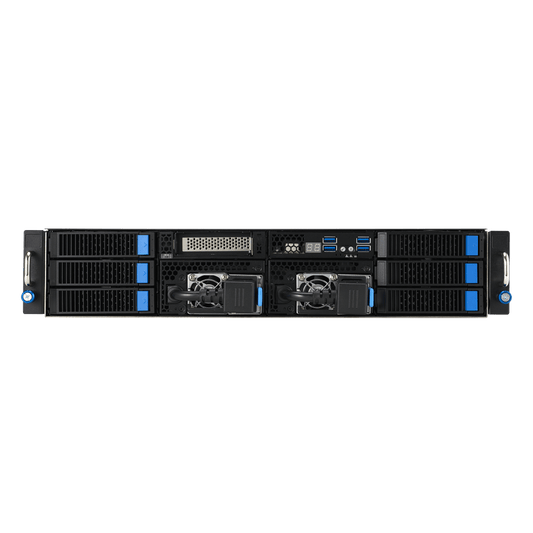
| EPYC 8 GPU AI Server | 384 GB (4 × RTX PRO 6000 Server Edition) | 4U rack | from €206,150 |
The price shown is the TTC price for the base configuration, automatically updated from our shop. Every component can still be customized in the configurator. You can compare the rest of our local AI range for business, from workstations to rack servers, on a dedicated page.
2. Commissioning options
Depending on your requirements, you may also consider:
- The AI Turnkey Pack (option): includes a fully installed environment, two ready-to-use models, secure remote access via VPN, and pre-shipment testing. For machines priced at €10,000 TTC or more: the Enterprise Pack, featuring multi-user Open WebUI on your company network.
- On-site installation (option): networking and setup performed at your premises in France and across Europe.
- Mounting rails for rack servers: not included, added upon request to the quote.
- Extended warranty beyond the 2 years included, and a UPS if your installation does not already have one.
- Custom development if you wish to integrate the AI with your business software: available upon quote.
3. Electricity
The calculation is simple: average power consumed (in kW) × hours of use × price per kWh. Calculation example, to be adapted: a machine that would consume 0.5 kW on average, 8 hours a day for 220 days, with a kWh at €0.20, would cost 0.5 × 8 × 220 × 0.20 = €176 per year. The actual consumption depends on the configuration and the load: we indicate it to you in the quote.
Local server or cloud subscriptions: do the math
A cloud AI subscription is billed per user and per month: generally between €20 and €30 for common professional offers. The expense therefore increases with each hire. A local server, on the other hand, is paid once, regardless of the number of accounts created on it.
Enter your own numbers to compare:
Cloud subscriptions: €3,000 per year.
Base price of the server: €10,291.
The price of the server corresponds to 42 months of these subscriptions.
The limits of this comparison: it does not count electricity, options, or the time spent administering the server. Conversely, it also does not count that the server retains a value and serves for several years. Finally, the two solutions are not identical: a subscription gives access to proprietary models that you cannot host yourself. The local server justifies itself first by confidentiality, then by cost.
Are you hesitating rather between renting GPU power in the cloud and buying? Our comparison of cloud GPU rental or purchase of an AI station details this case.
How to size a GPU server for LLMs
Graphics memory determines the size of the model
A model must fit entirely in the graphics memory to respond at full speed. In 4-bit quantization (a compression that preserves most of the quality), count about 0.6 GB per billion parameters, plus a few GB for context.
| Memory for AI | Models accessible in 4 bits | Corresponding server |
|---|---|---|
| 32 GB | Up to about 32B (Mistral Small 3, Qwen3 32B) | CoreIA RTX 5090, SME AI Server EPYC 4005 |
| 64 GB | 70B (Llama 3.3 70B, about 40 to 45 GB) | CoreIA 2x RTX 5090 |
| 96 GB ECC | 70B in 8 bits, 110 to 120B in 4 bits (gpt-oss-120b, Llama 4 Scout) | CoreIA Threadripper PRO 4 GPU |
| 128 GB unified | Up to 200 billion parameters in 4 bits, with slower generation than a dedicated GPU | ASUS Ascent GX10 |
| 192 GB ECC | Qwen3 235B (about 130 to 140 GB), or several models loaded at the same time | CoreIA 2x RTX PRO 6000 |
| 384 GB (up to 8 cards) | The largest open models | EPYC 8 GPU AI Server |
Indicative values for a common 4-bit quantization and moderate context.
The number of simultaneous users determines the margin
On a shared server, the size of the model is not enough. Three points change the sizing:
- Simultaneous requests: each ongoing conversation occupies memory for its context, in addition to the model. You must therefore keep margin beyond the weight of the model.
- Throughput: a server that responds quickly to one person slows down when several query it at the same time. The memory bandwidth of the graphics cards is what determines this throughput.
- Real-world usage: Not every team member writes at the same time. What matters is the number of concurrent active users and the length of the documents they submit.
Our approach: The number of users listed on each specification sheet is a rough estimate, as it varies depending on the model and your specific use case. Tell us about your team size, your document types, and your primary tasks (chat, document search, coding). We will provide a tailored configuration that meets your needs without over-provisioning.
For details on multi-card configurations, see our guide on multi-GPU for local AI. For a standalone workstation rather than a shared server, check out our PC configuration comparison for local AI.
Tower, rack, or mini-server?
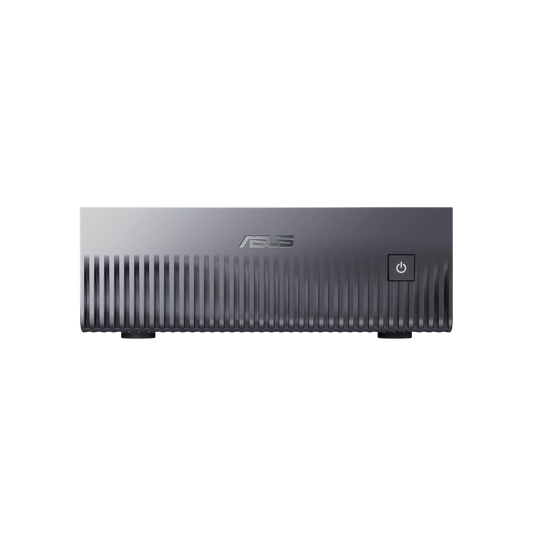
- Mini-server (ASUS Ascent GX10): A 150 x 150 x 51 mm chassis that fits discreetly in an office. It can run large models thanks to its 128 GB of memory, though it generates results slower than a dedicated graphics card. It runs on Linux (DGX OS) and is accessed exclusively over the network.
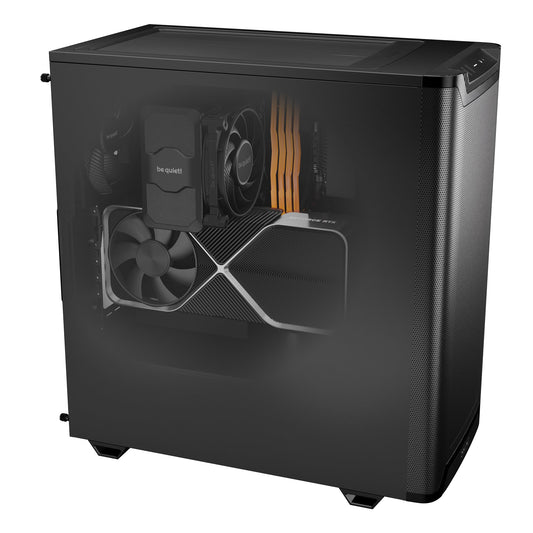
- Tower (CoreIA RTX 5090, Serveur IA PME EPYC 4005): The easiest format to install without a dedicated technical room. It offers very fast generation for models that fit within its graphics memory.
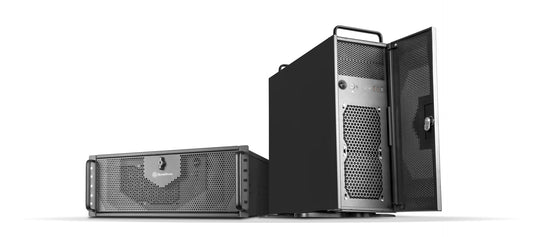
- Rack (2U, 4U, or 6U): designed for a 19-inch rack in a technical room. It is the format of multi-card configurations, designed to run continuously.
Our AI servers
The components mentioned are those of the base configuration. Each machine remains customizable in the configurator.

ASUS Ascent GX10 (NVIDIA GB10)
128 GB of unified memory · Grace Blackwell · DGX OS
Compact and discreet mini-server, for large models in an office.

CoreIA RTX 5090
RTX 5090 32 GB · Ryzen 9 9900X · 64 GB DDR5
Tower format server, models up to about 32B.

CoreIA 2x RTX 5090
64 GB of VRAM · Ryzen 9 9950X3D · 128 GB DDR5 · 4U rack
70B models in 4 bits and fast generation, in a rack.

CoreIA Threadripper PRO 4 GPU
RTX PRO 6000 Blackwell 96 GB ECC · Threadripper PRO · ECC memory
Scalable platform: up to four cards in the configurator.
CoreIA 2x RTX PRO 6000
192 GB of ECC VRAM · Ryzen 9 9950X3D · 4U rack
Very large models or several models served in parallel.
A local AI server assembled in France
Our servers are assembled and tested in Auriol, in Bouches-du-Rhône, then delivered throughout France and Europe.
- A single point of contact: the same team assembles the machine, installs the software, and provides after-sales service, hardware and software.
- Timeframe: 15 business days maximum for an AI server or a GX10, tests included. A very high-end configuration or custom development may extend it.
- Warranty: 2 years on all machines, with optional extensions.
- Custom development: automations, assistants connected to your documents, business applications connected to your software. By quote.
Deployment checklist
- Individual accounts from commissioning, with authentication.
- Access limited to the internal network or via VPN. The server is never exposed directly to the internet.
- Encrypted exchanges (HTTPS) between workstations and the server.
- Regular backups of conversations and indexed documents.
- Workload monitoring to anticipate increased headcount before it slows down responses.
- Scheduled updates for the inference engine and interface, outside working hours.
- Appropriate UPS and cooling, especially for a rack running continuously.
Planning a local AI server project?
Tell us about your team size and use cases: we propose a configuration sized to your actual needs, with a detailed quote.
Request a quotecontact@radiancesystems.eu