PC for OpenClaw in local: what hardware to choose? | Radiance Systems
Partager
OpenClaw is an AI agent framework designed to run entirely on your machine. But to unleash its full power — rapid inference, large models, latency-free pipeline — your hardware is as crucial as your software setup. Here's everything you need to know.
By the Radiance Systems Team · · 8 min read
- OpenClaw operates 100% offline once models are downloaded — zero cloud dependency.
- The minimum viable for smooth use: an NVIDIA GPU with at least 16 GB of VRAM.
- For 30B+ models, aim for a GPU with 24–32 GB of VRAM or a multi-GPU system.
- System RAM: at least 32 GB DDR5 for mixed AI + office workloads.
- Radiance CoreAI workstations come pre-configured with CUDA, Ollama, and a ready-to-use OpenClaw environment.
- No subscription, no cost per token: your AI is yours.
What is OpenClaw and why run it locally?
OpenClaw is an open-source AI agent orchestration framework. It allows you to deploy, chain, and interact with Large Language Models (LLMs) directly from your infrastructure — without using a third-party API, without sending your data to remote servers.
The promise is simple: you maintain total control over your AI pipeline. Your documents, your queries, your responses never leave your network. For professionals subject to GDPR, medical confidentiality, or legal ethics, this is a fundamental paradigm shift.
However, OpenClaw is resource-intensive. It relies on LLM models loaded into GPU memory, and its performance depends directly on your hardware. A consumer-grade PC or laptop will not hold up for long.
What PC configuration for OpenClaw locally?
OpenClaw orchestrates agents that call LLM models for inference. These models dictate the hardware requirements. Here are the thresholds to know:
The GPU: the core component
VRAM (video memory) determines which models you can load and how fast they generate tokens. It is the number one limiting factor.
NVIDIA GPUs are preferred due to the CUDA ecosystem, essential for frameworks like llama.cpp, Ollama, or vLLM that power OpenClaw. The RTX 5000 series (Blackwell architecture) currently offers the best performance/VRAM ratio available in a workstation.
System RAM
RAM is used for long context, embeddings, and parallel pipelines. Below 32 GB DDR5, you risk bottlenecks on complex workflows.
Storage
LLM models are large: from 4 GB for a quantized 7B model to 80 GB+ for a full 70B. Plan for an NVMe SSD of at least 2 TB if you intend to store several models simultaneously.
Step-by-step OpenClaw installation guide on your PC
Here is the complete process to get OpenClaw operational on Windows 11 or Ubuntu. Radiance CoreAI workstations come with CUDA drivers and Ollama pre-installed, reducing this process to 3–4 steps.
Ensure your NVIDIA driver is up to date (version ≥ 525) and CUDA Toolkit is installed. Verify with nvidia-smi in the terminal. On Radiance machines, this is already done.
OpenClaw relies on Ollama to load and serve models locally. Install it from ollama.com or via terminal: curl -fsSL https://ollama.com/install.sh | sh. On Windows, the GUI installer is sufficient.
From the terminal: ollama pull mistral for a 7B, or ollama pull qwen2.5:32b for a more powerful model. The download is done only once.
Clone the official OpenClaw repository, install Python dependencies (venv recommended), then configure config.yaml to point to your local Ollama endpoint (http://localhost:11434).
Start Ollama in the background (ollama serve), then launch OpenClaw. Your first AI agent runs entirely on your machine — no data leaves your network.
Add a RAG layer by indexing your PDFs, Word documents, or local databases. OpenClaw can query your internal documents in natural language — professional secrecy guaranteed.
Hardware comparison: which workstation for which OpenClaw use?
Not all PCs are equal when it comes to OpenClaw. This table summarizes the key criteria according to usage profiles.
| Usage Profile | VRAM Needed | System RAM | Supported Models | Recommended Tier |
|---|---|---|---|---|
| Light individual use — 1 agent, occasional use | 16 GB | 16–32 GB | 7B–13B Mistral, LLaMA 3.1 |
CoreAI 16 |
| Regular professional — RAG, multi-docs, complex agents | 16–24 GB | 32 GB | Quantized 13B–30B Qwen 2.5, DeepSeek |
CoreAI 32 |
| Multi-user firm — simultaneous inference | 32 GB | 64 GB | Quantized 70B Mixtral, Qwen 72B |
CoreAI 64 |
| 24/7 multi-agent production — fine-tuning | 64–96 GB (multi-GPU) | 128 GB | 70B+ full / 200B Fine-tuning possible |
Rack 2×5090 / GB10 |
Note on quantification: 4-bit or 8-bit GGUF models can run a 30B on 16 GB of VRAM, with a slight loss of quality. For critical professional uses, prefer maximum precision — which implies properly sizing your GPU.
Radiance machines ready for OpenClaw
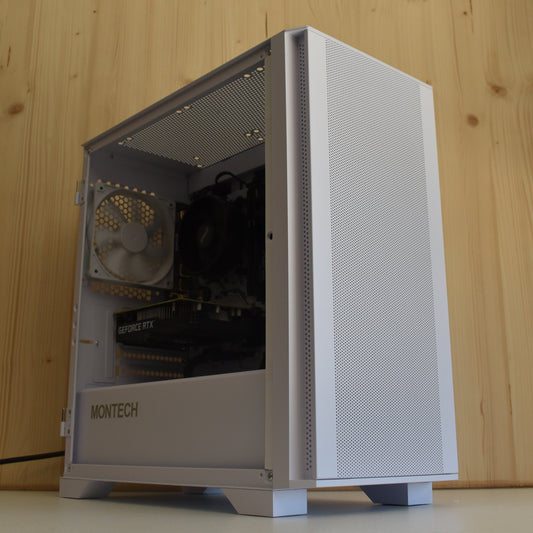
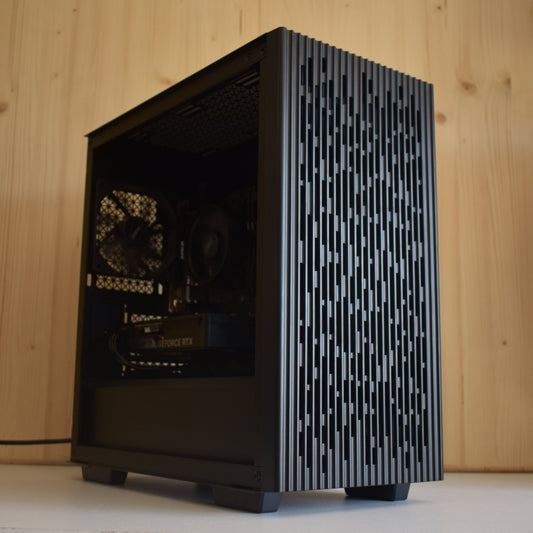
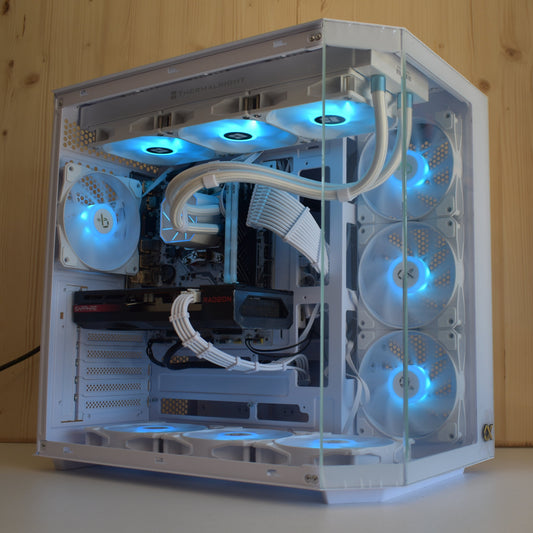
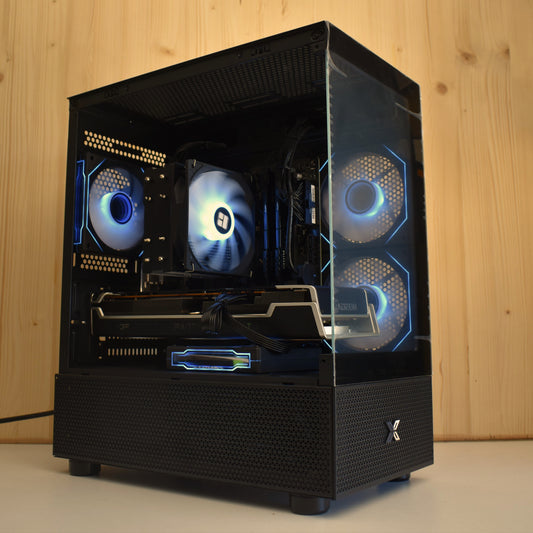
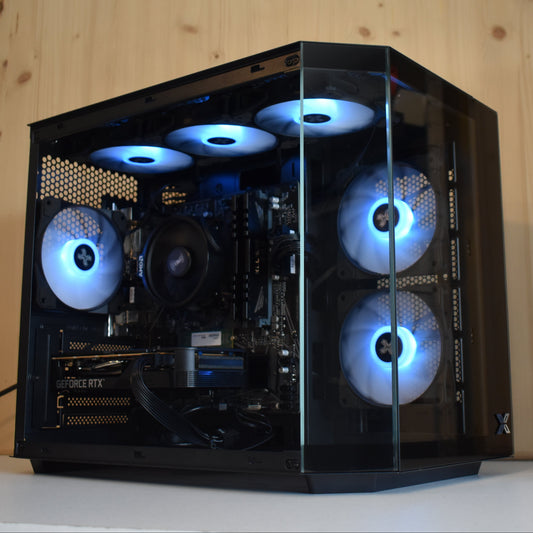
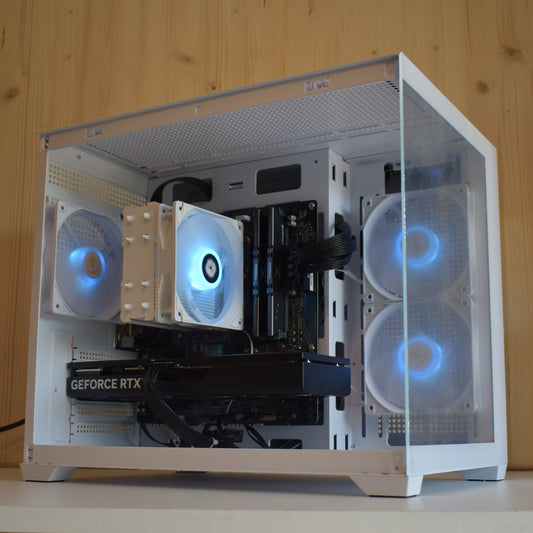
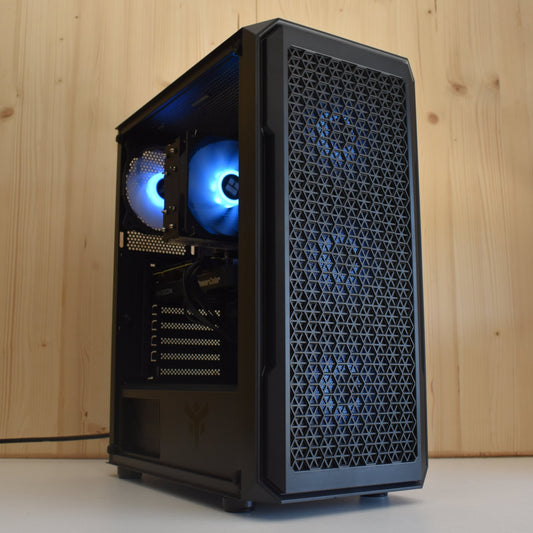
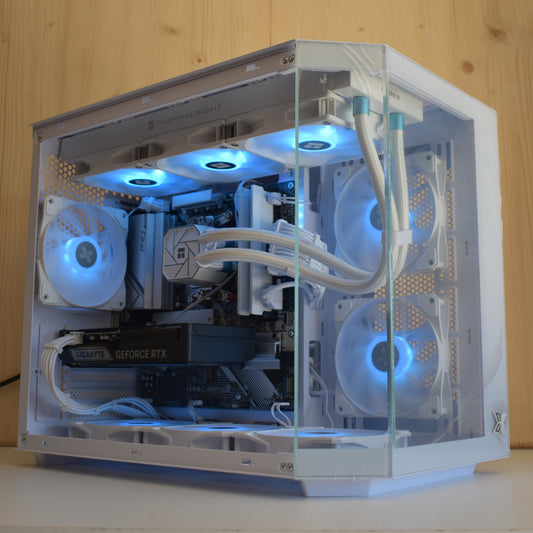
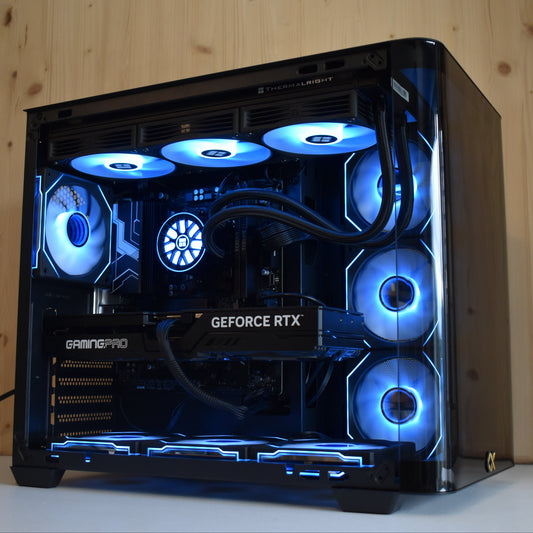
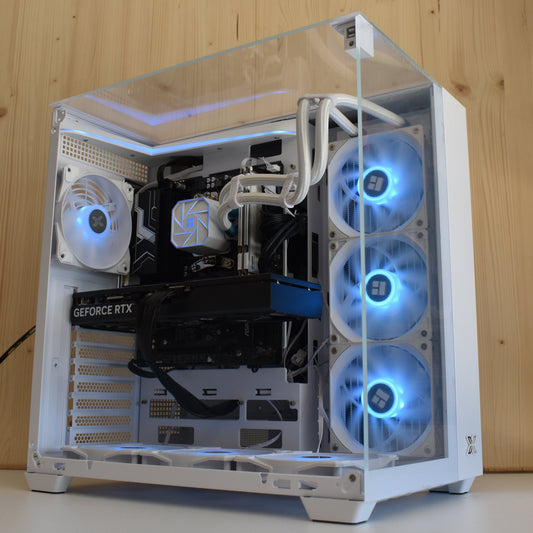
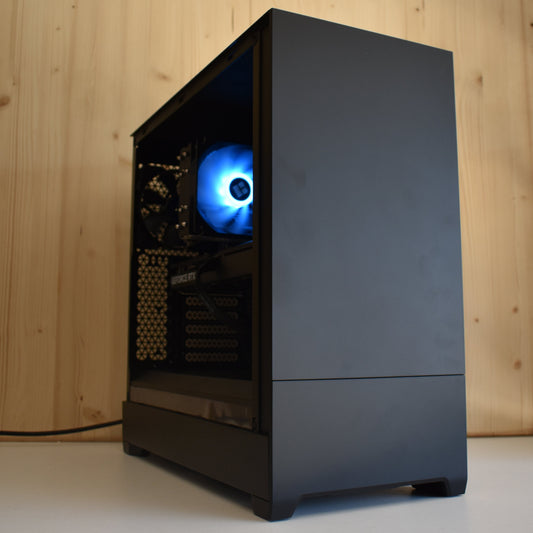
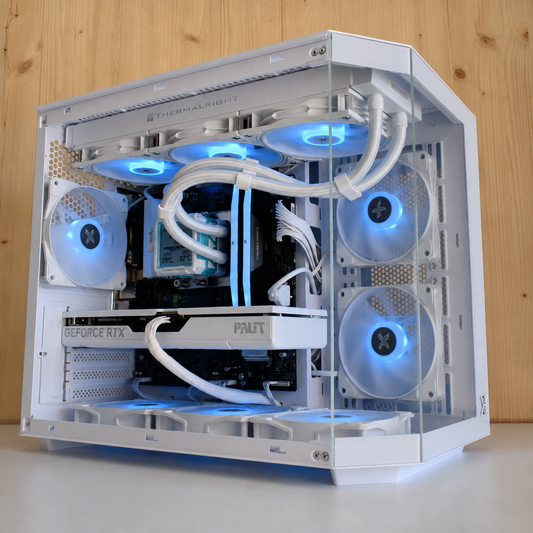
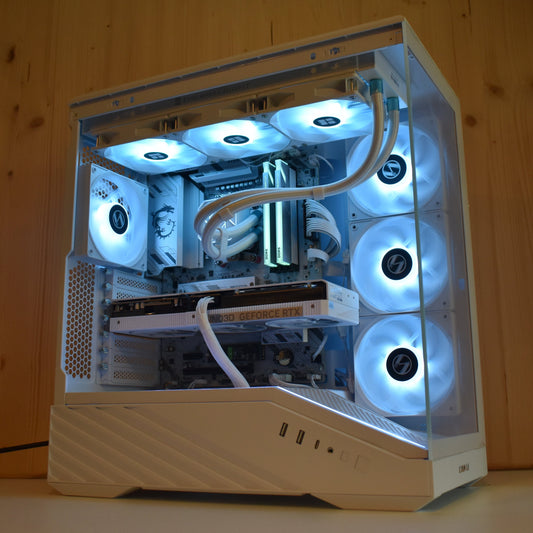
Each machine is assembled in Auriol (13), pre-configured, and delivered ready for use. CUDA drivers, Ollama, and the Python environment are already in place.
Which LLM models to use with OpenClaw locally?
OpenClaw is compatible with any model served via an OpenAI-compatible API — including Ollama, llama.cpp, LM Studio, or vLLM. Our 2025 selection:
| Model | Size | VRAM Required | Strengths | Target Profile |
|---|---|---|---|---|
| Mistral Small 3.1 | 24B | ~14 GB (Q4) | Fast, multilingual, precise instructions | General use, assistants |
| Qwen 2.5 / Qwen3 | 7B–72B | 4–40 GB | Excellent in French, strong reasoning | Legal, medical, accounting |
| DeepSeek-R1 | 7B–70B | 4–38 GB | Chained reasoning, code, analysis | R&D, design offices |
| LLaMA 3.3 | 70B | ~38 GB (Q4) | Reference model, versatile | All professional use |
| Gemma 3 | 9B–27B | 5–16 GB | Lightweight, multimodal, high-performing on small GPUs | Individual practices, medical |
For professional use in French, Qwen 2.5 32B and Mistral Small 3.1 offer the best balance between response quality and inference speed on a 16–24 GB GPU.
Local AI vs cloud: decisive arguments for professionals
| Criterion | Local AI (OpenClaw + Radiance) | Cloud AI (ChatGPT, Copilot…) |
|---|---|---|
| Data Confidentiality | ✓ Total — nothing leaves | ✗ Data transmitted to provider |
| GDPR Compliance | ✓ Native — zero transfer outside EU | ⚠ Variable depending on DPA contracts |
| Cost Model | One-time investment | Subscription + token billing |
| Offline Availability | ✓ Works without internet | ✗ Requires permanent connection |
| Customization / Fine-tuning | ✓ Total on your data | Limited by offering |
| Professional Secrecy | ✓ Respected by design | ⚠ Real ethical risk |
Radiance experience feedback: our pro-tips for OpenClaw
We assemble and deploy AI workstations from Auriol for professionals across Europe. Here's what our field experience has taught us:
💡 Don't underestimate NVMe bandwidth
At startup, OpenClaw loads the model from disk to VRAM. A Gen 4 NVMe (~7,000 MB/s) reduces this loading time by 40 to 70% compared to a SATA SSD. On our CoreAI machines, it's Gen 4 by default.
💡 Limit the context window if you lack VRAM
OpenClaw can open long contexts (32K, 128K tokens). Each context token consumes VRAM. On a 16 GB GPU, limit to 8K–16K tokens to maintain fast generation. On a 32 GB GPU, 128K is easily accessible.
💡 Enable Flash Attention if your GPU supports it
RTX 5000 (Blackwell) natively support Flash Attention 3, reducing the memory footprint of long contexts by 30-50%. Enable it in your inference backend configuration.
💡 For a multi-user firm: serve OpenClaw as an internal API
Instead of installing OpenClaw on each workstation, deploy a server instance on a Radiance rack workstation accessible via your local network. All your collaborators connect locally, data remains on-site, and you pool GPU power.
Frequently Asked Questions about local OpenClaw
Is OpenClaw difficult to install?
On a standard machine, installation requires some knowledge of the terminal and Python. On Radiance CoreAI workstations, the environment (CUDA, Ollama, Python) is pre-configured, reducing installation to about ten minutes. Our team can also perform the initial configuration remotely.
Can local fine-tuning be done with OpenClaw?
OpenClaw is an agent orchestrator, not a fine-tuning tool. To fine-tune a model on your data, you will need a dedicated tool (Axolotl, LLaMA-Factory) and a GPU with at least 24 GB of VRAM for 7B models, or a multi-GPU system for heavier ones. Our Rack 2×RTX 5090 and RTX 6000 PRO Blackwell configurations are dimensioned for this use.
Does OpenClaw run on Windows?
Yes, OpenClaw supports Windows via WSL2 or native Python. Our CoreAI machines are delivered with Windows 11 Pro with WSL2 pre-activated, ensuring full compatibility with the open-source AI tools ecosystem.
What is the difference between OpenClaw and Open WebUI?
Open WebUI is a graphical interface for interacting with models via chat. OpenClaw is an AI agent framework — it automates complex tasks, chains model calls, integrates external tools, and can reason in multiple steps. Both can coexist on the same machine.
My firm has strict GDPR obligations. Is local AI really compliant?
Yes. As long as personal data processing takes place on your hardware, on your premises, without transfer to a third-party provider, you are in compliance with the principle of minimization and data sovereignty of the GDPR. Radiance workstations are precisely designed to guarantee this architecture by default.
Your PC for local OpenClaw, assembled in Auriol
Tell us your use case, your profession, your target models. We configure the ideal machine and send it to you ready for use within 4 to 10 business days.
Request a free quote →