Open WebUI: the complete guide in English
Updated: November 2026
What is Open WebUI?
The ChatGPT you host yourself.
Open WebUI is a free, ChatGPT-style web interface that you install on your own machine to interact with local or online AI models (Ollama, vLLM). It manages conversations, documents (RAG), tools, MCP, voice, and images, while offering accounts and groups for entire teams.
Open WebUI does not run the AI itself; it is the interface through which your teams interact with the model. This guide covers its actual functionality based on official documentation and its GitHub repository (version 0.12.5 as of October 29, 2026), as well as its installation, licensing, limitations, and hardware requirements.
What is Open WebUI?
Open WebUI is a self-hosted AI platform: an internal website that your colleagues access via their browser to send questions to an AI model. The project is published by Open WebUI Inc., founded by Timothy Jaeryang Baek, and its code is publicly available on GitHub. Its repository describes it as designed to function entirely offline.
In practical terms, three components work together:
If the engine and the model are installed on your machine, any question asked in Open WebUI stays within your premises. If you connect an online API (OpenAI, Anthropic, Mistral), the question is sent to that provider. Open WebUI supports both options, and you choose on a model-by-model basis.
What can Open WebUI do?
It offers much more than just chat: Open WebUI combines conversation, document search, tools, voice, images, and team spaces into a single interface. Here is what its documentation lists as of November 2026.
| Feature | What it does | Good to know |
|---|---|---|
| Conversations | History, folders, labels, pinned conversations, memory, temporary conversation | Temporary conversations are never recorded |
| Multiple models | Switch models on the fly or ask the same question to multiple models side by side | Easy to choose the right model based on the task |
| Knowledge Base (RAG) | Upload PDF, Word documents, and spreadsheets, then query them | Hybrid search (keywords and semantics), 8 extraction engines, 13 available vector databases |
| Agents | A "pre-configured" model: instructions, documents, tools, and settings saved once and shared with the team | The base model remains unchanged. |
| Tools and features | Python-based tools, OpenAPI tool servers, reusable instructions (skills), and request templates | Built-in code editor with version history |
| MCP | Connect MCP (Model Context Protocol) servers to provide tools to the model | Native since version 0.6.31, available in Streamable HTTP only |
| Web search | The model searches the internet and cites its sources. | More than twenty providers, including SearXNG, which you can self-host |
| Voice | Dictation, text-to-speech, and voice calls | Default transcription via local Whisper |
| Images | Generate and edit images directly within the conversation | Locally via ComfyUI or AUTOMATIC1111, or through an online API |
| Code and terminal | Code execution and Open Terminal, which allows the AI to run real commands | Can be isolated within a Docker container |
| Teamwork | Notes, shared channels where you can call a model using @, and scheduled prompts | Public, private, or group access |
Knowledge Base and RAG
RAG (Retrieval-Augmented Generation) is the method that enables the model to answer based on your specific documents rather than relying solely on its internal memory. In Open WebUI, you can create a database in Workspace > Knowledge, upload your files, and then call it during a conversation by typing # or by attaching it to an agent. By default, Open WebUI retrieves the most relevant passages; however, "full context" mode injects the entire document. Quality depends primarily on text extraction (scanned PDFs require an OCR engine) and chunking, which is where most of the fine-tuning takes place.
Agents, Tools, and MCP
What Open WebUI defines as an agent is a workspace model: a base model, a prompt, documents, tools, and settings, all organized under a specific name and shared with anyone you choose. For example, a "tender assistant" that is familiar with your references and technical memory. In native function calling mode, which is the default setting, the model decides for itself whether to search your documents, browse the web, or use a specific tool.
MCP is an open protocol that allows you to connect tools (such as a calendar, a database, or professional software) to an AI model. Open WebUI supports it natively via Streamable HTTP; for MCP servers using stdio or SSE, the documentation refers you to mcpo, a small relay that exposes them via OpenAPI. Only an administrator can add an MCP server under Settings, Admin, Integrations. Furthermore, the documentation still recommends OpenAPI for most enterprise deployments. It also warns that MCP does not improve a weak model, which may ignore tools or call them incorrectly.
Web search, voice, and images
Web search is handled through a provider of your choice: Brave, Tavily, Kagi, Exa, or a self-hosted SearXNG, a metasearch engine that queries public engines without requiring an account. In this case, your documents remain on your premises, but the search terms are necessarily sent over the internet.
For voice processing, the default engine is Whisper, running locally via Open WebUI. By default, it uses the "base" model with the multilingual option (WHISPER_MULTILINGUAL) disabled. For French, we enable this option and select a larger model. Other available engines include browser-based speech recognition, self-hosted transcription servers, or online services (OpenAI, Azure, Deepgram, Mistral).
For images, Open WebUI connects to a local generator such as ComfyUI or AUTOMATIC1111, or an online API (OpenAI, Gemini). It does not generate images itself; you must install and configure the generator separately (see our PC for ComfyUI guide).
Which AI engines are compatible with Open WebUI?
Open WebUI works with Ollama, any server compatible with the OpenAI API (vLLM, llama.cpp, LM Studio, LocalAI...), and major online services. You can add connections under Settings, Admin, Connections. Open WebUI automatically detects the models available from most providers.
| Engine | Connection Method | Best Use Case |
|---|---|---|
| Ollama | Native connection, port 11434, automatically detected; models can be downloaded directly from the interface | The simplest option for a single machine or a small team |
| vLLM | OpenAI-compatible API, standard address localhost:8000/v1 | High concurrent user volume, multi-GPU server setups |
| llama.cpp, LM Studio, LocalAI | OpenAI-compatible API (LM Studio: port 1234) | Testing, modest hardware, individual use |
| Online Services | OpenAI, Anthropic, Mistral, DeepSeek, OpenRouter... via an API key | Non-sensitive data, or as a supplement to a local model |
To choose between the two most common local engines, see our PC for Ollama guide.
How to install Open WebUI?
The easiest method is via a Docker command; you can also install it using pip in Python. In both cases, it takes a few minutes, after which you can focus on the essentials: the engine, the models, the accounts, and the documents.
With Docker (recommended method)
The command from the documentation, adapted (the secret key can be generated, for example, with openssl rand -hex 32):
docker run -d -p 3000:8080 \
  --add-host=host.docker.internal:host-gateway \
  -v open-webui:/app/backend/data \
  -e WEBUI_SECRET_KEY=your-secret-key \
  --name open-webui --restart always \
  ghcr.io/open-webui/open-webui:main
The interface will then be accessible on port 3000 of your machine. The open-webui volume preserves your conversations, accounts, and settings. Other images are available: :cuda to run Open WebUI's internal models (such as document search or Whisper) on an NVIDIA graphics card, :ollama to bundle Ollama within the same container, and :slim for a lighter version.
With pip
You will need Python 3.11 or 3.12 (3.13 is not yet supported), followed by:
pip install open-webui
open-webui serve
The interface will then be available on port 8080. For large-scale deployments, the documentation also covers Kubernetes with Helm, and a desktop application is available for individual use.
Three essential steps after installation
Set the WEBUI_SECRET_KEY: without it, users will be logged out every time the container is recreated. Back up the volume before every update as specified in the documentation. Also, note that Open WebUI reads many environment variables during the initial startup and prioritizes settings saved in the administration panel; changing a variable after the fact may have no effect.
How to use Open WebUI in a team?
Through accounts, three distinct roles, and groups. The first account created is automatically assigned as an administrator; thereafter, every team member has their own account, personal history, and specific permissions.
| Role | Capabilities |
|---|---|
| Admin | Manages users, groups, connections, and all system settings |
| User | Access is limited to default permissions and those granted by their group memberships |
| Pending | No access is granted until an administrator approves the account. Documentation recommends this as the default role (DEFAULT_USER_ROLE) for shared instances |
Groups serve two main purposes: granting permissions (such as uploading files, using web search, or creating agents) and granting access to specific resources. By default, models, knowledge bases, tools, and skills are private; their creator can choose to share them with specific individuals, specific groups, or everyone. Permissions are additive: there is no "denied" status. A user belonging to two different groups will have the combined permissions of both. For example, a Legal group can see the "contracts" agent and knowledge base, while an HR group can see HR procedures, and no one else can see either.
For companies with an existing directory, Open WebUI supports Active Directory via LDAP, SSO identity providers (OpenID Connect, Entra ID), and account provisioning via SCIM 2.0. Two-factor authentication and individual API keys are also available; an API key inherits all the permissions of the user who created it.
On the technical side, a standard installation consists of a single instance with an integrated SQLite database and a ChromaDB vector database. The documentation reserves this setup for personal use, testing, and small teams; for larger scales or multiple instances, it recommends using PostgreSQL, Redis, and an external vector database.
Is Open WebUI free? What the license says
Yes, using the platform is free even for a company of 500 people, provided that the Open WebUI branding remains visible beyond 50 users. Since version 0.6.6 (April 2025), the license has reverted to a standard BSD license with an added branding clause.
This clause prohibits modifying, removing, hiding, or replacing the "Open WebUI" branding (name, logo, and visual signs) in any deployment, except in three cases: a maximum of 50 end users over a rolling 30-day period, written permission from the publisher, or an enterprise license that expressly allows it. The license counts any physical person with direct access to the application as a user.
| Your Situation | Usage | Open WebUI Branding |
|---|---|---|
| 50 users or fewer over a rolling 30-day period | Free | Can be removed or modified |
| More than 50 users, branding left intact | Free, no limit on number of users | Must remain visible in its original location |
| More than 50 users, branding removed or changed | Enterprise license or written authorization | Otherwise, this constitutes a license violation |
| Add your logo alongside theirs | Enterprise license | Co-branding is prohibited by the license page, regardless of logo size |
Two points of clarification. Code merged up to version 0.6.5 remains under the BSD-3 license, which contains no branding clause. Furthermore, the project's license page states that this license is not OSI-approved: while the code is public, Open WebUI is no longer "open source" in the strict sense.
What are the limitations of Open WebUI?
The limitations lie less in the interface itself and more in the surrounding components: the model, the hardware, and the maintenance.
The interface does not make the model smarter
Response quality, tool integration, and RAG performance depend entirely on the chosen model and the graphics card memory. A small model on a low-spec card remains a small model, regardless of the interface used.
A fast-moving project
Six versions were released in October 2026 (from 0.12.0 to 0.12.5). While this is a positive sign for new features, it poses challenges for stability: every update should be tested and backed up before being deployed to the entire team.
Settings that require expertise
Ollama context, PDF extraction, document chunking, persistent settings, and permissions: default values are fine for testing, but rarely sufficient for a team working with professional documents.
Security remains your responsibility
Open WebUI provides accounts and permissions; however, networking, HTTPS, backups, and updates are your responsibility. An AI interface that grants access to your documents should never be exposed directly to the internet.
What are the alternatives to Open WebUI?
The three closest alternatives are LibreChat, AnythingLLM, and LM Studio. Each targets a slightly different use case.
| Software | License | Format | Key Features |
|---|---|---|---|
| Open WebUI | Open WebUI License (BSD with trademark clause) | Web interface, Docker, or pip | Most comprehensive local solution: RAG, groups, agents, MCP, voice, and images |
| LibreChat | MIT | Self-hosted web interface | Integrates multiple AI providers, agents, MCP, and OAuth2 or LDAP connections |
| AnythingLLM | MIT | Desktop application or Docker | Topic-based workspaces, no-code agents; multi-user support only in the Docker version |
| LM Studio | Free, including for business use from July 2025 | Desktop application, headless server mode | Simplest for single users; OpenAI-compatible server on port 1234 |
These software solutions can also be combined: LM Studio can serve as the engine for Open WebUI. For a single user on a local workstation, LM Studio is often sufficient. For a team sharing documents with specific permissions per department, Open WebUI remains the most advanced option we know of.
Which machine for Open WebUI based on the number of users?
Open WebUI itself requires minimal resources. It is the model that demands a graphics card, where the available memory determines both the model size and the number of concurrent users. The specifications below are our estimates for office use and general inquiries, not precise measurements.
| Concurrent Users (estimate) | Machine | Use Case | Price excl. VAT |
|---|---|---|---|
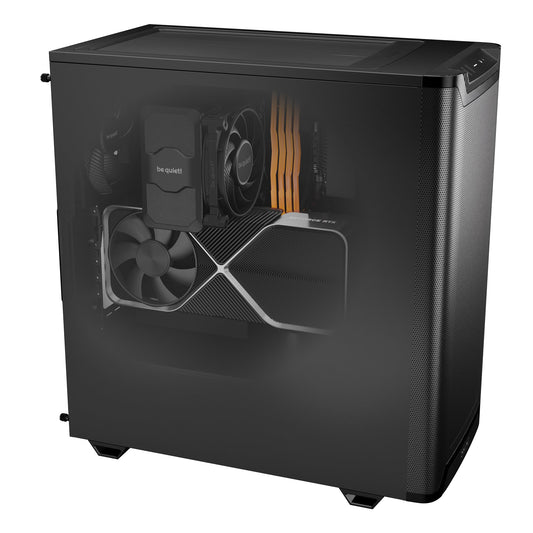
| 2 to 4 | CoreIA GB10 | Very large models thanks to 128 GB of unified memory, small team | live price |
| 3 to 5 | CoreIA RTX 5060 Ti | First shared workstation, compact models | live price |
| 8 to 12 | CoreIA Radeon AI PRO R9700 | Text and RAG only (32 GB) | live price |
| 10 to 15 | CoreIA RTX 5090 | Text, documents, voice, and images (32 GB) | live price |
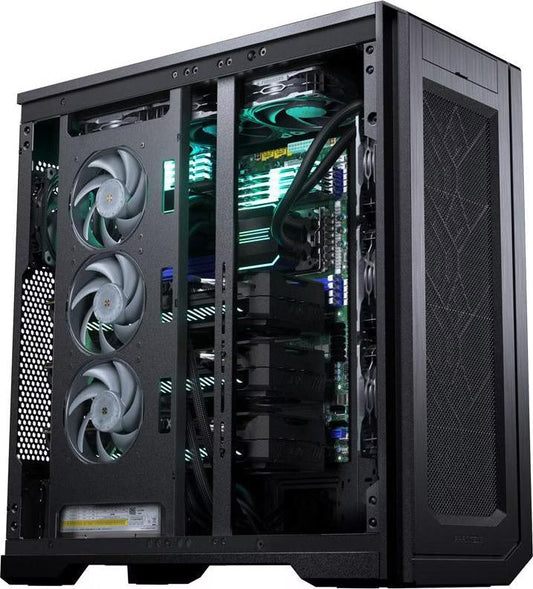
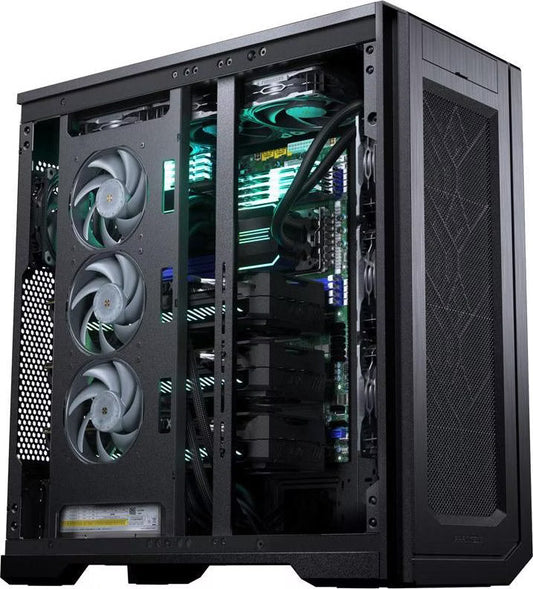
| 20 to 35 | CoreIA 2x RTX PRO 6000 | Large models for an entire department (192 GB) | live price |
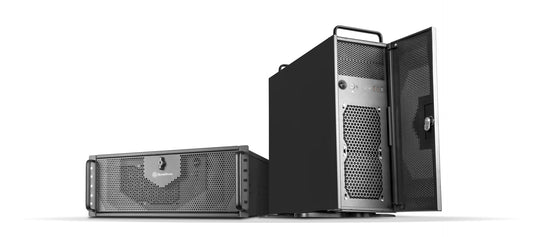
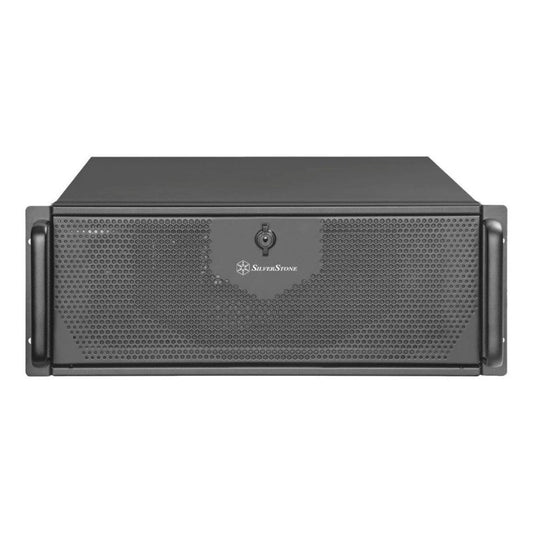
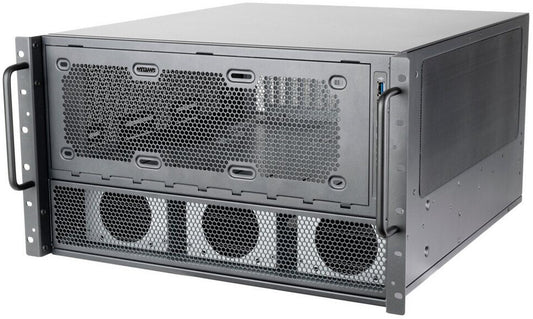
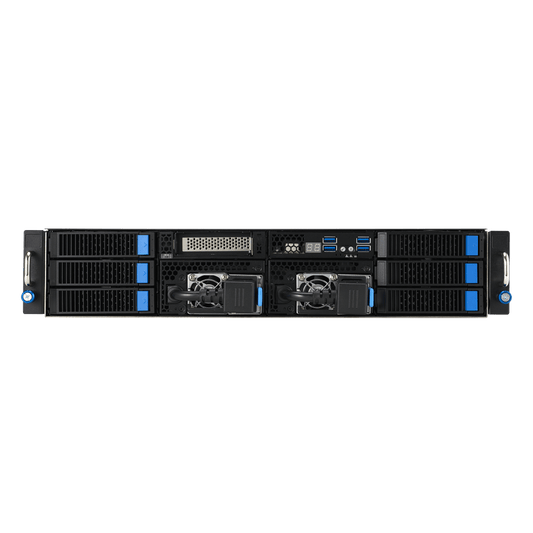
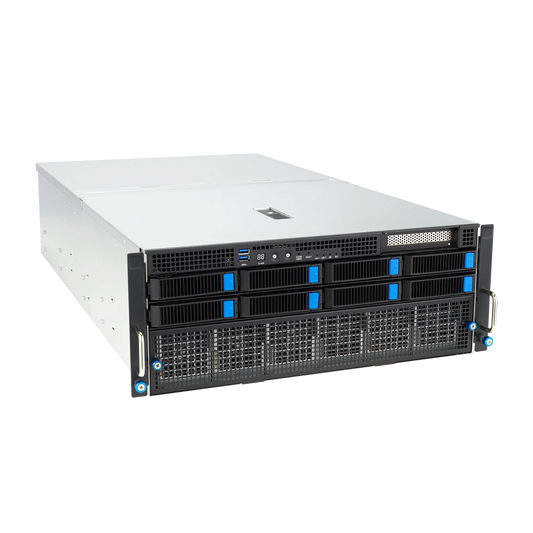
| 50 to 100 | Serveur IA EPYC 8 GPU | Entire company, with vLLM | live price |
"Simultaneous" does not mean "number of accounts." In an SME of 40 people, it is rare for everyone to ask a question at the exact same second. To understand the memory requirements based on the model, read our guide how much VRAM for a local LLM; for the total budget of a shared machine, see our article on the cost of a local AI server.
At Radiance Systems, a local AI specialist integrator in Auriol (Bouches-du-Rhône), Open WebUI is the interface we install most frequently. We deliver the machine with the engine, the models selected with you, and Open WebUI already configured: team accounts, groups, document databases, tailored context, and access from your workstations based on your chosen plan. If a business software needs to be linked to the AI, we can develop the missing tool.


Ready-to-use Open WebUI on your machine
We assemble the machine in Auriol, install the engine, the models, and Open WebUI, and set up your team's accounts. From hardware to software, you have a single point of contact. We provide a quote within 48 hours.
FAQ
Is Open WebUI free?
Yes. Its code is public and its license requires no royalties, even for hundreds of internal users. The only condition concerns branding: if you have more than 50 users over a rolling 30-day period, the Open WebUI name and logo must remain visible. To remove or replace them, you need an enterprise license or written permission from the publisher.
Is Open WebUI open source?
Not in the strictest sense. Since version 0.6.6 (April 2025), its license adds a trademark clause to a BSD license, and the project's license page indicates it is not OSI-approved. The code remains public, and the merged code up to version 0.6.5 remains under the BSD-3 license.
Does Open WebUI work without internet?
Yes, if it is connected to an engine installed on the same machine or the same network, such as Ollama or vLLM: its repository states it is designed to function entirely offline. Only features that fetch external data, such as web search or an online model, require an internet connection.
Do I need Ollama to use Open WebUI?
No. While Ollama is the easiest engine to integrate, Open WebUI also works with vLLM, llama.cpp, LM Studio, or any server compatible with the OpenAI API, as well as online services like OpenAI, Anthropic, or Mistral.
Does Open WebUI support MCP?
Yes, it has native support since version 0.6.31 for MCP servers via Streamable HTTP. Servers using stdio or SSE go through mcpo, a relay that exposes them via OpenAPI. Only an administrator can add an MCP server and then grant access to specific users or groups.
How many users can Open WebUI support?
The license imposes no limits as long as the branding remains visible. In practice, the limit is determined by the graphics card running the model: based on our estimates, 3 to 5 concurrent users on a CoreIA RTX 5060 Ti, 10 to 15 on a CoreIA RTX 5090, and 50 to 100 on a server equipped with 8 cards. For teams larger than a small group, the documentation also recommends using PostgreSQL instead of SQLite.
What is the difference between Open WebUI and LM Studio?
LM Studio is a desktop application, free to use but with closed-source code, designed for a single user at a single workstation. Open WebUI is a shared web interface featuring accounts, groups, and document databases. The two can be used together: LM Studio can serve as the engine for Open WebUI.
Sources
- Open WebUI, feature list
- Open WebUI, installation (Docker, pip, images)
- Open WebUI, connecting a provider and getting started with Ollama (context)
- Open WebUI, knowledge bases and models and agents
- Open WebUI, MCP support
- Open WebUI, web search and transcription
- Open WebUI, roles and groups
- Open WebUI, scaling
- Open WebUI license text (GitHub) and documentation license page
- Open WebUI, released versions
- LibreChat (GitHub) and AnythingLLM (GitHub)
- LM Studio, free for work and developer documentation
Features and settings verified against official documentation and the Open WebUI GitHub repository in early November 2026 (version 0.12.5). The project evolves rapidly: the official documentation remains the definitive source. Machine capabilities: estimates provided by Radiance Systems, not measured values. License review provided without legal advice value.