PC for Ollama 2026: what hardware to run your LLMs locally?
Ollama became the go-to tool for running LLMs locally in 2026 — a single command to download a model, an OpenAI-compatible API on localhost:11434, and the ability to run Llama 4, Qwen 3.5, DeepSeek V4, or Gemma 4 directly on your own machine. But what PC do you need to achieve truly usable performance? This guide answers that question precisely, with real benchmarks and tested hardware recommendations.
What is Ollama, and why is everyone using it in 2026?
Ollama is an open-source LLM runtime that downloads, runs, and exposes AI models locally — entirely on your machine, without any cloud connection. Its adoption exploded in 2026 for three reasons:
- A single command to get started. No complex configuration, no managing weights, quantization, or compiling runtimes.
-
OpenAI-compatible API. Any application designed for ChatGPT can switch to Ollama by simply changing the URL —
localhost:11434instead ofapi.openai.com. -
Library of 500+ models. Llama 4 Scout, Qwen 3.5, DeepSeek V4, Gemma 4, Mistral, Phi-4, Qwen2.5-Coder — all available with a single
ollama pullcommand.
Installation takes just one line:
curl -fsSL https://ollama.com/install.sh | sh
ollama pull qwen3:14b
ollama run qwen3:14b
In less than 5 minutes, you will have a functional local LLM accessible via your browser (through Open WebUI), your code editor, or any application via the REST API.
The critical factor for Ollama: VRAM
Ollama loads model weights into GPU memory. If everything fits within the VRAM, you can achieve 40 to 70 tokens/second on an RTX 5060 Ti 16 Go. If the model overflows into system RAM, performance drops drastically:
Conclusion: it is better to choose a smaller model that fits entirely in VRAM than a large model that overflows. A Qwen 3.5 14B at 60 tok/s is more useful than a Llama 3.3 70B crawling at 4 tok/s.
Required VRAM by Ollama model (Q4_K_M, May 2026)
| GPU VRAM | Compatible Models | 2026 Examples | Approx. Speed |
|---|---|---|---|
| 5-8 GB | Up to 9B | Llama 3.1 8B, DeepSeek-R2 8B, Qwen3 8B, Gemma 3 4B | 40-90 tok/s |
| 12 GB | Up to 17B MoE | Llama 4 Scout 17B, Gemma 3 12B | 30-50 tok/s |
| 16 GB ⭐ Sweet spot | 13B-14B dense / 17B MoE | Qwen 3.5 14B, Mistral Medium 3.5, Phi-4 14B | 40-70 tok/s |
| 20 GB | Up to 32B | Qwen2.5-Coder 32B, DeepSeek-R1 32B | 25-40 tok/s |
| 24 GB | Up to 27B comfortably | Gemma 4 26B QAT (approx. 85 tok/s) | 30-60 tok/s |
| 32 GB (RTX 5090) | Up to 30B in 8-bit | Gemma 4 26B QAT | 15-30 tok/s |
| 48 GB+ (multi-GPU) | 70B FP16 or Q5/Q6 | Llama 3.3 70B FP16 with 32K context | 10-20 tok/s |
| 128 GB unified (GB10) | Models up to 200B in 4-bit | DeepSeek V4 Flash, Llama 4 Scout | 20-40 tok/s |
Sources: real-world Ollama benchmarks from Morph (April 2026), glukhov.org (RTX 4080 16 GB, March 2026), and LocalAIMaster (March 2026). VRAM measured at 8K-19K context with Q4_K_M quantization. Actual values vary depending on the loaded context.
Top Ollama models in May 2026 by category
| Category | Recommended model | Ollama command | VRAM |
|---|---|---|---|
| General purpose | Llama 4 Scout 17B | ollama pull llama4:scout |
~10 GB |
| French / multilingual | Qwen 3.5 14B | ollama pull qwen3.5:14b |
~10 GB |
| Pure speed (85 tok/s) | Gemma 4 26B QAT | ollama pull gemma4:26b |
~14 GB |
| Coding ⭐ #1 open source | Qwen2.5-Coder 32B | ollama pull qwen2.5-coder:32b |
~20 GB |
| Math/logic reasoning | DeepSeek-R2 8B | ollama pull deepseek-r2:8b |
~5 GB |
| STEM / structured analysis | Phi-4 14B (80.4% MATH) | ollama pull phi4 |
~10 GB |
| Small / lightweight | Llama 3.1 8B (111M+ downloads) | ollama pull llama3.1:8b |
~5 GB |
| Maximum quality | Llama 3.3 70B (86.0 MMLU) | ollama pull llama3.3:70b |
~40 GB |
Beyond the GPU: what else matters for Ollama
System RAM (DDR5 >> DDR4)
If your model spills over into system RAM, its speed depends directly on memory bandwidth. DDR5-6000 offers 15-25% more performance than DDR4-3200 in CPU offloading mode. For Ollama, opt for at least 32 GB DDR5 on an AM5 platform.
Fast NVMe SSD
Ollama models range from 5 GB (Llama 3.1 8B) to 40 GB (Llama 3.3 70B). A Gen 4 NVMe SSD loads a 14B model in 5-8 seconds on the first ollama run. On a SATA SSD, expect 30-60 seconds.
CPU and threads
For pure GPU inference, the CPU matters little. But as soon as there is CPU offloading or RAG (retrieval augmented generation), a Ryzen 7 or 9 with 12-16 cores makes a difference. AVX-512 (Intel 12th Gen+, AMD Zen 4+) speeds up CPU inference by 10-20%.
Essential Ollama commands
# Install Ollama (Linux/macOS)
curl -fsSL https://ollama.com/install.sh | sh

# Download and run a model
ollama pull qwen3.5:14b
ollama run qwen3.5:14b

# List installed models
ollama list

# Stop a model (free VRAM)
ollama stop qwen3.5:14b

# View GPU/CPU usage
OLLAMA_DEBUG=1 ollama run llama3.1:8b "test" 2>&1 | grep "layers"

# Force a specific number of GPU layers
ollama run llama3.1:8b --gpu-layers 28
Common errors to avoid
- Choosing Q2_K to fit a large model — severe quality degradation. A 34B model in Q6_K is better than a 70B in Q2_K.
- Ignoring the KV cache — an 8B model with 32K context requires an additional ~4.5 GB for the attention cache. Leave 2-4 GB of headroom in VRAM.
-
Loading multiple models simultaneously — Ollama keeps them in VRAM by default. Use
ollama stopto free them. - Underestimating RAM — 32 GB DDR5 minimum for serious use. 64 GB for 30B+ models with CPU offloading.
Our PCs optimized for Ollama — pre-configured with Ollama + Open WebUI on request
Radiance Systems designs stations dedicated to local LLM inference. Each machine is delivered with Ollama and Open WebUI pre-installed and configured on request, with the models of your choice already downloaded. You start your PC and chat with your AI in less than 2 minutes. To compare configurations suitable for Ollama, check out our range of local AI machines and servers. For a team, also see the price of a local AI server.

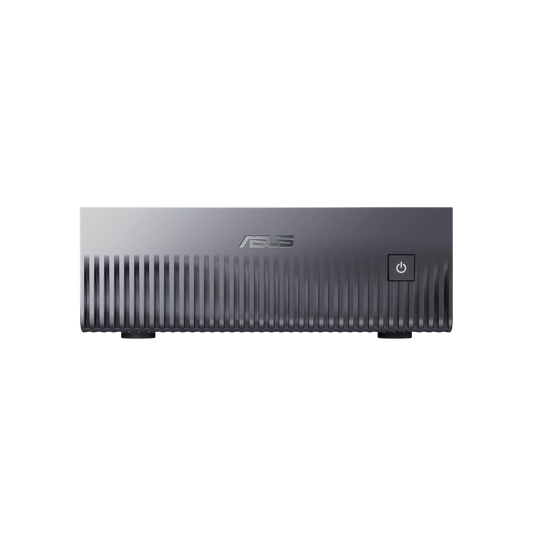
CoreIA GB10 (ASUS Ascent GX10)
✅ Llama 4 Scout · DeepSeek V4 Flash · Models up to 200 billion parameters in 4-bit
The most compact format capable of running models that even an RTX 5090 cannot fit in VRAM. 128 GB of unified memory, GPU and CPU merged via NVLink-C2C at 900 GB/s. Ideal for a firm requiring maximum capacity in an ultra-compact and silent format.
Delivered ready to use · DGX OS · Native Ollama
Configure this server →
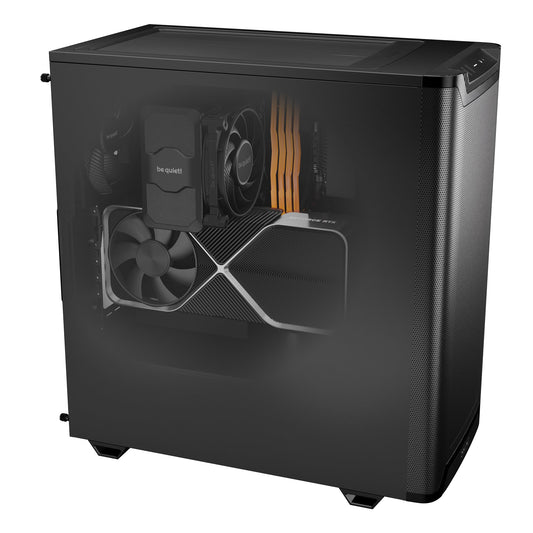
CoreIA RTX 5060 Ti
✅ Qwen 3.5 14B · Mistral Medium 3.5 · Llama 4 Scout 17B · Phi-4 14B
Speed, order of magnitude: 40-70 tokens/second
The 2026 sweet spot for Ollama. 16 GB GDDR7 to run 14B models entirely on GPU without CPU offloading. AM5 DDR5 platform for RAG pipelines. Ideal entry point for a self-employed professional.
Ollama + Open WebUI pre-installed on request · RAM expandable in the configurator (32 GB recommended)
Configure this station →
CoreIA Radeon AI PRO R9700
✅ Qwen2.5-Coder 32B (92.7% HumanEval) · Gemma 4 26B · DeepSeek-R1 32B
For demanding developers and professionals. 32 GB of VRAM, ideal for 27B-32B models. AMD card: Ollama runs via ROCm, without CUDA. The Ryzen 9 9900X handles RAG pipelines and n8n orchestration in parallel.
Models pre-downloaded on request (Qwen3.5, Mistral, DeepSeek)
Configure this station →
CoreIA RTX 5090
✅ Gemma 4 26B QAT · Llama 4 Scout 17B · Qwen 3.5 14B · Models up to 30 billion parameters in 8-bit
The best consumer GPU for Ollama in 2026. 1,792 GB/s of memory bandwidth — a consumer market record. 30 billion parameter models entirely on GPU in 8-bit.
Light fine-tuning possible · LoRA compatible
Configure this station →
CoreIA 2x RTX 5090 (64 GB VRAM)
✅ Llama 3.3 70B in 8-bit · Qwen 3.5 72B Q4 · Simultaneous multi-GPU inference
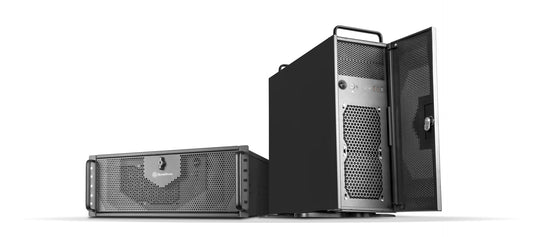
For teams of 20 to 30 users sharing an Ollama server. Concurrent inference on two independent GPUs — each user has their own dedicated stream. Ideal for firms with multiple employees.
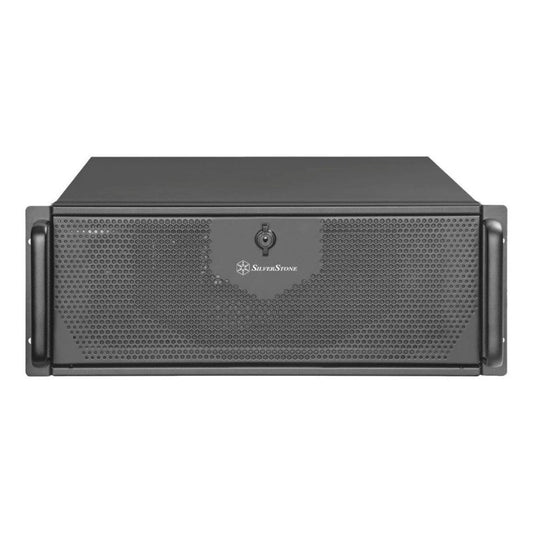
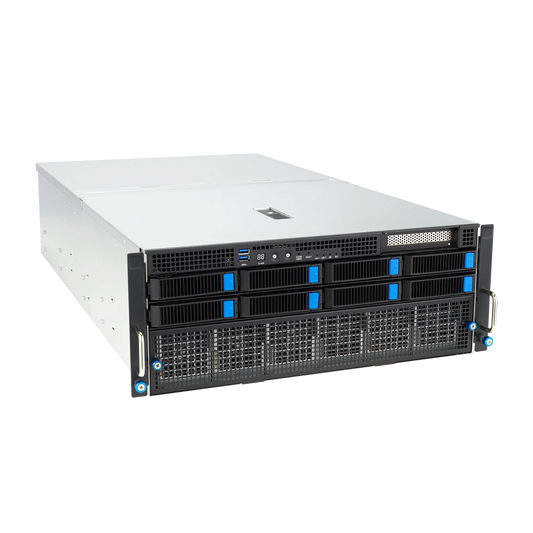
Custom-built · 4U Rack · Multi-tenant Ollama server
Configure this rack →
CoreIA 2x RTX PRO 6000 (192 GB ECC)
✅ Models up to 180 billion parameters in 8-bit · Fine-tuning for 70B+ models · 24/7 production readiness
Professional GPUs with ECC memory for continuous production. 192 GB of ECC VRAM enables running very large open-source models (up to 180 billion parameters in 8-bit). Maximum reliability for critical environments.
On-site installation available · Dedicated support
Configure this rack →
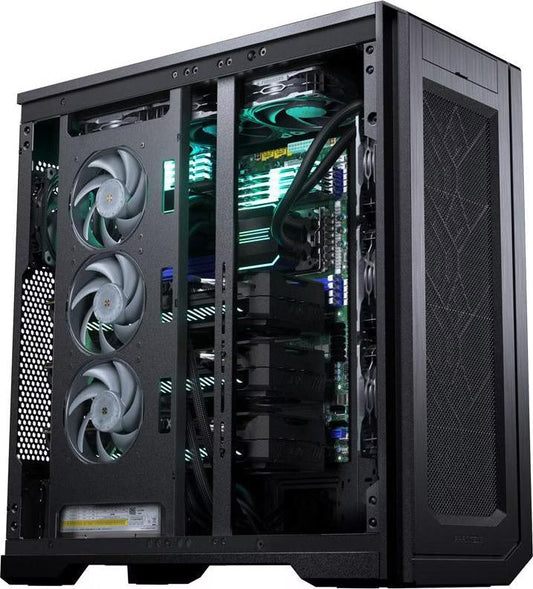
CoreIA Threadripper PRO 4 GPU
✅ Distributed training · Massive RAG pipelines · HPC · Intensive fine-tuning
The ultimate workstation for demanding production environments. A Threadripper PRO sTR5 platform scalable up to 96 cores and 2 TB of ECC RAM. Designed for mixed workloads: Ollama + vector databases + n8n orchestration + training.
Custom-made · Custom quote · On-site installation
Request a quote →Which PC is right for Ollama based on your profile?
| Profile | Configuration | Ollama model type | Budget |
|---|---|---|---|
| Discovery / light personal use | RTX 5060 Ti 16 GB (CoreIA RTX 5060 Ti) | Qwen 3.5 14B, Llama 4 Scout | starting from €2,068 |
| Compact Private Practice ⭐ | CoreIA GB10 (ASUS Ascent GX10) | DeepSeek V4 Flash, up to 200B in 4-bit | starting from 6 999 € |
| Developer (inference and coding) | CoreIA Radeon AI PRO R9700 | Qwen2.5-Coder 32B, DeepSeek-R1 32B | starting from €4,162 |
| 30B models in 8-bit | CoreIA RTX 5090 | Gemma 4 26B QAT | starting from €10,291 |
| Team of 20-30 shared users | CoreIA 2x RTX 5090 | Llama 3.3 70B 8-bit, multi-tenant | from €20,954 |
| Critical 24/7 production | CoreIA 2x RTX PRO 6000 | Up to 180 billion in 8-bit | from €48,508 |
Ollama use case by profession
- Lawyers & Notaries — Qwen 3.5 14B + Open WebUI: contract analysis, client file search, drafting legal documents. All on-premise: local AI makes it easier to comply with GDPR and professional secrecy.
- Doctors & Clinics — Mistral Medium 3.5 + RAG: dictated reports, patient history analysis, medical documentation database. No data reaches a cloud server.
- Accountants — DeepSeek-R2 8B + Phi-4 14B: balance sheet analysis, anomaly detection, report generation. Confidential figures are never uploaded elsewhere.
- Developers — Qwen2.5-Coder 32B + Ollama API: code completion in VS Code/Cursor, debugging, refactoring. OpenAI-compatible API, integration in 3 lines.
- SMEs & Businesses — Llama 4 Scout + n8n + vector database: internal AI assistant connected to your docs, procedures, CRM. Deployment on a private network.
Frequently Asked Questions — PC for Ollama
What is the minimum GPU for Ollama?
8 GB of VRAM (RTX 4060, RTX 5060) is enough for 7-8B models like Llama 3.1 8B or DeepSeek-R2 8B. But the 2026 sweet spot is 16 GB of VRAM (RTX 5060 Ti 16 GB or RTX 5070 Ti) — you get access to 13-14B and 17B MoE models like Qwen 3.5 14B, Mistral Medium 3.5 or Llama 4 Scout, which offer significantly better quality for only a €200-400 difference in GPU price.
Does Ollama work without a dedicated GPU?
Yes, Ollama can run solely on the CPU. But speeds drop to 3-8 tokens/second on a 7B model with a modern CPU — frustrating for interactive use. A GPU with 8 GB+ of VRAM is highly recommended for a smooth experience (30+ tok/s).
How to know if my model fits in VRAM?
Run OLLAMA_DEBUG=1 ollama run [model] "test" — the logs indicate how many layers are loaded on the GPU vs CPU. If less than 100% are on the GPU, your model is too big. Choose a lower quantization (Q4_K_M minimum) or a smaller model.
Windows or Linux for Ollama?
Both work very well. Linux (Ubuntu) offers the best raw performance and optimal CUDA support. Windows 11 simplifies everyday use and is compatible with WSL2 for developers. Our workstations come with the OS of your choice. The CoreIA GB10 comes with DGX OS.
Which interface to use with Ollama?
Open WebUI is the most popular web interface in 2026 — chatGPT-like, deployable via Docker, native document RAG management. LM Studio offers a desktop alternative with a built-in GUI. Our Radiance PCs can come with either pre-installed according to your preference.
Can you do fine-tuning on these Ollama PCs?
LoRA (parameter-efficient) fine-tuning is possible from 16 GB of VRAM for 7B-8B models. For serious fine-tuning on 14B-32B, you need 24 GB+ and CUDA (CoreIA RTX 5090 or higher; the CoreIA Radeon AI PRO R9700 does not have CUDA). For 70B+ models, count on 48 GB+ with multi-GPU.