PC for ComfyUI 2026: Recommended PC model guide, VRAM, and workflows
ComfyUI has become the go-to interface for AI image generation in 2026. Nodal architecture, efficient memory management, native support for Flux, SD 3.5, Qwen Image, AI video (Hunyuan, LTX-Video), audio (StableAudio) — it's the tool all the pros use. But ComfyUI is also demanding and finicky: multi-model workflows, hundreds of custom nodes, stacked ControlNets, TensorRT... What PC do you really need to get the most out of it? This guide gives you the precise answer, model by model, with real benchmarks.
Why ComfyUI has become THE standard in 2026?
In 2024, Automatic1111 (A1111) dominated. In 2026, ComfyUI has taken its place for four reasons:
- Nodal architecture. You visually build your pipeline: model loading nodes, conditioning, sampler, VAE decode, etc. You see exactly what is happening at each step — and you can change anything.
- Efficient memory management. ComfyUI loads and unloads components on demand. A 12 GB GPU can run workflows that crash in A1111 or Forge.
- Support for new models in days. Flux, SD 3.5, Qwen Image, Hunyuan Video — all natively supported just days after their release. A1111 often takes months.
- Huge custom nodes ecosystem. ComfyUI Manager gives access to over 2,000 community extensions in May 2026 — ControlNet Aux, IPAdapter, AnimateDiff, ComfyRoll, Impact Pack, WAS Suite, and many more.
The real hardware requirements of ComfyUI in 2026
ComfyUI has a reputation for being "VRAM efficient". This is true for simple generation. False as soon as you stack: adding a ControlNet (+2 GB), an IPAdapter (+2 GB), a refiner (+5 GB), a LoRA (+200 MB each), an upscaler (+3 GB)... you quickly reach 20 GB even on a base SDXL model. This is why, for a local AI workstation intended for ComfyUI, we prioritize video memory.
Here are the real requirements by workflow type in May 2026:
Simple SDXL generation
Basic text→image workflow with SDXL checkpoint, sampler, VAE decode. No extras.
VRAM: 8 GB is enoughSDXL + Refiner + 1 ControlNet
Classic pro pipeline: SDXL base → refiner → pose or depth ControlNet. Standard illustration setup.
VRAM: 12-16 GBFlux Dev FP8 + ControlNet
The default 2026 workflow. Quantized FP8 Flux Dev (~13 GB) + ControlNet (Union or Canny).
VRAM: 16 GB (tight) / 20 GB (comfortable)SDXL + IPAdapter + ControlNet + LoRA stack
Pro illustration workflow: style transfer (IPAdapter), pose (ControlNet), 2-3 stacked LoRAs, upscale.
VRAM: 16-24 GBAnimateDiff / AI Video (LTX-Video, Hunyuan)
Generation of short video sequences. Hunyuan Video and LTX-Video are very VRAM intensive per image × number of frames.
VRAM: 24 GB minimum, 32 GB comfortableParallel multi-model (SDXL + Flux + Qwen)
Advanced comparative workflows or production pipelines that chain several different models without unloading.
VRAM: 32 GB or dual GPUFlux LoRA training (via ComfyUI nodes)
Training Flux LoRAs directly from ComfyUI via custom nodes (Kohya, AI Toolkit). Very demanding.
VRAM: 24 GB minimum, 32 GB comfortableStudio batch production + server API
ComfyUI in server mode (REST API), batches of 10-50 Flux images, parallel queues.
VRAM: 32 GB or multi-GPURecommended minimum VRAM for ComfyUI in 2026
| ComfyUI Usage | Minimum VRAM | Comfortable VRAM | GPU type |
|---|---|---|---|
| Discovery / Simple SDXL | 8 GB | 12 GB | RTX 5060 12 GB |
| Standard pro workflow ⭐ | 16 GB | 16 GB | RTX 5060 Ti / 5070 Ti 16 GB |
| Flux FP16 / IPAdapter stack | 16 GB (tight) | 24 GB | RTX 4090 24 GB |
| AI Video + LoRA training | 24 GB | 32 GB | RTX 5090 32 GB |
| Studio multi-GPU production | 2× 32 GB | 2× 96 GB ECC | CoreIA 2x RTX 5090 or 2x RTX PRO 6000 |
Beyond VRAM: what matters for ComfyUI
System RAM — 32 GB minimum, 64 GB recommended
ComfyUI swaps models between VRAM and system RAM when VRAM is insufficient. With 32 GB DDR5, you keep 2-3 checkpoints loaded in RAM for instant switches. With 64 GB, you load your entire library (SDXL base + refiner + Flux + 5 LoRAs + 3 ControlNets) in memory — no disk reloading between generations.
SSD NVMe Gen 4 or Gen 5 — critical
Each checkpoint switch = disk read. A Flux Dev weighs 24 GB, an SDXL 7 GB, a ControlNet 2-5 GB. On Gen 4 SSD (5,000 MB/s), the initial loading of a Flux + IPAdapter + ControlNet workflow takes ~8 seconds. On Gen 5 (12,000+ MB/s), it's 3 seconds. On SATA SSD, 30+ seconds. Plan for 2 TB NVMe so you don't have to manage an external library: our 1 TB stations are complemented by the configurator.
CPU — less critical than you think
ComfyUI inference is ~95% GPU. The CPU is used for pre-processing (loading models, parsing the JSON workflow, PIL post-processing). A recent Ryzen 5 is enough. For complex workflows with dozens of nodes or real-time pipelines, a Ryzen 7 or 9 brings marginal comfort.
GPU Bandwidth — the hidden optimization
For ComfyUI, the GPU memory bandwidth matters almost as much as VRAM. An RTX 5090 is significantly faster than an RTX 5060 Ti 16 GB on Flux, even when the model fits on both cards. This is why the RTX 4060 Ti 16 GB (288 GB/s) remains a trap despite its decent VRAM.
ComfyUI 2026 Optimizations — gain 30-60% speed
A few launch flags and extensions transform your ComfyUI setup:
# Optimized Blackwell (RTX 50xx) ComfyUI Launch:
python main.py \
  --use-pytorch-cross-attention \
  --fast \
  --highvram \
  --enable-cors-header

# Useful environment variables:
export PYTORCH_CUDA_ALLOC_CONF=expandable_segments:True
export CUDA_LAUNCH_BLOCKING=0
export TORCHINDUCTOR_CACHE_DIR=/path/ssd/cache
-
TensorRT compilation via
ComfyUI-TensorRT: +30-60% speed boost on repetitive workflows. First generation is slow (compilation), subsequent runs are ultra-fast. - FP8 / GGUF quantization: FP8 throughput = -50% VRAM, with nearly identical quality. GGUF Q4/Q6 = even less VRAM for 12 GB configurations.
- Flash Attention 2: saves 15-25% VRAM on supported architectures (Blackwell, Ada Lovelace).
- Tiled VAE in VAE Decode: enables 4K even on 16 GB.
- ComfyUI-Crystools: real-time GPU/VRAM monitoring within the interface, essential for optimizing your workflows.
- RAM disk for models: if you have 128 GB RAM, mapping a RAM disk for checkpoints gives instant switches.
Essential ComfyUI Custom Nodes in 2026
| Custom Node | Utility | VRAM impact |
|---|---|---|
| ComfyUI Manager | 1-click custom node installation/update | None |
| ComfyUI-Impact-Pack | Face/Hand detailer, segmentation, regional prompt | +1-3 GB |
| ComfyUI_IPAdapter_plus | Style transfer from a source image | +1-2 GB |
| ComfyUI-AnimateDiff-Evolved | Animation of sequences from a still image | +4-8 GB |
| comfyui_controlnet_aux | ControlNet pre-processors (depth, pose, canny, lineart) | +0.5-2 GB |
| ComfyUI-WAS-Suite | 200+ utility nodes (text, masks, math) | Negligible |
| ComfyUI-TensorRT | TensorRT compilation = +30-60% speed | +2-4 GB during compilation |
| ComfyUI-Crystools | Real-time GPU/CPU/RAM monitoring | Negligible |
| ComfyUI-HunyuanVideoWrapper | Hunyuan video generation | +12-20 GB |
| ComfyUI-LTXVideo | LTX video generation (faster than Hunyuan) | +8-14 GB |
Quick optimized ComfyUI installation on your PC
# 1. Clone ComfyUI
git clone https://github.com/comfyanonymous/ComfyUI
cd ComfyUI

# 2. Create a Python 3.12 venv
python -m venv venv
source venv/bin/activate    # Linux/Mac
# .\venv\Scripts\activate   # Windows

# 3. PyTorch with CUDA 12.8 (RTX 50xx Blackwell)
pip install torch torchvision torchaudio \
  --index-url https://download.pytorch.org/whl/cu128

# 4. ComfyUI Dependencies
pip install -r requirements.txt

# 5. Install ComfyUI Manager (essential)
cd custom_nodes
git clone https://github.com/ltdrdata/ComfyUI-Manager
cd ..

# 6. Download a base model (Flux Dev FP8)
# https://huggingface.co/Comfy-Org/flux1-dev
# Place the .safetensors in ComfyUI/models/diffusion_models/

# 7. Launch optimized ComfyUI
python main.py --use-pytorch-cross-attention --fast --highvram
Our optimized ComfyUI PCs — pre-configured and ready to generate
Radiance Systems designs workstations specifically tested under ComfyUI. On request, we ship your PC with ComfyUI installed and configured (PyTorch CUDA, Manager, essential custom nodes) along with the models of your choice downloaded, Flux Dev, SDXL, ControlNets, IPAdapter. You start, you generate your first image in under 2 minutes.

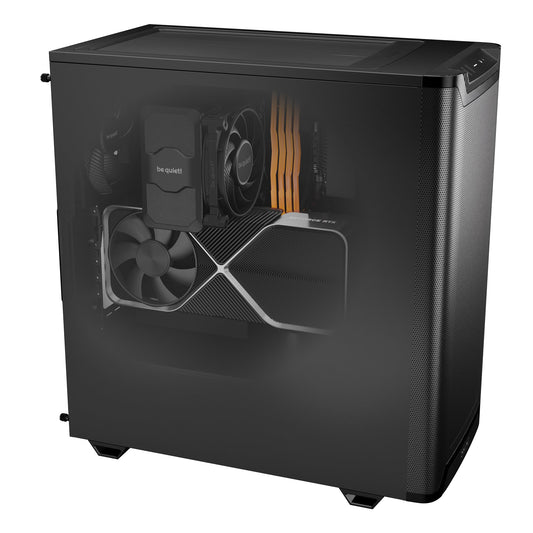
CoreIA RTX 5060 Ti
✅ SDXL + Refiner workflows · Flux Dev FP8 · ControlNet · IPAdapter · lightweight LoRA stack
Ideal entry point for serious ComfyUI in 2026. 16 GB GDDR7, the minimum for standard pro workflows. AM5 DDR5 platform for fast model switching. With 16 GB of RAM, plan for 32 GB in the configurator for heavy workflows. Upgradable: GPU upgrade possible later without changing the platform.
ComfyUI + Manager + Flux Dev FP8 pre-installed upon request
Configure this workstation →
CoreIA Radeon AI PRO R9700
✅ Local LLM and RAG · ComfyUI via ROCm, with limitations (excluding CUDA)
AMD card with 32 GB of VRAM: excellent for text tasks, but without CUDA. ComfyUI runs through ROCm or Vulkan, and TensorRT along with many custom nodes do not perform as well. For ComfyUI, we recommend the CoreIA RTX 5060 Ti (budget option) or the CoreIA RTX 5090 instead. The 32 GB of DDR5 allows you to keep 2–3 checkpoints in memory; plan for 64 GB in the configurator for your entire library.
For ComfyUI without limitations: CoreIA RTX 5090
Configure this workstation →
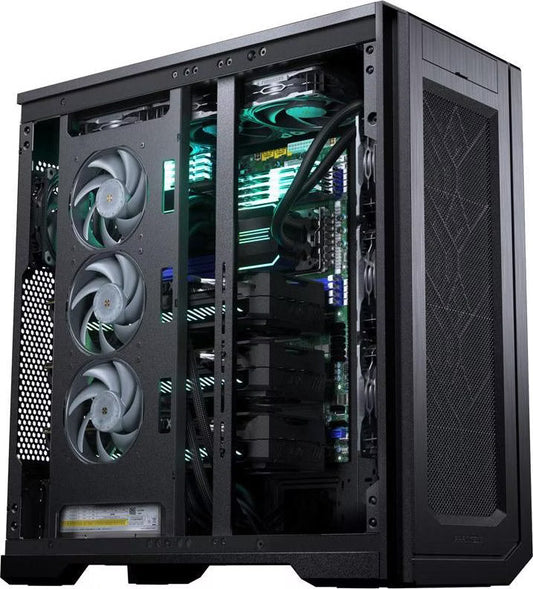
⭐ CoreIA RTX 5090
✅ All ComfyUI workflows · AI Video (LTX, Hunyuan) · Flux LoRA training · Simultaneous multi-model support
The best consumer workstation for ComfyUI in 2026. 32 GB GDDR7 keeps all components loaded simultaneously, no unloading between nodes. Record-breaking bandwidth (1,792 GB/s) delivers workflows 3-5× faster than an RTX 5070 Ti. AI video, Flux LoRA training, Flux Dev FP16 batches, everything is accessible.
Full ComfyUI library available on request
Configure this workstation →
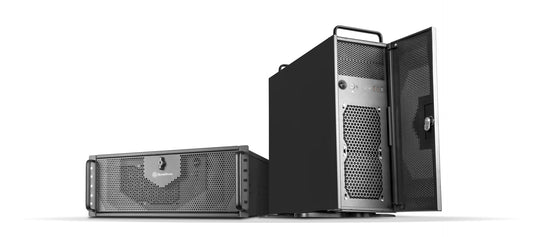
CoreIA 2x RTX 5090 (64 GB VRAM)
✅ Multi-tenant ComfyUI server · Parallel pipelines · Batch production · Long-form AI video
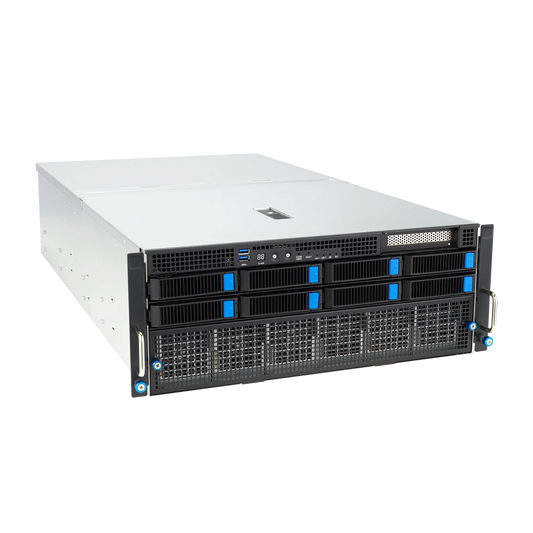
Designed for studios and creative agencies handling high-volume production. 2× independent RTX 5090 units via ComfyUI server mode: one GPU dedicated to current generation while the other handles the next batch's pre-rendering or LoRA training. Ideal for teams of 3-10 creatives.
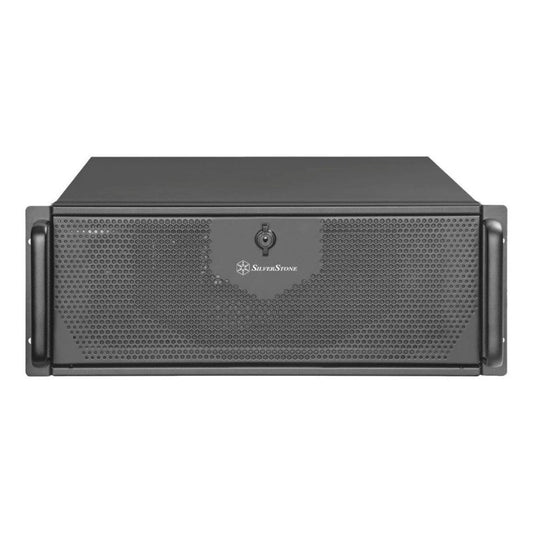
ComfyUI server API · Multi-tenant · 4U Rack
Configure this rack →
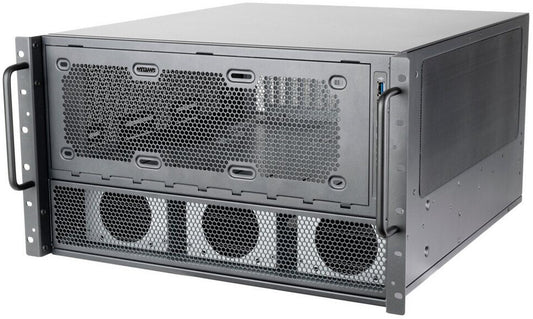
CoreIA 2x RTX PRO 6000 (192 GB ECC)
✅ Long-duration AI video · Fine-tuning base models · Flux 2.9B batches · 24/7 production
This ultimate workstation is designed for professional studios specializing in long-form AI video (Hunyuan 30+ seconds), complete model fine-tuning, or continuous 24/7 production. With 192 GB of ECC VRAM, it can load multiple full models simultaneously and generate massive batches without any memory constraints.
Professional studios · Long-form AI video · Continuous production
Configure this rack →
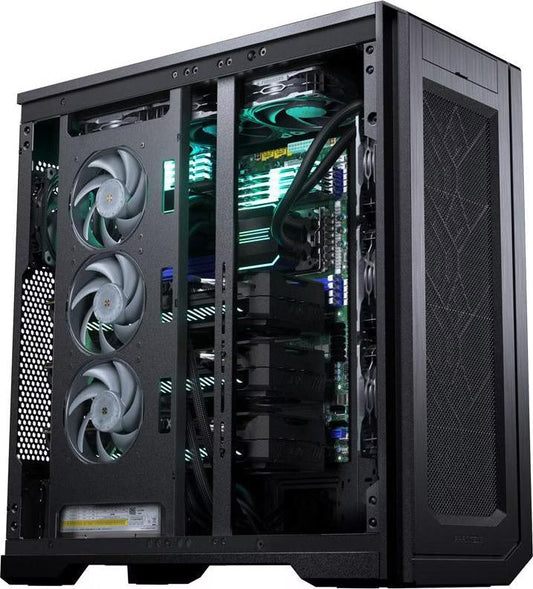
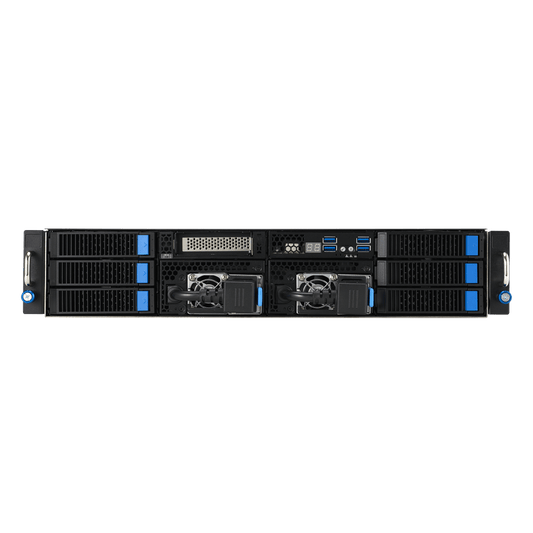
CoreIA Threadripper PRO 4 GPU
✅ AI research · Custom node development · HPC pipelines · Heavy fine-tuning
For VFX studios, researchers, and AI agencies developing their own custom nodes or advanced pipelines. Threadripper PRO sTR5 platform expandable up to 96 cores and 2TB ECC RAM. The machine lasts 5+ years so you never get limited.
Custom-built · Personalized Quote · On-site Installation
Request a Quote →Frequently Asked Questions — PC for ComfyUI
Is ComfyUI more demanding than Automatic1111?
No, it's actually the opposite for simple generation. ComfyUI manages memory better and can run Flux on 12GB where A1111 crashes. But as soon as you stack custom nodes and complex workflows (multi-ControlNet, IPAdapter, AnimateDiff...), ComfyUI can consume more than A1111 on the same task because it loads everything into memory to optimize speed.
How much VRAM is needed to run ComfyUI comfortably?
16GB is the practical minimum in 2026 for pro workflows (SDXL + Refiner + ControlNet + LoRA stack). 24GB offers comfort for Flux FP16 and complex pipelines. 32GB (RTX 5090) or more are necessary for AI video, Flux LoRA training, or studio production.
What is the difference between ComfyUI and Forge UI?
ComfyUI is nodal (visual graph of nodes) — steeper learning curve but total flexibility, ideal for pros. Forge UI is a fork of A1111 — classic interface, easier to learn, good VRAM management. For 2026, ComfyUI is the recommended choice because it supports all new models first and the custom nodes ecosystem is unmatched.
Can ComfyUI be used on AMD GPUs or Mac?
Yes technically, via ROCm for AMD or MPS for Apple Silicon. In practice, many custom nodes (TensorRT, certain ControlNets, advanced IPAdapter, training nodes) are NVIDIA-only or very limited. For a dedicated ComfyUI PC in 2026, NVIDIA remains highly recommended — especially the RTX 50xx (Blackwell) which have the best PyTorch and TensorRT support.
Can a ComfyUI server be run over a network for multiple users?
Yes. ComfyUI can be launched in server mode with a REST API accessible over the local network or via Cloudflare Tunnel. Multiple users can send workflows in a queue. For 3-10 simultaneous users, the CoreIA 2x RTX 5090 or the CoreIA 2x RTX PRO 6000 ECC are the ideal configurations — each GPU can process a separate queue.
Is TensorRT really worth it for ComfyUI?
Yes for repetitive workflows (batch production, API server). Compilation takes 5-15 minutes per model/resolution but subsequent generations are 30-60% faster. Downside: each model+resolution combination must be compiled separately, and the result is not portable between GPUs. For occasional experimentation, TensorRT is useless.
What power supply for ComfyUI with an RTX 5090?
1,200W 80+ Gold minimum. The RTX 5090 consumes up to 575W at peak, the Ryzen 9 9900X, plus the other components. Plan for 30-40% margin for power supply longevity and simultaneous power spikes. For dual GPU, 2,000W Platinum.
Linux or Windows for ComfyUI?
Linux (Ubuntu 24.04) offers the best raw performance, optimal CUDA support, and maximum compatibility with the most advanced custom nodes. Windows 11 works very well and is easier for non-developers. WSL2 on Windows 11 offers an excellent compromise. Our stations are delivered with the OS of your choice and, upon request, pre-configured ComfyUI.