Local Whisper 2026: Transcribe audio and video without sending your data
Transcribe a meeting, interview, podcast, or video, automatically and with excellent accuracy: this is what Whisper, the open-source speech recognition model, makes possible. The problem is that most online transcription services send your recordings to remote servers. For sensitive data — confidential meetings, medical interviews, legal consultations, unpublished content — this is unacceptable.
The good news: Whisper runs perfectly locally, on your own machine, without any internet connection. Your audio and video files never leave your computer. And contrary to popular belief, it's one of the least hardware-intensive AI uses. This guide explains how, with which variant, and on which machine.
Whisper in brief
Whisper is a speech-to-text recognition model published by OpenAI as open source, under the Apache 2.0 license. It transcribes speech into text in nearly 99 languages, with accuracy that rivals the best commercial services.
The local advantage: total confidentiality, zero cost
Local transcription changes everything for sensitive data.
- No cloud upload. Your recordings remain on your machine, end-to-end.
- No per-minute cost. Transcription APIs charge by duration. Locally, it's free, with no limit.
- Works offline. No connection required, useful when traveling or in a secure location.
- Compliant by design. For professions subject to secrecy (healthcare, law, accounting), this is often the only acceptable option.
Which Whisper variant to choose?
The original OpenAI Whisper works, but much faster reimplementations have become dominant. Here are the four main ones in 2026.
faster-whisper
For most uses
The reference reimplementation, based on CTranslate2. Same accuracy as Whisper, but about 4 times faster on GPU and 2 times on CPU. The default choice on Windows and Linux with an NVIDIA card.
WhisperX
Subtitles, interviews, meetings
Built on faster-whisper, it adds word-level timestamps and speaker identification (who speaks when). Essential for accurate subtitles, meeting minutes, and interview transcriptions.
whisper.cpp
Mac and embedded, without Python
C implementation, without Python dependency, with Metal acceleration on Mac. The best choice on Apple Silicon, and for lightweight or embedded environments.
distil-whisper
Real-time, low latency
Distilled version, twice as light, designed for real-time transcription and live subtitles, when latency takes precedence over absolute accuracy.
What power for what use?
| Usage | Recommended Model | VRAM | Indicative Speed (recent GPU) |
|---|---|---|---|
| One-off transcription | large-v3-turbo | approx. 6 GB | 5 to 7 times real-time |
| Maximum accuracy, multilingual | large-v3 | approx. 10 GB | 4 to 6 times real-time |
| Subtitles with speakers | WhisperX (large-v3) | 10 to 16 GB | variable depending on diarization |
| Real-time, live subtitles | distil-whisper | approx. 4 GB | real-time |
| Mass archives (batch) | insanely-fast-whisper | 12 to 16 GB | 10 times real-time and more |
One hour of audio can thus be transcribed in a few minutes on a recent card. For processing large volumes in parallel, more memory and computing power linearly accelerate throughput.
Quick installation of faster-whisper
On a Windows or Linux machine equipped with an NVIDIA card:
# Dedicated Python environment
python -m venv whisper-env
source whisper-env/bin/activate    # Linux/Mac
# whisper-env\Scripts\activate     # Windows

# Install faster-whisper
pip install faster-whisper

# Transcribe a file
python -c "
from faster_whisper import WhisperModel
model = WhisperModel('large-v3-turbo', device='cuda', compute_type='int8')
segments, info = model.transcribe('meeting.mp3')
for s in segments:
    print(s.text)
"
Who uses Whisper locally?
- Journalists and researchers to transcribe interviews without exposing their sources.
- Healthcare professionals for dictated reports, without any patient data leaving the office.
- Lawyers and notaries to transcribe confidential consultations and hearings.
- Content creators to generate subtitles and transcripts for podcasts or videos, free and unlimited.
- Businesses for internal meeting minutes, without relying on a third-party service.
- Accessibility services for real-time subtitling.
Combining Whisper with local AI
Transcription is often just the first step. Once audio is converted to text, a local language model can take over: summarize the meeting, extract decisions and actions, draft a structured report.
What machine for local Whisper
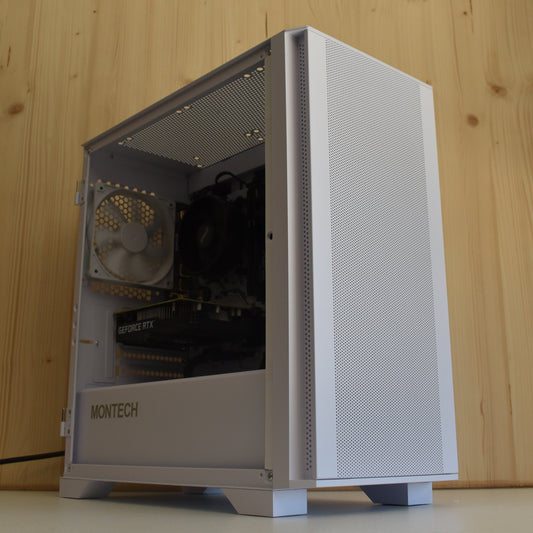
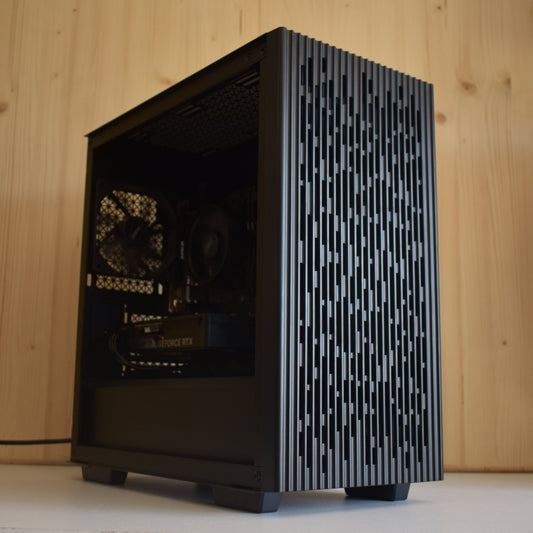
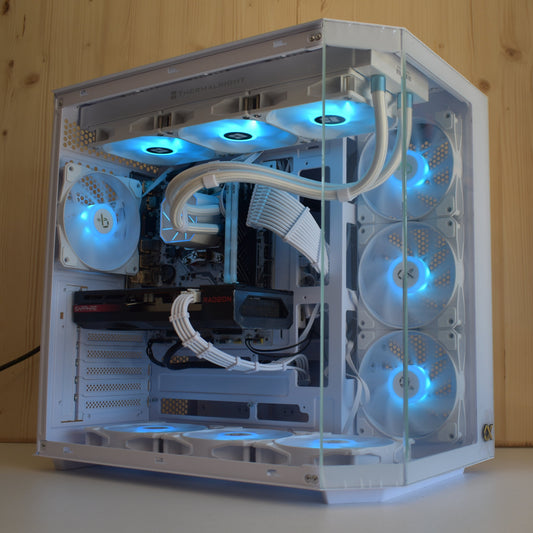
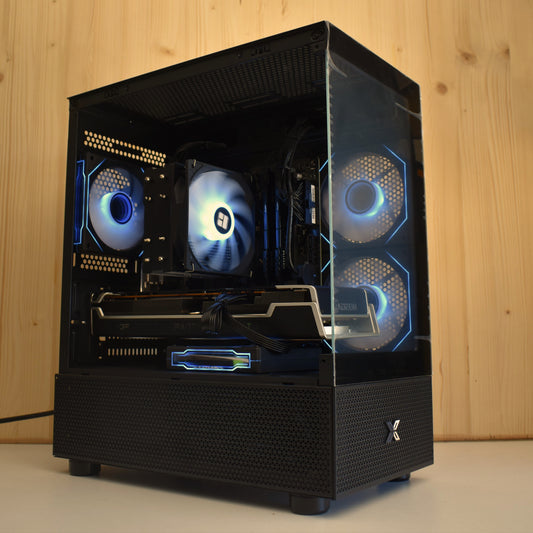
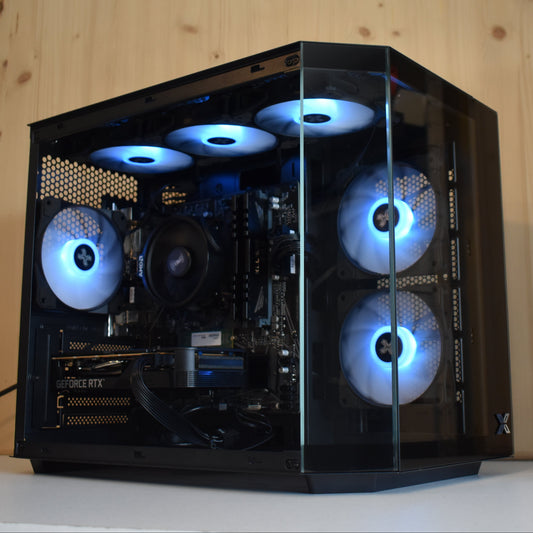
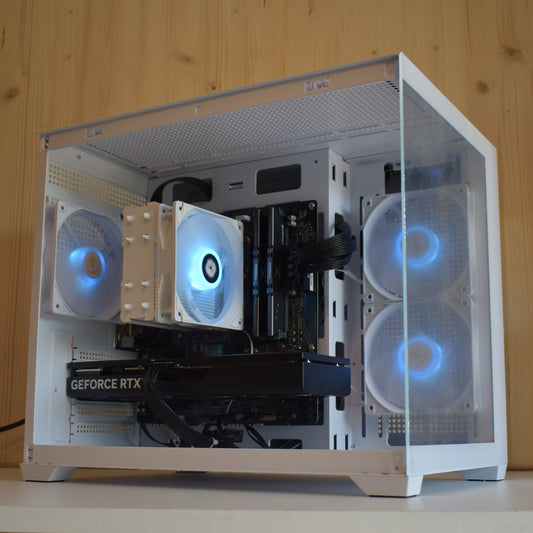
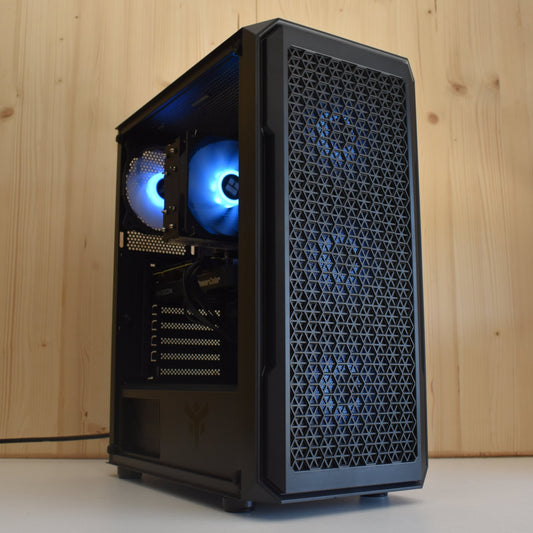
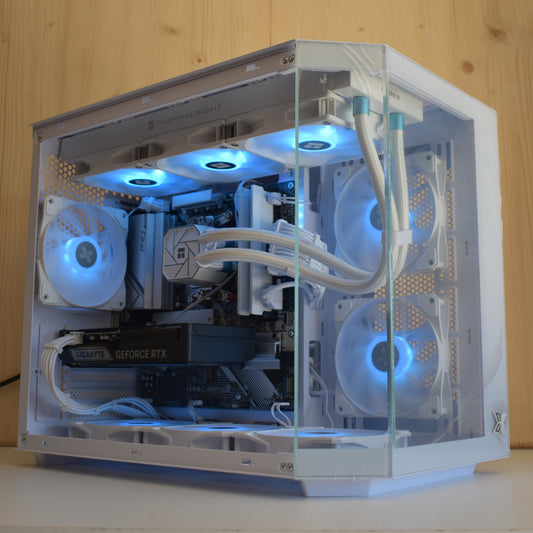
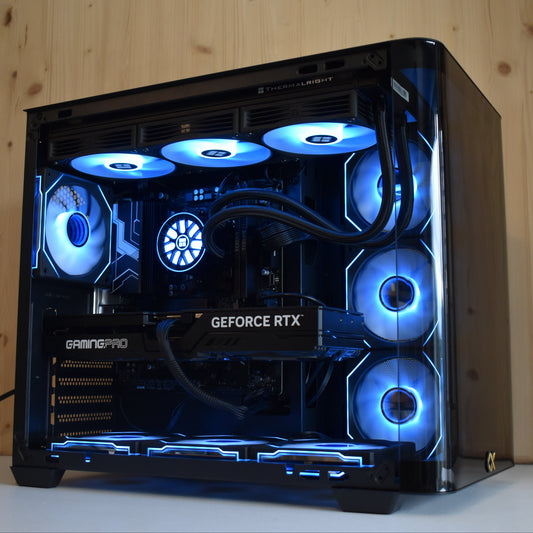
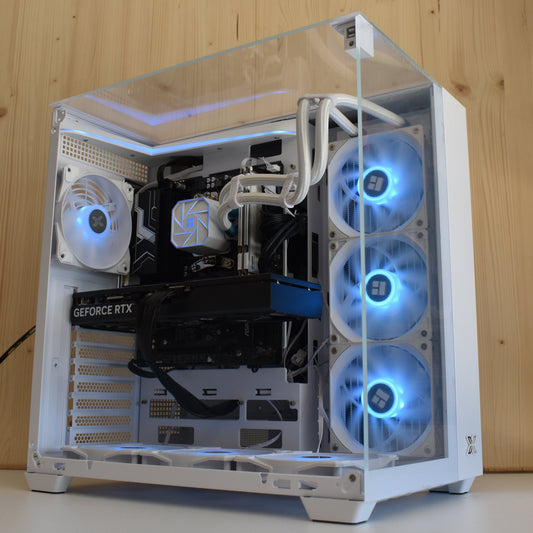
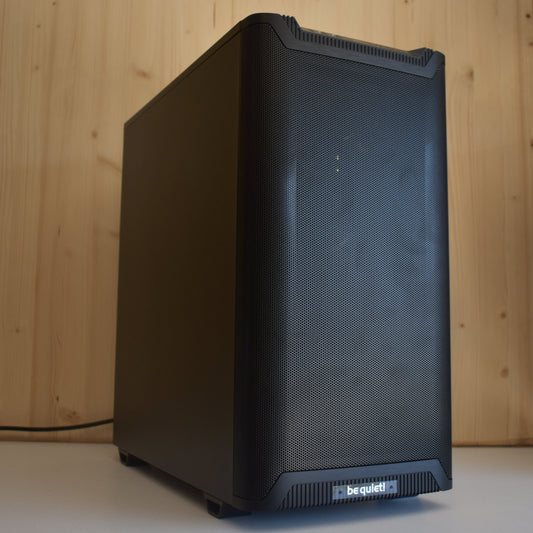
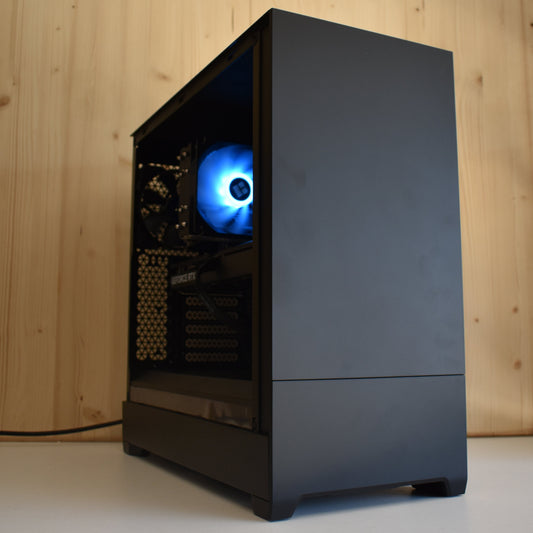
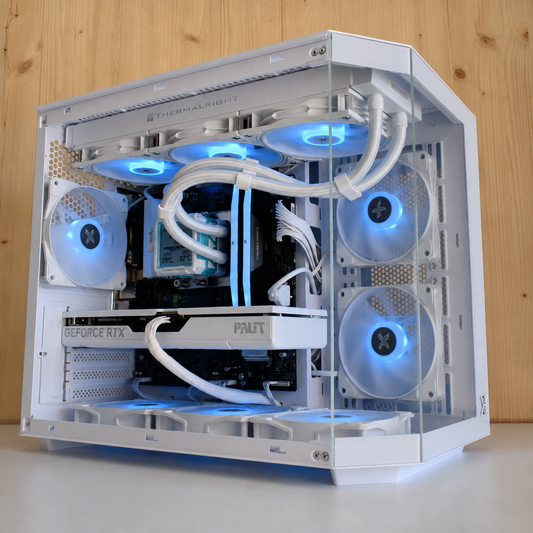
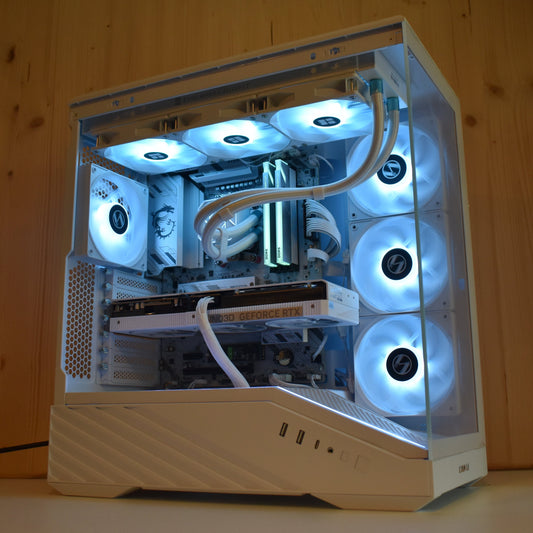
For transcription alone, an 8 GB card is more than enough. If you also want to run a local LLM to summarize and analyze, aim for 16 GB or more. Here are our adapted stations, assembled in Auriol (13390) and delivered throughout the EU.
In brief
Is Whisper free?
Yes, open source under Apache 2.0 license. You only pay for the hardware, once.
How accurate is it compared to online services?
large-v3 rivals the best commercial services, in nearly 99 languages.
Do I need a powerful machine?
No. 8 GB of VRAM is sufficient for transcription. Aim for 16 GB only if you add a local LLM for summarizing.
Can I transcribe video?
Yes. The audio is extracted from the video (via ffmpeg), then transcribed. Ideal for subtitling videos.
Do my files remain private?
Yes, completely. Locally, no recording leaves your machine.