Local AI: which PC for Swiss AI?
Updated: November 2026
Local AI: which PC for Swiss AI?
A 16 GB card for the 8B, 64 to 96 GB for the 70B.
Apertus 1.5, the Swiss open language model, is available in 8B and 70B parameter versions. The 8B requires approximately 10.5 GB of GPU memory in 4-bit mode: a 16 GB card is sufficient. The 70B requires about 52 GB: you will need two RTX 5090 (64 GB) or one RTX PRO 6000 (96 GB). These are our estimates for a 32,768 token context.
Apertus has a unique selling point for businesses in French-speaking Switzerland and France: it is an open model, developed in Switzerland, that you can run on your own premises. Here is what you need to do so: the calculated memory for each version, the suitable hardware, the software currently used to run it, its published scores, and its licensing terms. We have not yet benchmarked Apertus on our machines: no speeds are reported here.
What is Apertus?
Apertus is the large language model from the Swiss AI Initiative, developed by EPFL, ETH Zurich, and the CSCS, the Swiss National Supercomputing Centre. Its defining feature is its open nature: everything is accessible, including the model weights, training data, and full recipes. The project states that it respected opt-out requests from rights holders regarding training data, even after the fact when possible.
Version 1.5 was released on Hugging Face on July 24, 2026, in 8 and 70 billion parameters. It is the most recent version to date. It builds upon the Apertus 1.0 architecture, which underwent longer training, and introduces three key improvements.
| Apertus 1.0 | Apertus 1.5 | |
|---|---|---|
| Input types | Text | Text, images, and audio |
| Output types | Text | Text (no images or audio) |
| Reasoning mode | No | Yes, disabled by default |
| Maximum context | 65,536 tokens | 262,144 tokens |
| Sizes | 8B and 70B | 8B and 70B |
Based on the Apertus 1.5 spec sheet and the Apertus 1.0 configuration file on Hugging Face. Video is not directly supported; however, frames can be extracted from video files.
A token is a fragment of a word. Context refers to everything the model keeps in mind during a conversation: your questions, its responses, and the provided documents. For audio, the spec sheet provides a precise benchmark: 40 tokens per second. Therefore, one hour of recording occupies 144,000 tokens, which is more than half of the maximum context.
How much GPU memory is required for Apertus?
Approximately 10.5 GB for the 8B and 52 GB for the 70B, in 4-bit mode with a 32,768 token context. Memory requirements depend on two factors: weight precision (4, 8, or 16 bits) and context length. While weights are fixed, the context cache grows as the text expands.
| Weight Precision | Apertus 1.5 8B | Apertus 1.5 70B |
|---|---|---|
| Q4 (4 bits) | 10.5 GB | 52 GB |
| Q8 (8 bits) | 14 GB | 83 GB |
| FP16 (16 bits, original precision) | 22 GB | 146 GB |
With a long context, the cache quickly becomes the dominant factor, especially on the 70B: each token occupies 320 KiB, compared to 128 KiB on the 8B.
| Version and Precision | 32,768 tokens | 131,072 tokens | 262,144 tokens |
|---|---|---|---|
| 8B in Q4 | 10.5 GB | 22.5 GB | 38.5 GB |
| 8B in Q8 | 14 GB | 26 GB | 42 GB |
| 8B in FP16 | 22 GB | 34 GB | 50 GB |
| 70B in Q4 | 52 GB | 82 GB | 122 GB |
| 70B in Q8 | 83 GB | 113 GB | 153 GB |
| 70B in FP16 | 146 GB | 176 GB | 216 GB |
Radiance Systems estimates, not measured on our machines. Q4 = Q4_K_M, Q8 = Q8_0, 16-bit cache, single conversation, 1.5 GB operating margin. Size counted in official repositories: 72.0 billion values for the 70B and 8.9 billion for the 8B, including image and audio readers. Cache calculated based on the Apertus 1.0 architecture (80 layers and 8 shared attention heads for the 70B, 32 layers for the 8B), which the datasheet lists as unchanged. A graphics card is counted at 95% of its memory.
Which PC for Apertus 8B?
A 16 GB graphics card is sufficient. Our CoreIA RTX 5060 Ti runs Apertus 1.5 8B in 4-bit mode with a context of approximately 71,000 tokens, or in 8-bit mode with about 40,000 tokens. This is enough for a writing assistant, translation, or summarizing recorded meetings of a few minutes.
To utilize the full context or maintain original precision, aim for 32 GB. On a CoreIA RTX 5090, the 8B model supports approximately 195,000 tokens in 4-bit, and 100,000 in 16-bit. The CoreIA GB10, with 128 GB of shared memory, handles 262,144 tokens regardless of precision.
Which PC for Apertus 70B?
You need at least 64 GB of GPU memory. Two RTX 5090s run the 70B in 4-bit with an average context. An RTX PRO 6000, with 96 GB on a single card, enables a long context in 4-bit or 8-bit precision. To achieve original precision, two RTX PRO 6000s are required.
| Machine | GPU Memory | Price excl. VAT | With Apertus 1.5 70B |
|---|---|---|---|
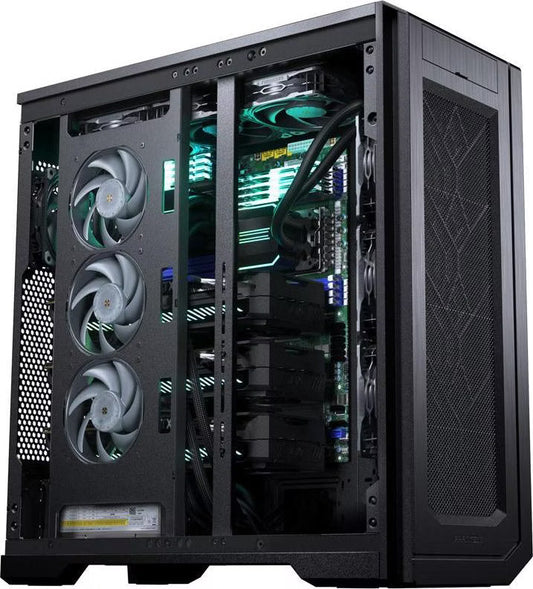
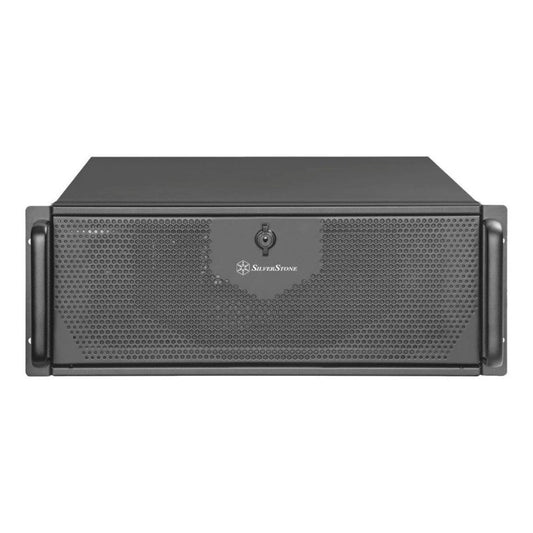
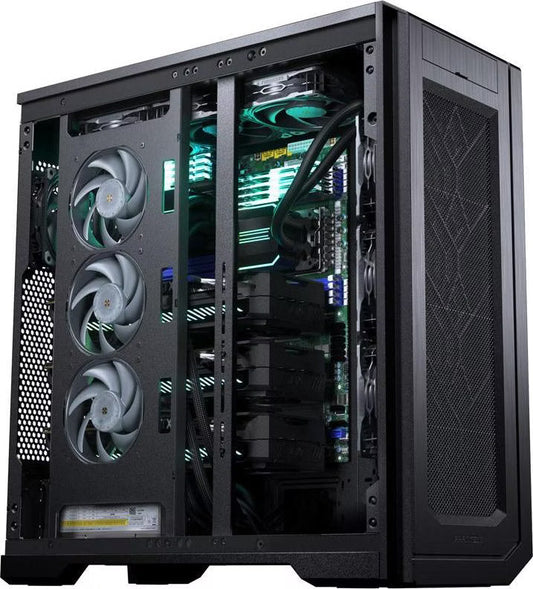
| CoreIA 2x RTX 5090 | 64 GB | live price | 4-bit, up to approximately 60,000 tokens |
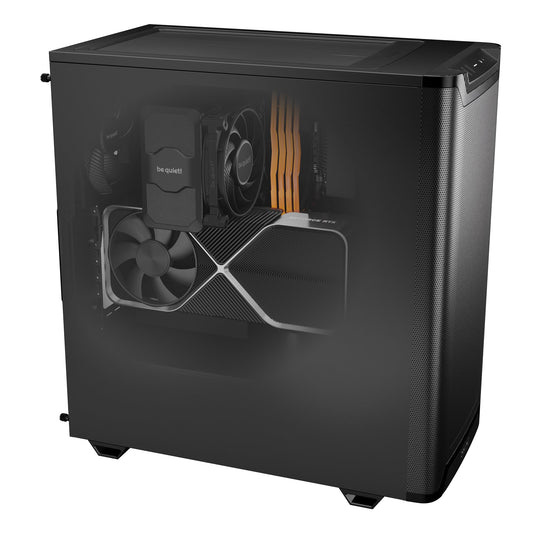
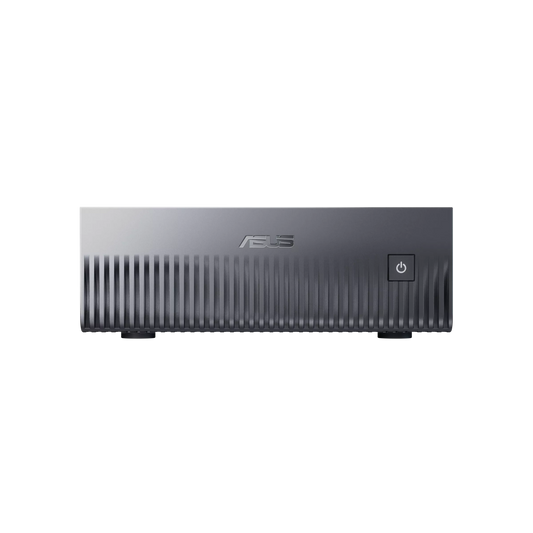
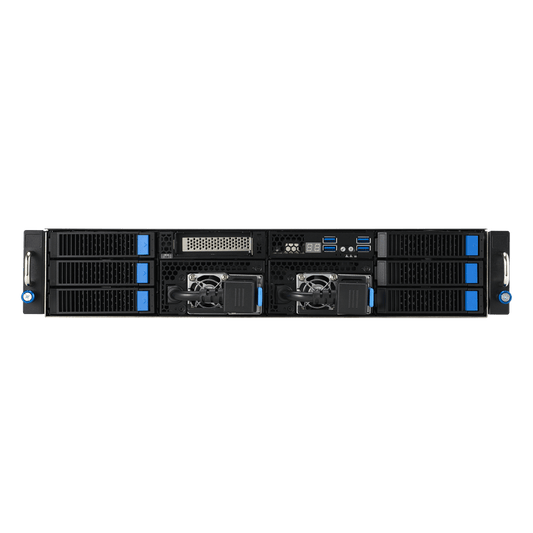
| CoreIA GB10 (ASUS Ascent GX10) | 128 GB shared memory | live price | 4-bit with almost the full context, or 8-bit up to approximately 160,000 tokens. Memory is slower than a graphics card |
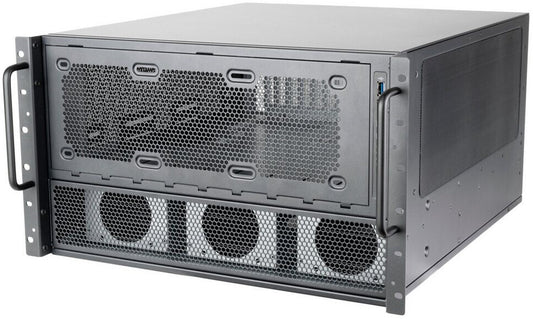
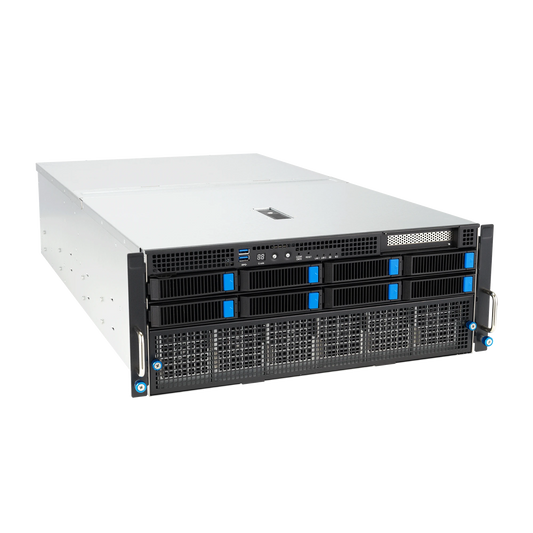
| CoreIA RTX PRO 6000 | 96 GB | live price | 4-bit up to approximately 160,000 tokens, or 8-bit up to approximately 60,000, on a single card |
| CoreIA 2x RTX PRO 6000 | 192 GB | live price | 8-bit with 262,144 tokens, or 16-bit up to approximately 150,000 tokens. For a team |
Base configuration prices, live on the product pages. Contexts calculated as above: these are estimates. Each machine can be customized on its specific page.
A helpful tip: the 4-bit version that retains images and audio (NVFP4 format, released by the community) is 51.5 GB, which is larger than the GGUF text-only version. On two RTX 5090 cards, this leaves room for approximately 37,000 tokens, according to our calculations. If you plan to provide long recordings to Apertus, the CoreIA RTX PRO 6000 offers more headroom. Splitting a model across two cards works well: we explain how to do this in our multi-GPU guide.

View the CoreIA 2x RTX 5090

View the CoreIA RTX PRO 6000

View the CoreIA GB10
Which software is required to run Apertus 1.5?
Officially, vLLM and Transformers are required, using versions modified by the Apertus team. Support is not yet integrated into the public versions of these two software packages. The team provides a ready-to-use Docker image optimized for NVIDIA graphics cards, available in x86 and ARM versions, which also covers the GB10. They provide the specific commands for each size, with or without reasoning mode.
The specifications do not mention Ollama or LM Studio. The community has released other unofficial versions that we have not tested.
| Version | 8B Size | 70B Size | Images and audio |
|---|---|---|---|
| BF16 (official, Swiss AI) | 18.4 GB | 144.6 GB | Yes |
| FP8 (community, onprem-ai) | 11.4 GB | 76.2 GB | Yes |
| NVFP4 (community, onprem-ai) | 9.0 GB | 51.5 GB | Yes, recent NVIDIA cards |
| GGUF Q4_K_M (community, llama.cpp) | 5.1 GB | 43.7 GB | No, text only |
Sizes recorded on Hugging Face are in billions of bytes, which may cause slight discrepancies with our memory table. The GGUF versions of the 70B are presented by their author as test versions requiring mandatory launch settings.
Reflection mode can be configured at startup or for each individual request. Keep in mind two key points: reflection consumes context, sometimes several times the length of the visible response, and tool calling is not supported in this mode. Therefore, for an agent controlling your software, we launch Apertus without reflection.
How does Apertus perform according to its published scores?
The team reports performance levels comparable to other models of the same size, with a full technical report to follow. The repositories currently publish a few scores, listed below.
| Test (scores published by Swiss AI) | Apertus 1.5 8B | Apertus 1.5 70B |
|---|---|---|
| MMLU-Pro (general knowledge) | 48.8 | 56.4 |
| GPQA (scientific reasoning) | 27.2 | 35.9 |
| GSM8K (math problems) | 78.5 | 85.0 |
| IFBench (instruction following), without reflection | 40.0 | 30.0 |
| IFBench, with reflection | 47.0 | 36.7 |
| LEXam-hard (legal questions, in German and English) | not published | 24.4 |
Scores out of 100, uploaded to Hugging Face by Swiss AI with their own settings, and marked as unverified by Hugging Face: these represent an order of magnitude, not an independent ranking. This sheet does not compare Apertus to Qwen3.8-27B or Gemma 4 12B, and the tests differ from those on their respective pages: no numerical comparison is possible.
Two notes. Regarding instruction following, the 8B model achieves a higher score than the 70B, and reasoning helps both. Furthermore, these figures do not measure what makes Apertus unique: the transparency of its training and the vast number of languages supported, over 1,000 according to the project website. Before choosing, test it on your own documents.
Can Apertus be used in a business environment?
Yes. Apertus 1.5 is under the Apache 2.0 license, which allows for commercial use, modification, and fine-tuning on your data. However, access to the weights requires accepting an acceptable use policy in addition to the license.
Access via registration
To download the official weights on Hugging Face, you must accept the Apache 2.0 license and the acceptable use policy (AUP), and provide your email address and username to the team.
What the usage policy requires
You indemnify ETH Zurich and EPFL against any third-party claims resulting from your use of the model. If you redistribute the model, you must pass on this policy and obtain express acceptance from the recipient, who must then commit to doing the same.
Personal data: your responsibility
The model may contain or generate information about individuals. You process such data under your own responsibility. The team recommends updating the weights every six months and provides an output filter that accounts for any deletion requests received.
Summary of the license and usage policy published with the model, which are the only governing documents. This is not legal advice. Apertus also publishes the documentation required by the European AI Act: see our article AI Act et PME.
Why run Apertus locally?
To ensure your data stays with you. A model installed on a machine in your premises provides answers without sending anything to an online service. In Switzerland, the new Federal Act on Data Protection (nLPD) has been in effect since September 1, 2023; in France, the GDPR applies. While local AI does not exempt you from your own analysis, it eliminates the issue of sending data to a third-party provider.
Choosing Apertus offers an additional advantage: it is a Swiss-made model with transparent training data. For a fiduciary, a research firm, or a public administration, this is much easier to justify than a model with secret training origins.
Delivery to Switzerland: price, VAT, and customs
We deliver our machines to Switzerland. Prices on the website are in euros and exclude French VAT for Swiss orders. Swiss VAT (standard rate of 8.1%) and import fees are paid by the customer upon delivery. Since January 1, 2024, Switzerland no longer levies customs duties on industrial products, which includes computers. If your company is subject to Swiss VAT, please consult your fiduciary on how to reclaim it.
As in France, your machine is prepared within a maximum of 15 working days, often sooner, followed by shipping. It comes with a 2-year warranty, with possible extensions, and shipping is included for the duration of the warranty. VAT, customs, and nLPD: you can find all the details in our article IA locale en Suisse.
Apertus at your site, on the right machine
Tell us what you want to achieve with Apertus and for how many users. We will provide the machine and its specific configuration. Free, no-obligation quote, with a response within 24 hours.
FAQ
How much GPU memory is required for Apertus?
For Apertus 1.5 8B: approximately 10.5 GB in 4-bit, 14 GB in 8-bit, and 22 GB in 16-bit. For the 70B: approximately 52, 83, and 146 GB. These figures apply to a context of 32,768 tokens. These are Radiance Systems estimates, not exact measurements.
Is a 16 GB graphics card enough for Apertus?
For the 8B, yes: in 4-bit with approximately 71,000 context tokens, or in 8-bit with approximately 40,000. For the 70B, no: at least 64 GB of GPU memory is required.
Which machine for Apertus 70B?
The CoreIA 2x RTX 5090 (64 GB) runs it in 4-bit mode with approximately 60,000 tokens. The CoreIA RTX PRO 6000 (96 GB) supports about 160,000 tokens in 4-bit on a single card. To maintain original precision, you will need the CoreIA 2x RTX PRO 6000.
Can Apertus be run with Ollama or LM Studio?
The official documentation does not mention them: it recommends modified versions of vLLM and Transformers, using a Docker image. The community has released text-only GGUF versions for llama.cpp, without images or audio, which we have not tested.
Can Apertus be used in a corporate environment?
Yes. The Apache 2.0 license allows for commercial use. To download the weights, you must also accept a usage policy: you guarantee ETH Zurich and EPFL against third-party claims, and if you redistribute the model, you must ensure your users accept this as well.
Do you deliver to Switzerland?
Yes. Prices on the website are in euros and exclude French VAT for Swiss orders. Swiss VAT (8.1%) and import fees are paid by the customer upon delivery. Since January 1, 2024, there are no longer any customs duties on industrial products.
What speed can be expected?
We have not measured Apertus on our machines and therefore do not provide specific speed figures. Performance depends on the graphics card, the chosen precision, the engine, and the length of the reflection.
Sources
- Swiss AI, Apertus 1.5 70B card on Hugging Face and Apertus 1.5 8B card
- Apache 2.0 License released with the model
- Apertus 1.5 Acceptable Use Policy and public summary for the European AI Act
- Apertus 1.0 70B configuration (architecture)
- Apertus 1.5 technical report on arXiv
- Apertus project website and its documentation
- FP8 version, NVFP4 version and GGUF text-only version released by the community
- Federal Office for Customs and Border Security, removal of industrial customs duties
- Federal Office for Customs and Border Security, VAT on imported goods
- Confederation SME Portal, new data protection law
Statement from November 6, 2026: memory and context figures are estimates provided by Radiance Systems.