Local AI for lawyers: contract and case law analysis without the cloud

8:30 a.m., an ordinary Tuesday in a law firm. The commercial litigation partner arrives with a 47-page contract under her arm that a client signed the day before without proofreading. The flaw must be found before noon. Here is how the morning unfolds, with AI installed in the firm.
Nothing from this morning — neither the contract, nor the question, nor the indexed case law — left the firm's machine. No American server, no cloud provider, no hypothetical trusted third party. An AI that the partner fully controls, on a computer she owns.
Pasting a client contract into ChatGPT means transmitting it to a third party. Professional secrecy is not a clause to be negotiated with OpenAI.
What professional secrecy requires

A reminder of the framework
Article 66-5 of the law of December 31, 1971 states that consultations, correspondence, and documents in a lawyer's files are covered by professional secrecy. The National Internal Rules (RIN) confirms this and extends it to processing methods.
This means very concretely: the content of a client contract, a pleading note, or a document in a file cannot be transmitted to a third party without precise safeguards. An online AI service, most often located outside Europe, whose general terms do not provide anything specific for the legal profession, is a third party. The fact that "the API says it does not store" does not change the nature of the transmission.
This is why local AI is not just a convenient option for a lawyer: it is the natural extension of the very principle of secrecy. The data remains in the firm. It is entrusted to no one.
The National Bar Council has also repeatedly warned about the use of generative AI tools in law firms, without ever banning the tool itself — but by reminding that the handling of client data remains subject to the same rules as everything else. GDPR compliance is added to this, without replacing it.
Some bar associations have even specified, in local recommendations, that a generative AI service accessible online should not be fed with identifying data of clients or files. Local AI meets this requirement at its core: no identifying data, or even non-identifying data, crosses the firm's door.
Three uses that save half a day a week

A law firm accumulates thousands of pages: contracts, deeds, decisions, and internal notes. Local AI makes this entire volume searchable.
The timeline above was just one example. Here are three other scenarios where local AI makes a tangible difference for your firm.
Summarizing a bulky case file
Twenty documents, eight opposing conclusions, and three expert reports. A new associate needs to get up to speed in a single day. Local AI assists them by producing a factual timeline, identifying points of contention, and extracting the demands of each party. The associate starts with a concise summary and a case map, allowing them to spend their day strategizing rather than just reading.
The benefit is not just about saving time. It is also about the certainty that no key element will be overlooked. An AI reads everything without fatigue and highlights the critical points. The human then makes the final judgment.
Searching the firm's case law database
A firm accumulates thousands of landmark decisions, internal notes, and doctrine memos. Querying all of this in natural language, without relying on an external engine that sees every sensitive request, is the most subtle yet useful benefit of local AI. This is known as RAG, for Retrieval-Augmented Generation. In practice, you upload your documents, they are indexed once, and you can then query them in plain French.
"Have we ever argued a three-year non-compete clause in Belgian labor law?" In a few seconds, the AI finds the internal note written four years ago, the cited decision, and a reminder of the arguments used at the time. Firm knowledge that, without indexing, would have been buried in a Windows directory.

Your documents indexed locally, searchable from any computer in the firm — without ever leaving your network.
Assisted drafting of recurring documents
Summons, boilerplate conclusions, demand letters. The AI reproduces a style, reuses approved passages, and proposes variants. The lawyer keeps control over every word, but the first draft arrives in a few minutes instead of an hour. We can go further with a custom AI automation: your document templates and files directly feed the first draft, without copy-pasting.
Important point: local AI can be trained by example, without technical fine-tuning, simply by giving it access to a folder of templates approved by the firm. It then imitates the firm's style, without these templates ever being shared.
Local AI does not replace the lawyer. It frees the lawyer from mechanical reading, so they can devote their time to analysis and advice.
What the machine must be able to do
The right configuration for a firm
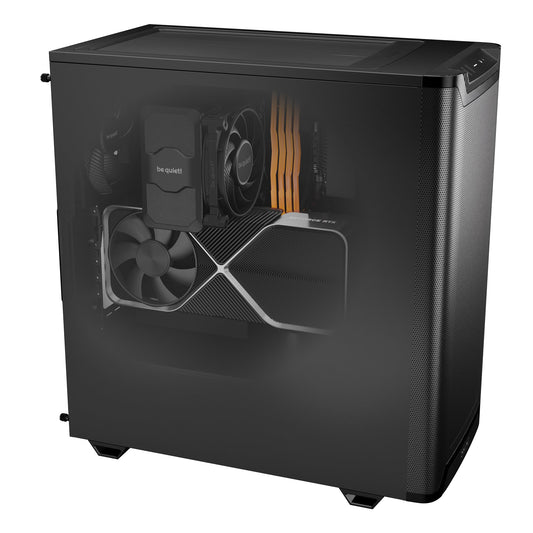
A serious language model, capable of reasoning about long and complex legal texts, requires about 16 GB of video memory. This is the range of our CoreIA RTX 5060 Ti (from €2,068), sized for individual use — one partner, one associate — with light document RAG.
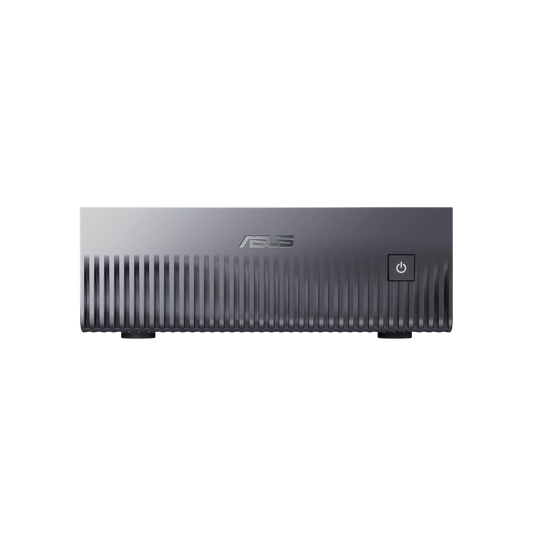
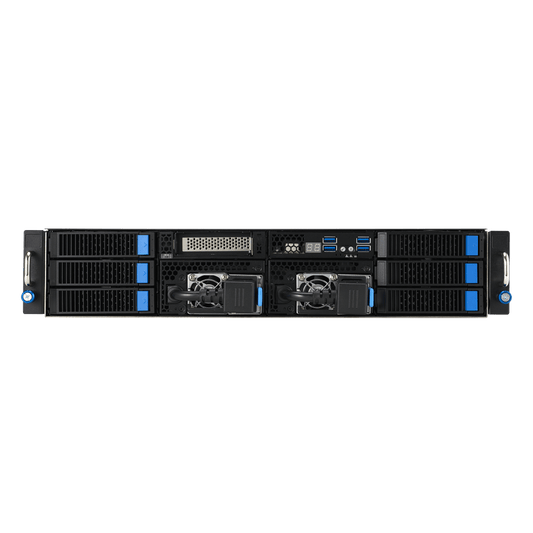
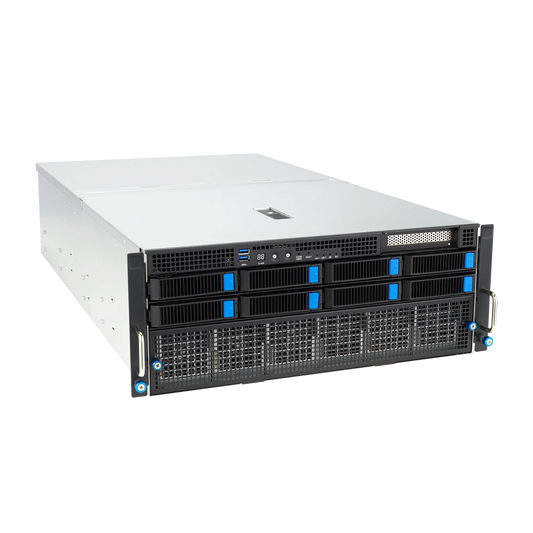
For a firm that intensively queries a case law database, or to share the AI with an entire team via the firm's network, we move to the CoreIA GB10 (from €6,999): 128 GB of unified memory, silent, compact, designed to stay on continuously at the firm.
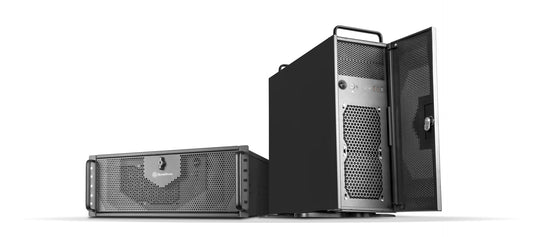
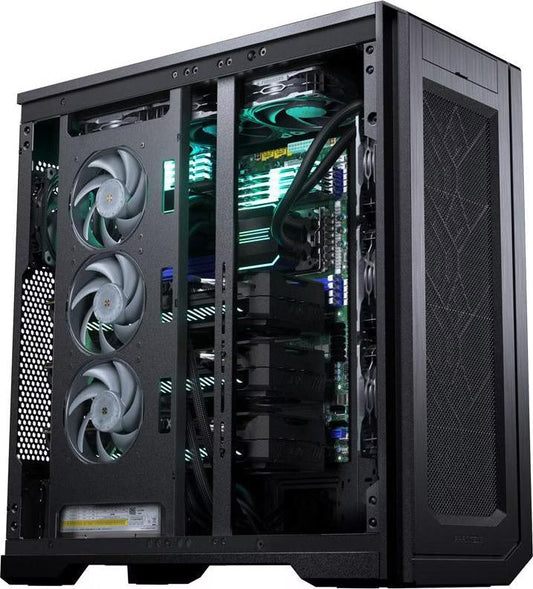
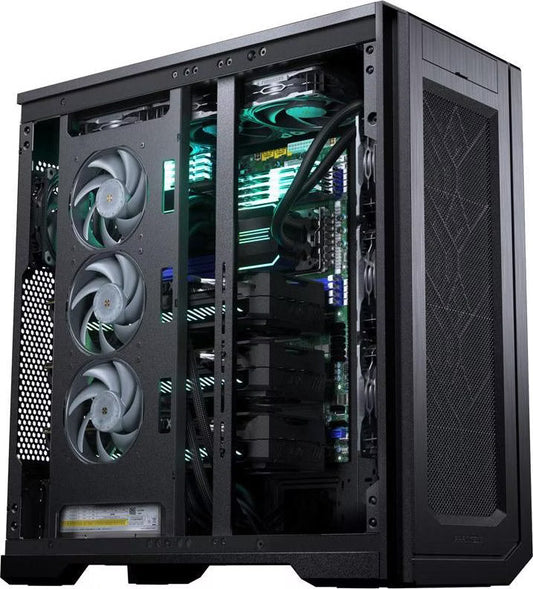
For larger firms or the most demanding analysis needs — long decisions, international case law, multi-jurisdictional comparisons — the CoreIA RTX 5090 with RTX 5090 (from €10,291) runs 30-billion-parameter models in 8 bits for high quality locally.
All these machines are hand-assembled in Auriol (13390), Provence, except for the GB10 assembled by ASUS. They can be fully customized using our online configurator or via a custom quote (contact@radiancesystems.eu). We deliver them with a ready-to-use environment: a browser-based chat interface, pre-downloaded models, and, upon request, the indexing of your own documents (standard contracts, case law, internal doctrine) for immediate use. On-site installation is available throughout France and Europe, including training for your firm's team to get started.
The three flagship configurations
 CoreIA RTX 5060 TiA lawyer, a role. 14B models, lightweight RAG for your contracts. 2 068 €
  CoreIA GB10 (ASUS Ascent GX10)The firm's shared server, featuring 128 GB of unified memory for the entire team. 6 999 € CoreIA RTX 509030B models in 8-bit for nuanced analysis, tailored for demanding firms. 10 291 €
Three things every lawyer should know
Getting Started: Some Practical Tips
- Start with your most frequent uses. File summary, recurring drafting, or searching a database — no need to do everything at once. One well-integrated use is worth ten superficial uses.
- First index your internal templates. Standard contracts, landmark conclusions, doctrinal notes: these are the documents that will make the AI most useful to the firm's style.
- Train the entire team, not just the partners. Associates and assistants are often those who gain the most time on repetitive tasks.
- Keep human validation as an absolute rule. No note, no document, no advice leaves the firm without being proofread by a lawyer. This is the line that distinguishes a tool from an autopilot.
- Keep your GDPR register up to date. Local AI considerably simplifies compliance — no subcontractor to contract with — but the processing of personal data remains subject to the register.
Radiance Systems supports law firms from the selection of the configuration to the training in getting started. Upon request, an on-site installation is possible anywhere in France and Europe, with technical support in French, English, and Dutch, within 3 business hours. Contact: contact@radiancesystems.eu. Before writing to us, you can identify the local AI workstation that corresponds to the size of your firm.