Home AI Workstation 2026: The complete guide to building your home AI workstation
Want to build a home AI workstation in 2026? You're in the right place. Open-source models have reached frontier performance, tools like Ollama and Open WebUI have become accessible to any tech user, and consumer hardware (RTX 5060 Ti 16 GB, RTX 5090, GB10 mini-servers) allows you to run Llama 4, Qwen 3.5, and DeepSeek V4 directly from your home office.
This guide details the configurations, budgets, and hardware choices for a personal or freelance home AI workstation, without the cloud, without a subscription, and with a fast return on investment.
Why build a home AI workstation in 2026?
Immediate cost-effectiveness vs. the cloud
An RTX 5090 workstation pays for the equivalent A100 / H100 cloud in just a few hundred hours of use. The workstation pays for itself even faster with intensive use, then runs at no cost for 3 to 5 years.
Your data stays at home
Confidential business ideas, freelance client data, personal R&D projects, proprietary code: everything stays on your machine. No risk of leaks, no hidden usage policies, no monitoring by a cloud provider.
Zero latency, 24/7 availability
No queues, no quotas, no midnight GPU cutoffs. Your workstation is always ready. Start fine-tuning at 2 a.m., and it will run uninterrupted until morning.
Complete freedom to experiment
No usage limits, no prompt censorship, root access, and free choice of frameworks (PyTorch, TensorFlow, vLLM, llama.cpp, ComfyUI...). Test whatever you want without asking for permission.
Versatility: not just for AI
A modern AI workstation also runs the latest AAA games in 4K, 8K video editing, Blender 3D rendering, and OBS streaming: the RTX 5090 32 GB GDDR7 is also the best gaming GPU of 2026.
Offline: works without the internet
ADSL outage, travel, or working remotely in an area with poor coverage: your AI remains operational. True digital autonomy.
Home AI workstation vs. cloud: the real economic comparison
| Criterion | Cloud GPU (AWS/Azure) | Home AI workstation |
|---|---|---|
| A100 / H100 hourly cost | ~€32/hr continuous (~€23,000/month) | €0 after depreciation |
| Initial investment | €0 | €2,068 to €10,291 |
| Break-even point | Not applicable | Depending on usage |
| Data privacy | Data with a provider | 100% local |
| GPU latency | Variable (~5-50 ms) | Zero (direct PCIe) |
| GPU availability | Depending on instance stock | 100% at all times |
| Quotas / limits | Yes (rate limiting, tokens) | None |
| Over 3 years (moderate use) | €15,000–€60,000 | €2,068 to €10,291 + electricity |
The critical factor: VRAM
To run an LLM locally, the number one criterion is video memory (VRAM). Inference is limited by memory bandwidth: the GPU spends most of its time loading model weights, not computing.
| VRAM | Compatible Models (Q4) | Usage Type | GPU Type |
|---|---|---|---|
| 8 GB | 7-9B (Llama 3.1 8B, Qwen3 8B) | Discovery, personal chatbot | RTX 5060 8 GB |
| 12 GB | 12-14B (Qwen3 14B, short context) | Regular use, experimentation | RTX 5070 12 GB |
| 16 GB ⭐ Sweet spot 2026 | 14B dense (Qwen 3.5 14B, Phi-4) | Pro workstation / freelance | RTX 5060 Ti / 5070 Ti 16 GB |
| 24 GB | 26-32B (Gemma 4, Qwen 3.5 32B) | Advanced models, code | RTX 4090 24 GB (used) |
| 32 GB | 32B with long context (70B only in Q2/Q3) | Serious fine-tuning, GPT-4 quality | RTX 5090 32 GB |
| 48 GB | 70B in Q4 with comfortable context | Research, multi-model | NVIDIA GB10 (Ascent GX10) |
| 128 GB unified | Up to 200 billion parameters in 4 bits (gpt-oss-120b, Llama 4 Scout) | Mini supercomputer format | NVIDIA GB10 (Ascent GX10) |
| 64-192 GB (multi-GPU) | 70B in 8 bits, MoE up to ~235B in Q4 (192 GB) | Pro / home mini-lab | 2× RTX 5090 or 2× RTX PRO 6000 |
Components of a good home AI workstation in 2026
GPU: the most important component
The GPU accounts for 50% to 70% of a home AI workstation's budget and directly determines the size of the models you can run. In 2026, the RTX 5090 32 GB is the absolute benchmark for consumers: 1,792 GB/s of memory bandwidth, GDDR7, Blackwell. For tight budgets, the RTX 5060 Ti 16 GB offers the best value for money: 16 GB is enough for 14B models in Q4_K_M.
CPU: less critical but essential
For pure GPU inference, any modern CPU is sufficient. For fine-tuning, RAG, or multi-stage pipelines: an AMD Ryzen 7 7800X3D, Ryzen 9 9900X, or Ryzen 9 9950X3D is ideal. For multi-GPU setups and home HPC, Threadripper PRO becomes relevant (up to 96 cores and 2 TB of ECC RAM).
System RAM: at least 32 GB DDR5
The bare minimum in 2026 is 32 GB DDR5. With 64 GB, you gain comfort (RAG on large databases, multi-model, inference batches). For serious research workloads or intensive fine-tuning, 128 GB ECC DDR5 becomes the standard. Frequency also matters: DDR5-6000 offers 15–25% better CPU offloading performance compared to DDR4-3200.
SSD NVMe Gen 4: fast and abundant
A 14B model weighs 8–9 GB, a 70B weighs 40 GB, and a complete collection quickly reaches 200 GB+. Allow for at least 1 TB NVMe Gen 4, 2 TB for serious users, and 4 TB for fine-tuning datasets.
Power supply: oversized and reliable
An RTX 5090 consumes up to 575 W at peak. With a Ryzen 9 and the rest of the system, allow for at least 1,000 W 80+ Gold for a single GPU, and 2,000 W Platinum for dual-GPU setups. Avoid budget power supplies: Seasonic, Corsair, and MSI remain the safe choices.
Cooling: silent and stable 24/7
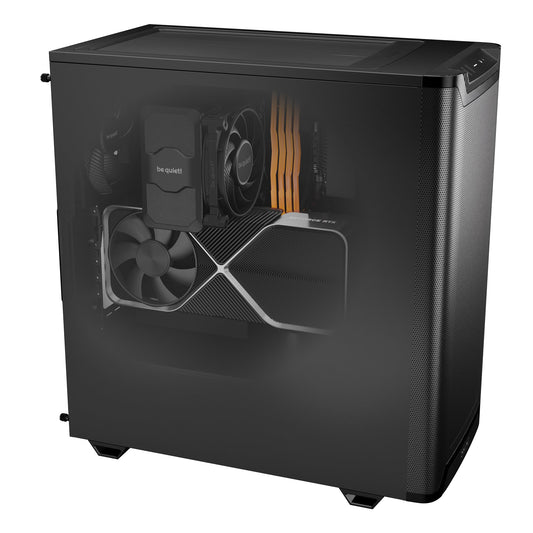
AI workloads often run under continuous load for hours. At least a 360mm AIO liquid cooler for high-performance CPUs. High-airflow cases (Fractal Design, be quiet!) to prevent thermal throttling.
Our Radiance AI workstations, assembled in Provence and delivered throughout the EU
Each Radiance workstation is hand-assembled in Auriol (13390), load-tested before shipping, and delivered ready to use. Ollama + Open WebUI pre-installed on request, models downloaded as you choose. Turn on your PC, and chat with your AI in less than 2 minutes. If your project goes beyond personal use, our range of AI machines also covers team needs.

CoreIA GB10 (ASUS Ascent GX10)
✅ gpt-oss-120b · Llama 4 Scout · Llama 3.3 70B in 8 bits
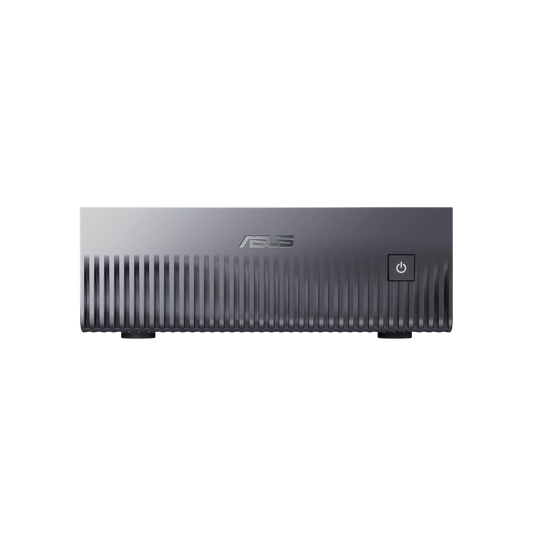
The most compact home AI workstation on the market: book format, silent, and only consumes a standard power outlet. 128 GB of unified memory allows you to load models that even an RTX 5090 (32 GB) cannot hold. GB10 architecture: CPU and GPU connected by NVLink-C2C and sharing the same memory.
Delivered ready to use · DGX OS · Native Ollama
Configure this server →
CoreIA RTX 5060 Ti AI workstation
✅ Qwen 3.5 14B · Phi-4 14B · 8B models with long context
Speed, order of magnitude: 40–70 tokens/second
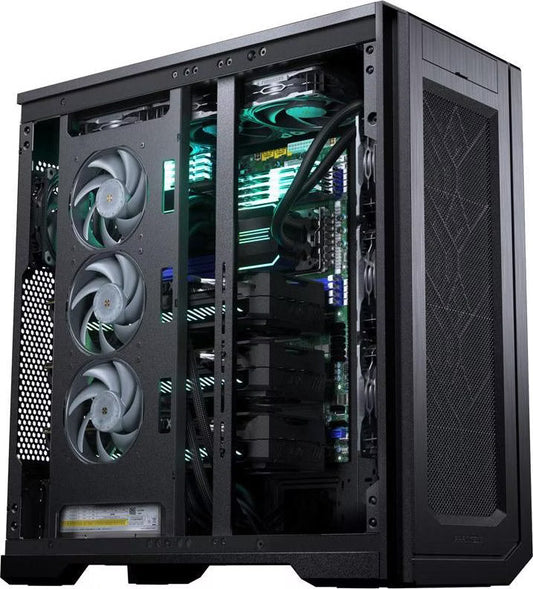
The ideal entry point for your first home AI workstation. 16 GB GDDR7, the 2026 sweet spot, for 14B models entirely on the GPU without overflow. Compact and silent tower for a home office. Scalable AM5 DDR5 platform (upgrade to Ryzen 9 possible later).
Customizable case, SSD · RAM can be upgraded to 32 GB in the configurator
Configure this workstation →
CoreIA Radeon AI PRO R9700 AI workstation
✅ Models up to 30 billion parameters in 8 bits · Qwen2.5-Coder 14B · Mistral Small 24B
AMD card (ROCm, no CUDA): very good for text and RAG
The versatile station for freelance developers and creators. 32 GB of VRAM, double the RTX 5060 Ti, for larger models. AMD card without CUDA: ComfyUI, fine-tuning, and some tools work less well, so choose the CoreIA RTX 5090 instead. Ryzen 9 9900X (12 cores) for RAG pipelines, n8n, and AI multitasking + intensive office work.
Ideal for AI developers and freelancers (text, RAG)
Configure this workstation →
CoreIA RTX 5090 AI workstation
✅ Models up to 32B at full speed · Qwen3 32B · Mistral Small 24B with long context
Also top for 4K gaming
The ultimate consumer AI workstation for 2026. Record-breaking memory bandwidth (1,792 GB/s) allows you to run models up to 32B entirely on the GPU at full speed. The Ryzen 9 9900X also excels in gaming and content creation: one machine, two premium uses.
LoRA fine-tuning capable · Native 4K gaming
Configure this workstation →
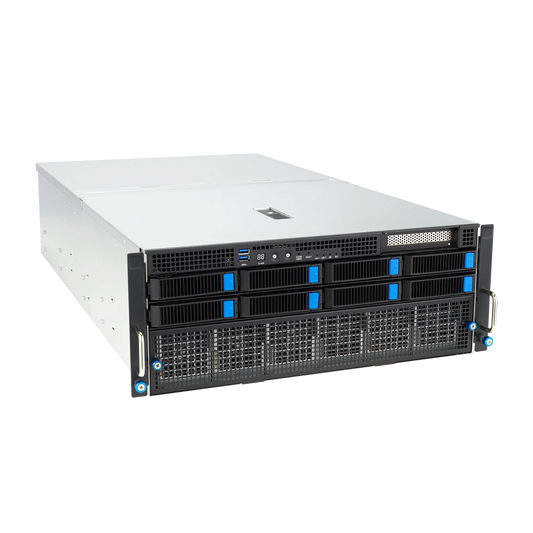
CoreIA 2x RTX 5090 (64 GB VRAM)
✅ Llama 3.3 70B in Q4 · QLoRA fine-tuning · Simultaneous multi-model execution
Your home AI mini-lab. With 64 GB of total VRAM, you can run multiple models simultaneously or a single 70B model in Q4. Perfect for independent researchers, experienced AI freelancers, or creators who need multi-model capabilities (simultaneous LLM + Stable Diffusion + TTS).
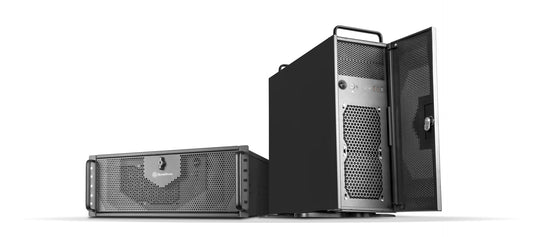
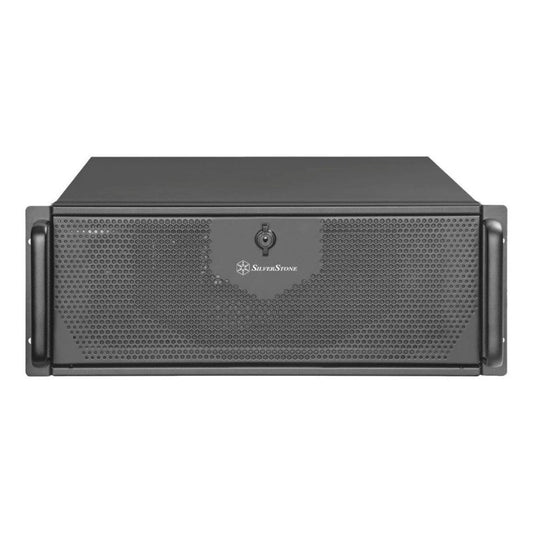
Custom build · 4U Rack · Serious fine-tuning
Configure this rack →
CoreIA Threadripper PRO 4 GPU
✅ All models · Serious fine-tuning · Distributed training · Home HPC
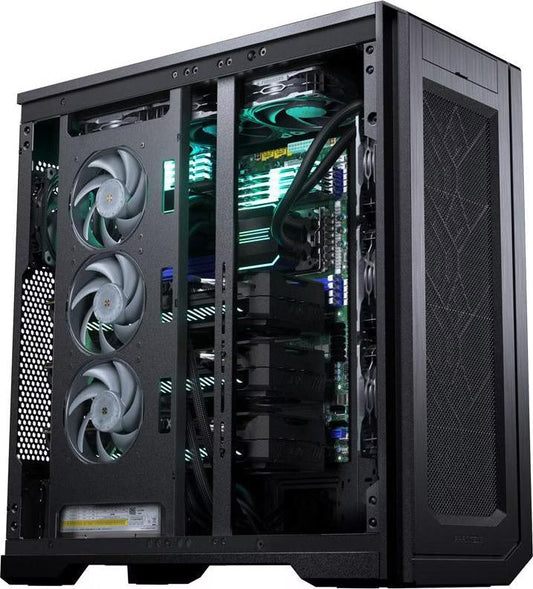
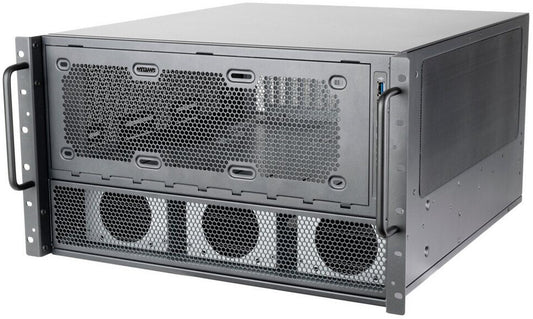
For advanced users seeking a true mini data center at home. Threadripper PRO sTR5 platform scalable up to 96 cores and 2 TB of ECC RAM. Ideal for independent researchers, AI agency creators, or highly advanced enthusiasts wanting a durable machine lasting 5+ years.
Bespoke · Custom quote · Installation available
Request a quote →Which home AI workstation suits your profile?
AI / Data Science Student
Learning frameworks (PyTorch, Hugging Face), experimenting with 7-14B models, course projects. The CoreIA RTX 5060 Ti (from €2,068) is sufficient for 95% of student needs.
Freelance Developer / AI Agency
Coding assistance (Qwen2.5-Coder 32B), client prototypes, quick demos. The CoreIA Radeon AI PRO R9700 (from €4,162) or the CoreIA RTX 5090 (from €10,291) depending on your level of activity.
Content Creator / Digital Artist
Stable Diffusion, Flux, ComfyUI, video generation (LTX-Video, Hunyuan), TTS. The RTX 5090 is unbeatable: CoreIA RTX 5090 (from €10,291). Bonus: also great for 4K/8K editing.
Independent Researcher / Advanced Enthusiast
Serious fine-tuning, experimenting with 70B+ models, reproducing papers. CoreIA 2x RTX 5090 (from €20,954) for 64 GB of VRAM, or the GB10 ASUS Ascent GX10 for models up to 200 billion parameters in 4 bits.
Freelancer / Consultant Handling Sensitive Data
Lawyer, accountant, doctor, consultant: your client data cannot go to ChatGPT. CoreIA RTX 5060 Ti or CoreIA Radeon AI PRO R9700 (from €2,068 and €4,162) + Open WebUI: a solution that makes GDPR compliance easier.
Gamer + AI Enthusiast
You want a machine that does it all: AAA 4K games, streaming, and local AI simultaneously. The CoreIA RTX 5090 (from €10,291) is the best consumer machine of 2026, all things considered.
Recommended Software Stack for a Home AI Workstation in 2026
- OS: Ubuntu 24.04 LTS (optimal for CUDA) or Windows 11 Pro + WSL2 (compromise for mixed use)
- Drivers / runtime: NVIDIA driver 570+, CUDA Toolkit 12.8+, cuDNN 9.x
- Containerization: Docker + NVIDIA Container Toolkit (isolated workloads)
- Local inference: Ollama (easy chatbot), vLLM 0.6+ (production API server), llama.cpp (CPU offload)
- Interface: Open WebUI (ChatGPT-like web front-end, native RAG)
- Image generation: ComfyUI + Flux / SD3.5 models
- ML Frameworks: PyTorch nightly (Blackwell support), Hugging Face Transformers, Diffusers
- Environments: Miniforge + mamba (isolated per project)
- Security: UFW + fail2ban + LUKS disk encryption + SSH key-only
Frequently Asked Questions: Home AI Workstation
What budget for a home AI workstation in 2026?
To get started seriously with 14B models (Qwen 3.5 14B, Phi-4), expect from €2,068 (CoreIA RTX 5060 Ti 16 GB) or €4,162 (CoreIA Radeon AI PRO R9700). For models up to 30 billion parameters in 8 bits and absolute versatility (AI + 4K gaming + creation), from €10,291 (CoreIA RTX 5090 32 GB). For a home mini-lab, from €20,954 (CoreIA 2x RTX 5090).
Should You Really Hire a Builder or Build It Yourself?
If you are very tech-savvy, building it yourself can save you 5-10%. But you lose the system warranty, integrated after-sales support, and testing time. A specialized builder like Radiance Systems delivers a machine tested under AI load for several hours before shipping, with Ollama and the models already installed upon request. For professional use or if your time is worth something, it's well worth it.
How Much Power Does a Home AI Workstation Consume?
A CoreIA RTX 5060 Ti consumes ~250 W under AI load (~€30/year for 2 hours/day at €0.20/kWh in France). A CoreIA RTX 5090 reaches ~700 W under load (~€80/year). The mini GB10 stays under 250 W despite its 128 GB of memory. Much cheaper than a GPU cloud subscription.
Does a Home AI Workstation Make Noise?
With good cooling (360mm AIO liquid cooling, be quiet! or Fractal Design silent case), a home AI workstation runs at 35-40 dB under load, comparable to an office PC. The mini GB10 remains discreet thanks to its low power consumption. For 4U dual-GPU rack configurations, it's best to install them in a dedicated room.
Can You Run Stable Diffusion / Flux in Addition to an LLM on the Same Machine?
Yes, it's even one of the great advantages of a home AI workstation. With 16 GB of VRAM you can alternate; with 32 GB (RTX 5090) you can have a 14B LLM + ComfyUI loaded simultaneously. For real simultaneous multi-model, the CoreIA 2x RTX 5090 (64 GB total) is ideal.
How Can I Access My Home AI Workstation Remotely?
Several options: SSH (secure tunnel for developers), Tailscale (ultra-simple mesh VPN, access from anywhere), Open WebUI exposed via Cloudflare Tunnel (encrypted web interface from your phone). All of this can be pre-configured upon delivery.
Does My Home AI Workstation Take Up Much Space?
A mid-tower tower (CoreIA RTX 5060 Ti, Radeon AI PRO R9700, RTX 5090) measures approximately 45×22×46 cm, equivalent to a high-end desktop PC. The ASUS Ascent GX10 GB10 fits on a laptop stand (15×15 cm). Rack configurations in 4U are larger but can still be installed in a cupboard or technical room.