PC for Qwen 3.6: 27B dense or 35B-A3B MoE, which to choose?
Qwen 3.6 is the most discussed open-source model right now. But before choosing a PC to run it, you need to answer one question: the dense 27B version, or the MoE 35B-A3B version? Everything else follows from there.
Both belong to the same family. Both fit on a consumer graphics card in 4-bit. Both are licensed under Apache 2.0. But they behave very differently in use.
This guide will first settle that question, then recommend the right PC for your choice.
Qwen 3.6: What you need to know
Qwen 3.6 is the latest generation of Alibaba's open models. It's a multimodal model (text, image, video), with hybrid reasoning, and an exceptional native context window of up to 1 million tokens.
Two open variants are relevant for local use:
Qwen3.6-27B
Dense — code quality
- 27 billion parameters, all active
- Fits in approximately 16.8 GB in 4-bit
- Stable and predictable behavior
- Better at code and instruction following
- Includes vision
- Benefits from DFlash acceleration (recent NVIDIA)
Qwen3.6-35B-A3B
MoE — speed
- 35 billion total, 3 billion active per token
- Computational cost similar to a 3B model
- Quality similar to a 35B dense model
- Very fast: over 100 tokens/s reported on high-end GPUs
- Approximately 21 GB in 4-bit, requires 24 GB of VRAM
- Ideal for agents and fast tool-use
Dense or MoE: How to choose
VRAM: What you really need to plan for
The figures below are for short to medium context. Beware: with extended context, the KV cache significantly inflates the memory required.
| Variant | Quantization | VRAM (short context) | Recommended card |
|---|---|---|---|
| Qwen3.6-27B dense | Q4_K_M | approx. 16.8 GB | 16 GB tight, 24 GB comfortable |
| Qwen3.6-27B dense | Q5_K_M | approx. 20 GB | 24 GB |
| Qwen3.6-35B-A3B MoE | Q4_K_M | approx. 21 GB | 24 GB |
| Qwen3.6-35B-A3B MoE | Q5_K_M | approx. 26 GB | 32 GB |
| Either, very long context | Q4 + quantized cache | +20 to 40 GB KV cache | 32 GB and more |
Run Qwen 3.6 in two minutes
The simplest way is via Ollama. Choose the variant according to your card:
# Dense 27B variant (16 GB and up)
ollama run qwen3.6:27b

# MoE 35B-A3B variant (24 GB and up)
ollama run qwen3.6:35b-a3b

# For agent or code use, llama.cpp is often used
# with quantized KV cache for long context:
llama-server -m qwen3.6-35b-a3b-Q4_K_M.gguf \
  --cache-type-k q8_0 --cache-type-v q8_0 \
  --ctx-size 65536 --n-gpu-layers 99
Which PC for Qwen 3.6
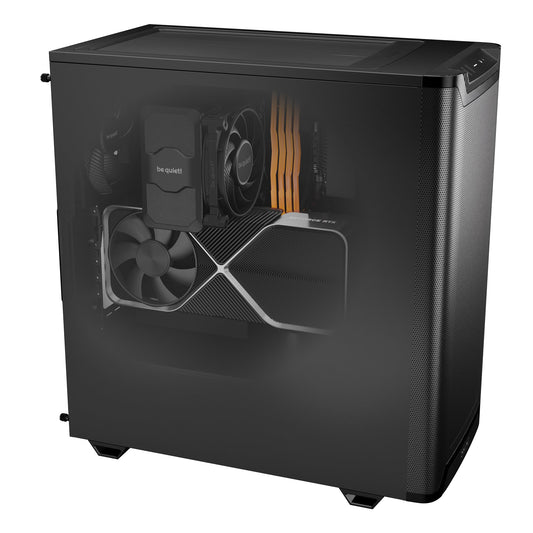
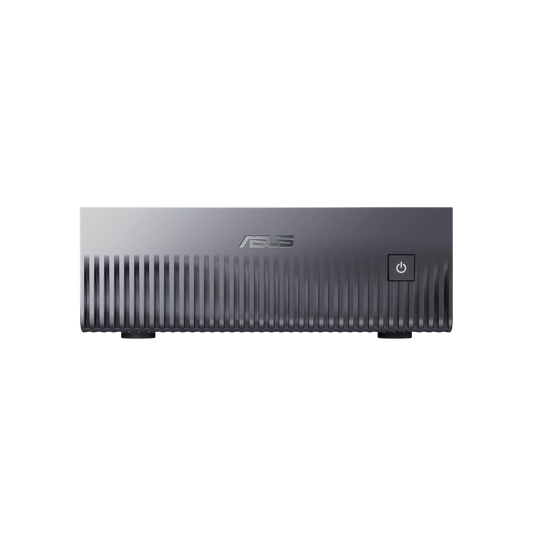
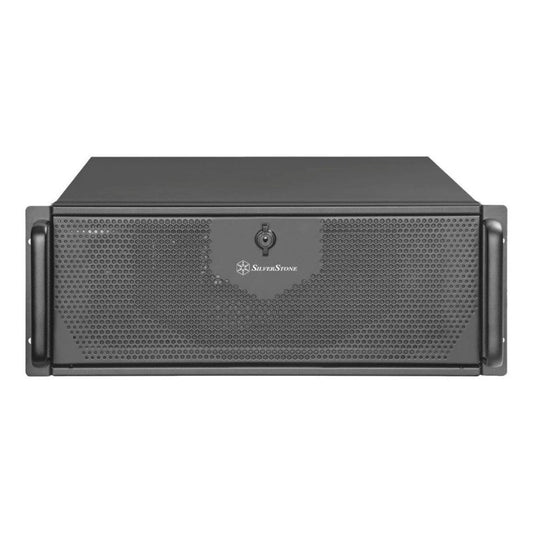
The choice of machine directly follows from the desired variant. Here are our adapted workstations, assembled in Auriol (13390) and delivered throughout the EU, with Ollama and Open WebUI pre-installed on request.
Why run Qwen 3.6 locally
Beyond privacy, Qwen 3.6 locally offers concrete advantages for those who want serious AI at home.
- No recurring cost. No subscription, no per-token billing. Once the machine is acquired, usage is unlimited.
- Private data. Your prompts, your code, your documents never leave your network.
- Top-tier quality. Qwen 3.6 competes with the best open models in code, reasoning, and agent tasks.
- Massive context. Up to 1 million tokens natively, to process entire codebases or long documents.
- Apache 2.0 license. Free commercial use, without restrictions.
In brief
27B dense or 35B-A3B MoE?
Dense for reliable code and tool-use on 16 GB. MoE for maximum speed on 24 GB and up.
What is the minimum VRAM?
16 GB for the 27B dense. 24 GB for the 35B-A3B. 32 GB for long context or Q5.
Is Qwen 3.6 free?
Yes, open source under Apache 2.0. You only pay for the hardware.
Can it be used for code and agents?
Yes, that's one of its strengths. For long agent loops, prefer the 27B dense, which is more consistent.
Do you need a big machine for 1M token context?
Yes: the KV cache can add 20 to 40 GB. The GB10 mini-server with its 128 GB unified memory is best suited for this.