AI Video Generation PC 2026: GPU, VRAM, and Models (Wan, LTX, Hunyuan)
Local AI video generation is the most exciting — and demanding — frontier of creative AI in 2026. Hunyuan Video 1.5, Wan 2.2, LTX-Video 2.3: these open-source models generate cinematic sequences, character animations, and product videos entirely on your own GPU — no Runway, no Sora, no monthly subscription. But unlike image generation, AI video multiplies VRAM requirements by a factor of 3 to 10. This guide explains exactly why, and what PC you need in 2026.
Why is AI video 5 to 10 times more demanding than image generation?
Generating a 1024×1024 image produces ~1 million pixels. Generating a 5-second video at 24 FPS produces 120 images × 1 million pixels = 120 million pixels. The GPU must maintain temporal consistency across all these frames simultaneously — it is a fundamentally different and much more demanding problem.
The FP16 VRAM requirements for video models are staggering: HunyuanVideo at 47-58 GB, Wan Video 14B at 54-65 GB. These numbers are real — and they refer to full native precision. With FP8 quantization and GGUF weights, everything changes:
- HunyuanVideo 1.5 FP16: ~47 GB → FP8: ~8-16 GB depending on resolution
- Wan 2.2 14B FP16: ~54 GB → GGUF Q4: ~6-8 GB at 480p
- LTX-Video 2.3 FP16: ~20 GB → FP8 + tiling: 6-8 GB
The best local AI video generation models — May 2026
LTX-Video 2.3 — The fastest
The only production-quality model that runs comfortably on 16 GB of VRAM. Version 2.3 (March 2026): rebuilt VAE, 4× wider text connector, native audio generation. Generates a 5s video in ~4 seconds on an RTX 5090 — almost real-time. Ideal for rapid iteration.
VRAM: 16 GB (FP8 + tiling) · 24 GB (native FP16)HunyuanVideo 1.5 — Best human quality
Dual-stream transformer architecture (Tencent). Best facial quality and identity consistency of all open-source models. Version 1.5: -40% VRAM vs 1.0 while improving quality. Cinematic rendering, realistic bokeh, perfect for characters.
VRAM: 16 GB (low-resolution FP8) · 24 GB (comfortable 720p)Wan 2.2 — Best overall quality
Apache 2.0 license (free for commercial use). Best overall local model in May 2026 according to the community. Available in 1.3B (accessible, 8 GB) and 14B (maximum quality, 16-24 GB). Supports text-to-video and image-to-video. Ideal for production.
VRAM: 8 GB (1.3B GGUF) · 16-24 GB (14B)CogVideoX 5B — Structured storytelling
Zhipu AI. Specializes in precise tracking of text instructions and narrative consistency over long sequences. Generates 6-second clips at 720×480. Lighter than Wan or Hunyuan — a good compromise for 16 GB GPUs without compromising prompt tracking.
VRAM: ~8 GB (FP8) · ~16 GB (FP16)Mochi 1 — Free commercial license
Asymmetric Diffusion Transformer architecture. Clear Apache 2.0 license for commercial integration. Excellent visual realism, robust T5-XXL text encoding. Slower than LTX — preferable for non-time-sensitive production where quality takes precedence over speed.
VRAM: ~19 GB (FP8) · ~42 GB (FP16)AnimateDiff — SDXL animations
Animate any existing SDXL checkpoint (characters, Pony/Illustrious styles...). Natively integrated into ComfyUI. More limited than dedicated video models (512px, 16 frames) but very accessible and compatible with your existing Stable Diffusion pipeline.
VRAM: ~6-8 GB · Compatible with 8 GB GPUsActual VRAM per resolution and model (May 2026)
| Model | 480p (GGUF/FP8) | 720p (FP8) | 720p (FP16) | 1080p | Time/5s clip (RTX 5090) |
|---|---|---|---|---|---|
| LTX-Video 2.3 | 6-8 GB | 16 GB ✅ | 20 GB | 32 GB | ~4s ⚡ almost real-time |
| Wan 2.2 1.3B | 4-6 GB ✅ | 8 GB ✅ | 12 GB | 20 GB | ~2-3 min |
| Wan 2.2 14B ⭐ | 6-8 GB ✅ | 16 GB ✅ | 24 GB | 40 GB+ | ~8-12 min |
| HunyuanVideo 1.5 | 8 GB ✅ | 16 GB ✅ | 24 GB | 48 GB+ | ~10-15 min |
| CogVideoX 5B | 8 GB ✅ | 16 GB ✅ | 20 GB | N/A | ~5-8 min |
| Mochi 1 | 16 GB (min) | 19 GB (FP8) | 42 GB | 64 GB+ | ~20-30 min |
| AnimateDiff | 6-8 GB ✅ | N/A (limited to 512px) | N/A | N/A | ~1-3 min (16 frames) |
Sources: WillItRunAI (Apr. 2026), LocalAIMaster (Apr. 2026), Spheron Blog (May 2026), TechieHub (May 2026). Times measured with ComfyUI, 50 steps, 5s batches at 24fps. Results vary depending on the exact configuration and chosen sampler.
What sets AI video apart from image generation
VRAM isn't enough — system RAM matters too
For image generation, 32 GB of system RAM is comfortable. For AI video, text encoders (T5-XXL for HunyuanVideo and Wan) weigh 10-20 GB and are often offloaded to CPU RAM. 64 GB of DDR5 RAM is recommended to avoid disk swapping in video workflows. 128 GB ECC for intensive production.
The Gen 4 NVMe SSD — critical for frame caching
Generating a 5s video at 720p produces several GB of temporary frames. A SATA SSD becomes a severe bottleneck in video workflows. NVMe Gen 4 (5,000+ MB/s) minimum. For batch production workflows, a Gen 5 NVMe (12,000 MB/s) significantly reduces post-processing time.
GPU memory bandwidth — even more important than in images
Video generation moves from one frame to the next while maintaining the temporal attention state — a massive GPU data transfer. The RTX 5090's memory bandwidth (1,792 GB/s) allows it to generate clips 3 to 4 times faster than older GPUs with the same amount of VRAM. For AI video, bandwidth is even more critical than in image generation.
CPU — more heavily utilized than in images
Offloading text encoders to the CPU is common in AI video. A slow CPU or one with few cores becomes a real bottleneck, especially on Wan/Hunyuan workflows that use T5-XXL (a massively parallelizable encoder). Ryzen 9 9900X recommended, Ryzen 9 9950X3D for production.
Recommended software stack for AI video in 2026
- ComfyUI + VideoHelperSuite — the standard for local AI video. Dedicated nodes for LTX-Video, HunyuanVideo, Wan 2.2. Frame-by-frame preview interface. The most powerful.
- SD.Next — a more accessible all-in-one interface than ComfyUI. Less flexible but with a much shorter learning curve. A good option to start with.
- Pinokio — one-click installer for AnimateDiff and other video models. The best option for absolute beginners (installation in 2 clicks).
- ffmpeg — essential post-processing: frame assembly, temporal interpolation, H.264/H.265/AV1 encoding.
- RealESRGAN + RIFE — 2× upscale and frame interpolation (24fps → 60fps). According to 2026 benchmarks, these two tools double the perceived quality of AI video outputs without generating new frames, at minimal computational cost.
Our workstations configured for AI video generation
Radiance Systems assembles workstations tested in ComfyUI with LTX-Video, Wan 2.2, and HunyuanVideo before delivery. Software stack pre-installed upon request. Assembled in Auriol (13390), delivered throughout the EU. For AI video, the amount of video memory makes the difference: compare the configurations in our AI machine range.

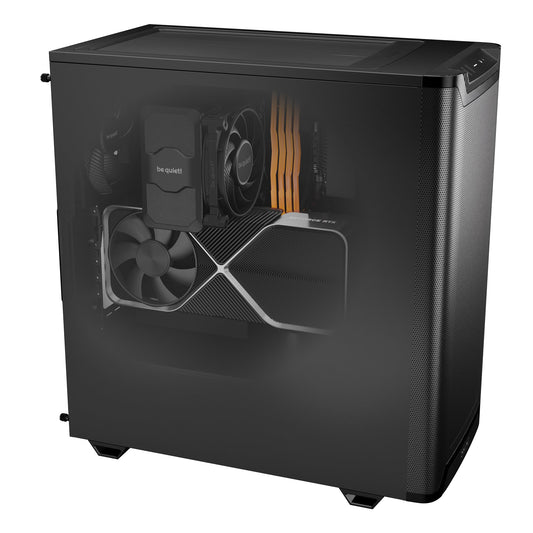
CoreIA RTX 5060 Ti
✅ LTX-Video 2.3 720p (FP8) · Wan 2.2 14B 720p (FP8) · HunyuanVideo 1.5 480p · AnimateDiff
Entry point for AI video. LTX-Video runs at full speed in 720p (FP8) — and with the RealESRGAN trick, your exports reach 1080p. Wan 2.2 14B runs in FP8 at 720p. With 16 GB of DDR5, increase the memory in the configurator for Hunyuan workflows (T5-XXL encoder): 64 GB is recommended for AI video.
Expandable DDR5 RAM · NVMe Gen 4 included
Configure this station →
⭐ CoreIA RTX 5090
✅ Main models in native FP16 at 720p · LTX 720p in ~4s · HunyuanVideo 720p FP16 · Wan 14B FP16 · Mochi 1 FP8
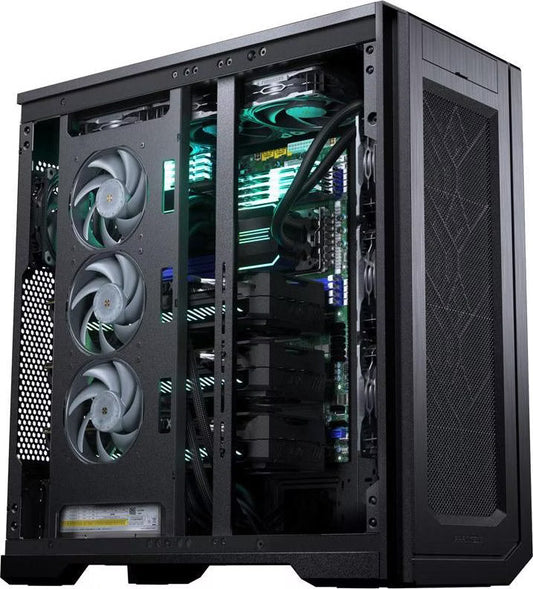
The best consumer workstation for AI video in 2026. 32 GB GDDR7 + 1,792 GB/s of bandwidth — LTX-Video 2.3 in near real-time, HunyuanVideo and Wan 2.2 14B in native FP16 without quality compromise. 1080p accessible with upscale, 720p native smoothly. The only consumer GPU that does Mochi 1 in FP8.
Complete AI video stack pre-installed on request
Configure this station →
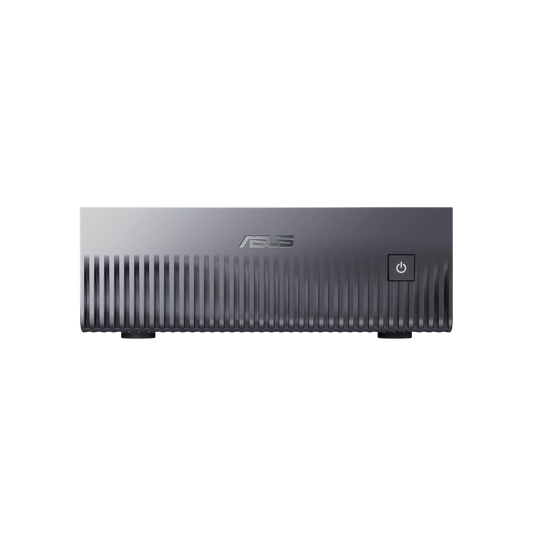
CoreIA GB10 (ASUS Ascent GX10)
✅ All video models in native FP16 · Mochi 1 FP16 · HunyuanVideo 1.5 FP16 · Wan 2.2 14B FP16 · 10s+ sequences without VRAM limit
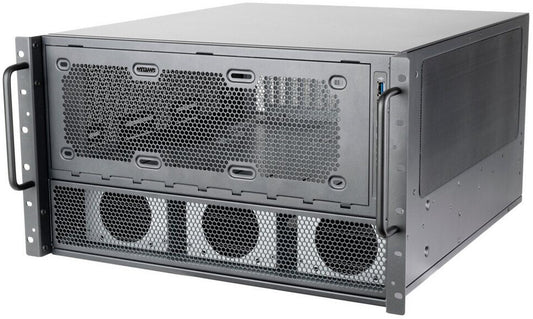
Its 128 GB of unified memory fits the large video models, but this memory is much slower than that of a graphics card: generation is possible, but long. Silent, compact, 240 W: interesting for calculations launched without supervision, not for iterating fast. For video, an RTX 5090 remains faster.
Long calculations without supervision · Not for iterating fast
Configure this server →
CoreIA 2x RTX 5090 (64 GB VRAM)
✅ 2 parallel video pipelines · simultaneous HunyuanVideo 1.5 FP16 · high-speed batch
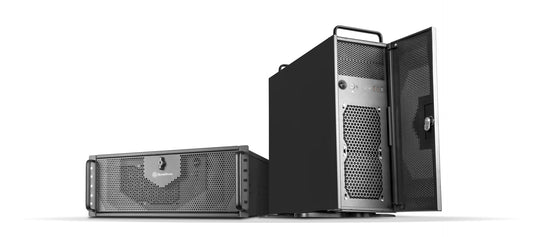
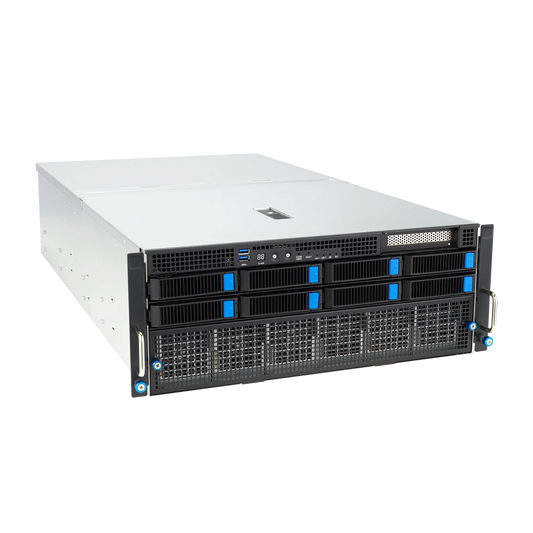
For studios and video production agencies. Two independent RTX 5090 GPUs: one pipeline generates while the other post-processes. Two pipelines run in parallel instead of one. Ideal for teams delivering large volumes.
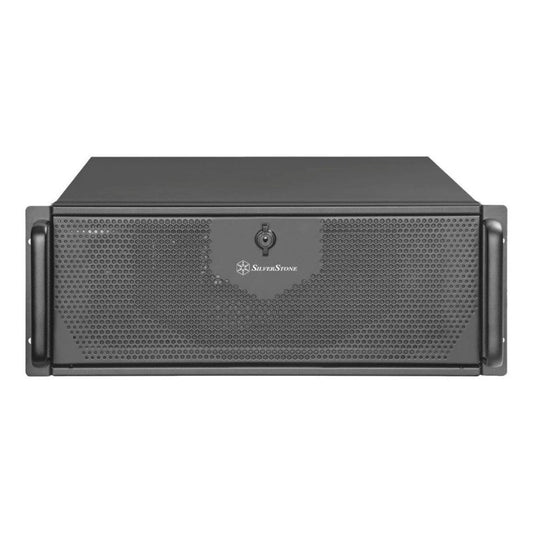
Studio production · 2 parallel pipelines · 4U Rack
Configure this rack →
CoreIA 2x RTX PRO 6000 (192 GB ECC)
✅ Native 1080p FP16 · 30s+ sequences · video model fine-tuning · 24/7 production without interruption
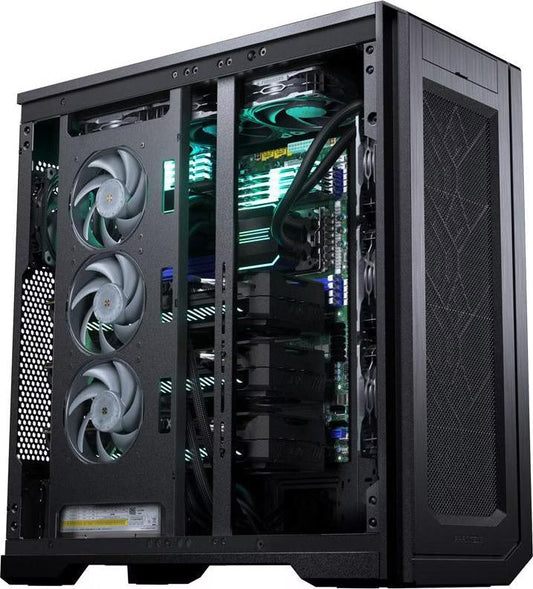
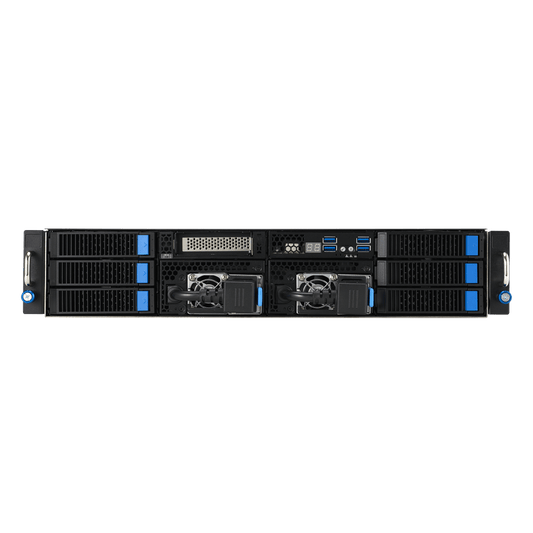
For VFX studios and production agencies working in native 1080p on long sequences. 192 GB ECC VRAM allows the generation of complex scenes without any restrictions, fine-tuning of video models, and continuous production without risk of instability.
VFX Studios · 1080p FP16 · 24/7 Production
Configure this rack →Which AI video PC according to your profile?
| Profile | Configuration | Target Models | Budget |
|---|---|---|---|
| Discovery / hobby | CoreIA RTX 5060 Ti | LTX-Video 720p · Wan 2.2 1.3B · AnimateDiff | from €2,068 |
| Pro / independent ⭐ | CoreIA RTX 5090 | Main models in FP16 at 720p · LTX real-time | from €10,291 |
| Long calculations without supervision | CoreIA GB10 (ASUS Ascent GX10) | Large models in memory, slow generation · 128 GB | from €6,999 |
| Studio / agency | CoreIA 2x RTX 5090 | Parallel pipelines · high-speed batch | from €20,954 |
| VFX Studio / 24/7 production | CoreIA 2x RTX PRO 6000 | 1080p FP16 · 30s+ sequences · fine-tuning | from €48,508 |
Frequently Asked Questions — PC for AI video generation
What GPU is the minimum for AI video generation in 2026?
16 GB of VRAM is the practical minimum for serious AI video in 2026. With 8 GB, Wan 2.2 1.3B in GGUF at 480p works, but the quality and resolution are very limited. LTX-Video 2.3 in FP8 starts at 16 GB in 720p — it's the recommended entry point for regular use. For HunyuanVideo 1.5 and Wan 2.2 14B in good quality, aim for 24-32 GB.
How long to generate a 5-second video?
On RTX 5090 32 GB: LTX-Video 2.3 in ~4 seconds (near real-time), Wan 2.2 14B FP8 in 8-12 minutes, HunyuanVideo 1.5 FP8 in 10-15 minutes. On RTX 5060 Ti 16 GB: LTX-Video in 15-20 seconds, Wan 2.2 14B FP8 in 25-40 minutes. Memory bandwidth is the determining factor — the RTX 5090 (1,792 GB/s) is 2.7× faster than the RTX 5060 Ti (672 GB/s).
What is the maximum resolution on consumer GPU?
On RTX 5060 Ti 16 GB: 720p in native FP8, 1080p with RealESRGAN 4× upscale. On RTX 5090 32 GB: 720p in native FP16 for all models, 1080p directly on LTX-Video with tiling. The "generate in 480p/720p + RealESRGAN 4× upscale" strategy is the community standard to reach 1080p/4K on consumer GPU.
Can you combine image and AI video generation on the same machine?
Yes — it's even one of the great advantages of a versatile workstation. ComfyUI handles both natively. A typical workflow: generate a character with Flux Dev (image), then animate it with HunyuanVideo (video). With 32 GB of VRAM (RTX 5090), both models can stay loaded simultaneously. On 16 GB, ComfyUI unloads and reloads as needed.
LTX-Video, Wan or HunyuanVideo — which one to choose?
LTX-Video 2.3 if you want speed and fast iteration — near real-time on RTX 5090. Wan 2.2 14B if you want the best overall quality on a 16-24 GB GPU, with commercial freedom (Apache 2.0). HunyuanVideo 1.5 if you generate characters or faces — it's the model with the best human rendering. In practice, serious creators use all three depending on the task.
Windows or Linux for AI video?
Linux (Ubuntu 24.04) offers the best performance and maximum compatibility (Flash Attention, native CUDA 12.8+). Windows 11 works very well with ComfyUI and is easier to manage daily. The NVIDIA GB10 (ASUS Ascent GX10) is Linux only. For a personal workstation, Windows 11 is perfectly suited. Our stations are delivered with the OS of your choice.
Can you do fine-tuning on video models (Wan, LTX…)?
Yes, it's possible but very demanding. LoRA fine-tuning on LTX-Video requires ~24 GB of VRAM minimum. For Wan 2.2 14B or HunyuanVideo, count 32-48 GB. The configurations with 64 GB of VRAM or more (CoreIA RTX PRO 6000, CoreIA 2x RTX 5090, CoreIA 2x RTX PRO 6000, CoreIA Threadripper PRO 4 GPU) are the most suited for serious video fine-tuning on local hardware.