PC for local Hermes AI agent: model, context, and VRAM
Most AI tools forget everything as soon as you close the window. Hermes, the open-source autonomous agent from Nous Research, does the opposite: it remembers, learns from every task, and improves over time. And it can run entirely on your own machine, without an API key, without the cloud, without per-token costs.
Running an AI agent locally is nothing like running a simple chatbot. An agent chains together dozens of steps, calls tools, reads results, decides what to do next, and keeps all that context in memory throughout the session. This imposes precise hardware constraints that are often misunderstood.
This guide explains what the Hermes agent is, why context is the real determining factor, which model to pair with it, and which machine to choose to run it reliably around the clock.
What exactly is Hermes?
You need to distinguish between two things that share the same name and are often confused.
On one hand, there is the Hermes Agent framework: an open-source autonomous agent under the MIT license, developed by Nous Research. It is the software that orchestrates tasks, memory, and tools. On the other hand, there are the Hermes models (the Hermes 4 series): language models fine-tuned by the same team, specifically for agentic behavior.
The key point: the Hermes framework is model-agnostic. It works with any engine exposing an OpenAI-format API. You can therefore power it with a Hermes model, but also with Qwen, Gemma, or any other high-performance local model.
What the Hermes framework can do
Persistent memory
Hermes retains context between sessions. It does not start from scratch every time it launches: it remembers your tasks, your preferences, and what it has already accomplished.
Over 70 built-in skills
Web search, file manipulation, code execution, sending messages: Hermes includes dozens of ready-to-use tools, infinitely extensible.
Self-improvement
From successful tasks, Hermes creates reusable skill cards, stored in Markdown, and reloads them when a similar situation arises. It regularly evaluates itself.
Scheduled automations
Hermes can execute recurring tasks according to a schedule: monitoring, reports, surveillance, without any intervention on your part.
Messaging connections
Telegram, Discord, Slack, WhatsApp, Signal, email: you control your agent from your usual tools, and it answers you wherever you are.
Model-agnostic
Any OpenAI-compatible engine will do. The learning loop works identically with a local model, on your machine.
The real determining factor: context, not model size
This is the most common mistake when sizing a machine for an agent. We think about model size first. In reality, for an agent, it is the context window that drives the memory requirement.
Hermes consumes context aggressively. Every tool call, every observed result, every reasoning step accumulates in the context. The official documentation requires a minimum of 64,000 tokens, and models with smaller windows are simply rejected at startup.
Concretely, a model that fits in 8GB for simple chat may require 12GB or more once the 64K window is enabled. And the more margin you want for multi-step reasoning (128K and beyond), the higher the VRAM climbs.
Which model to pair with Hermes locally
The top criterion for an agent is not the model's general knowledge, but reliable tool-calling: its ability to call the right tools, read responses, and not get lost in long loops. Here are the best choices in 2026, by VRAM budget. This video memory budget is selected when configuring your local AI machine, according to the agent and target model.
| VRAM Budget | Recommended Model | Why | 64K Context |
|---|---|---|---|
| 8GB | Qwen3 8B | Best tool-calling in its category | 10 to 12GB, tight |
| 16GB | Qwen 3.5 14B | Reliable tool-calling, good reasoning | Comfortable |
| 16 GB | Gemma 4 26B MoE | Best speed-quality balance | Comfortable |
| 24 GB | Hermes 4.3 36B | Agent-tuned, neutral, up to 512K context | Large margin |
| 24 GB | Hermes 4 35B-A3B (MoE) | Handled a 100-step task without drifting | 128K possible |
Installing Hermes locally, step by step
On a machine equipped with a recent NVIDIA card, the process is simple. Hermes relies on Ollama as a local inference engine.
- Install Ollama (recent version) and download the targeted model.
- Configure the model with a context window of at least 64K tokens.
- Install the Hermes Agent framework (recent Python required).
- Point Hermes to your local Ollama instance (OpenAI-compatible endpoint).
- Connect your messaging apps (Telegram, Discord, email) and launch your first task.
# Example: preparing a 27B model with 64K context under Ollama
ollama pull qwen3.6:27b

# Creating a variant with extended context for Hermes
cat > Modelfile <<'EOF'
FROM qwen3.6:27b
PARAMETER num_ctx 65536
PARAMETER temperature 0.6
PARAMETER top_p 0.95
EOF
ollama create qwen3.6-agent -f Modelfile

# Hermes then points to http://localhost:11434/v1
Why run your agent locally rather than in the cloud
An autonomous agent connected to your files, messaging apps, and tools naturally handles sensitive data. Running it locally brings decisive advantages.
- Privacy. Your data, files, and conversations never leave your machine.
- Zero usage cost. An agent that runs continuously and chains tasks together would cost a lot in API fees. Locally, usage is unlimited, without per-token billing.
- Availability. No quota, no request limits, no service outages on the provider side.
- Total control. You choose the model, the tools, the accessible data, and you keep control over the entire environment.
- Continuous operation. A local agent can run day and night, for monitoring or scheduled automations, without additional cost.
Which machine for a local Hermes agent
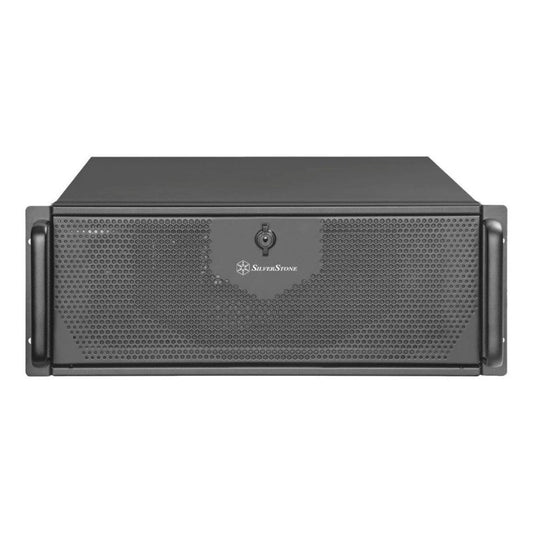
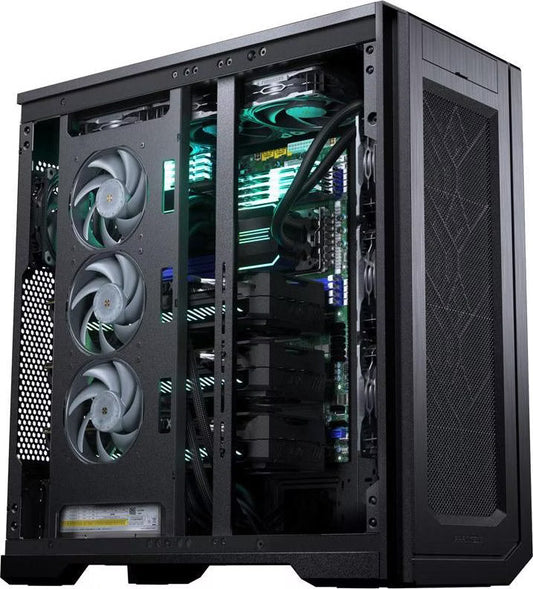
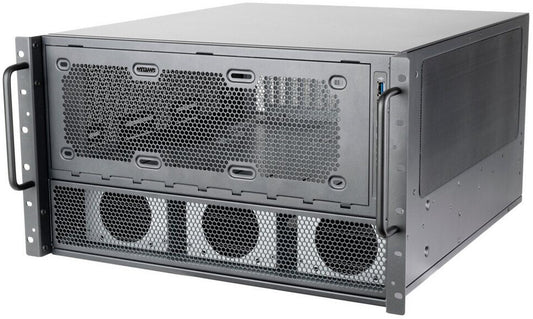
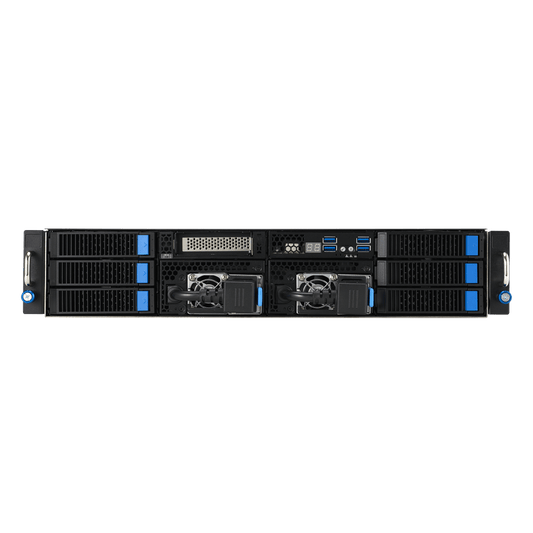
Proper sizing depends on the targeted model and the desired context window. Remember: the 64K, or even 128K, context is the real driver of the VRAM requirement. Here are our adapted stations, assembled in Auriol (13390) and delivered throughout the EU, with Ollama and the agent environment preconfigured on request.
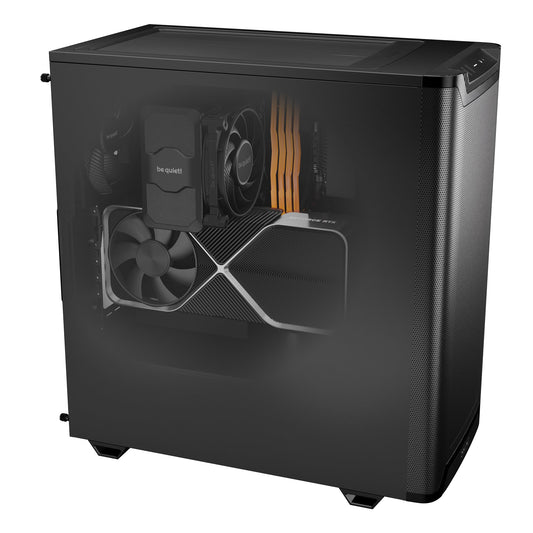
CoreIA RTX 5060 TiHermes + 14B model in 64K. The ideal entry point. €2,068
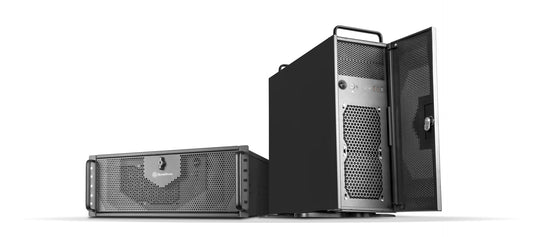
CoreIA Radeon AI PRO R9700Responsive agent, comfortable context, Ryzen 9 for tool-use. €4,162
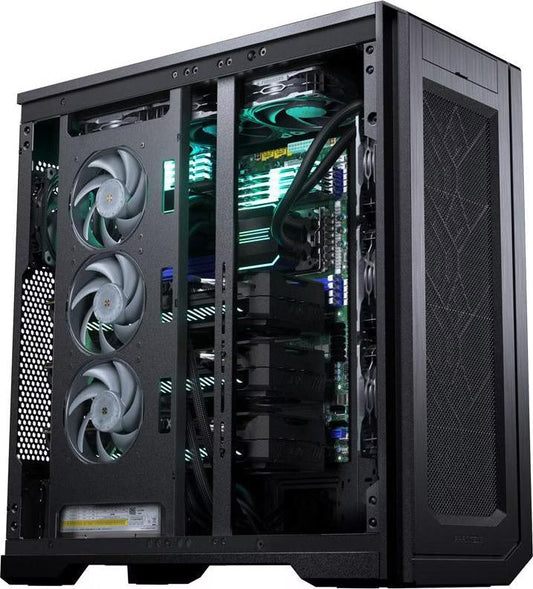
CoreIA RTX 5090Dedicated Hermes 4 models, 128K context, long agent loops. €10,291
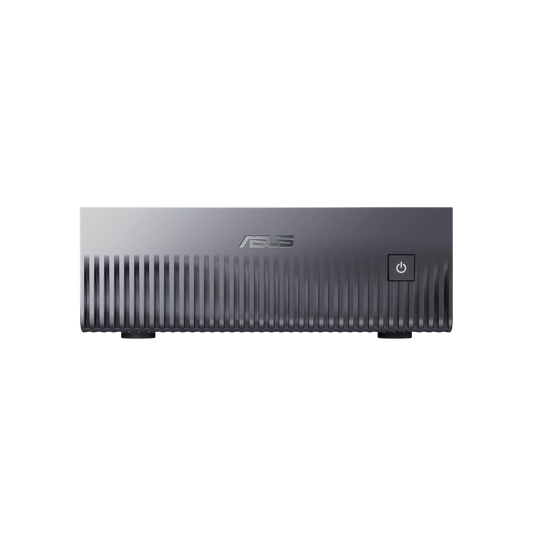
CoreIA GB10 (ASUS Ascent GX10)Agent running continuously 24/7, very long context, 128 GB unified. €6,999
In short
Is Hermes Agent free?
Yes, open source under the MIT license. Ollama and open models (Qwen, Gemma, Hermes) are also free. The only cost is hardware and electricity.
What is the real sizing factor?
The context window. Hermes requires at least 64K tokens, which drives up the VRAM far more than the model size alone.
What is the minimum VRAM?
8 GB for an 8B model in 64K (tight), 16 GB for a comfortable 14B model, 24 to 32 GB for dedicated Hermes 4 models and 128K context.
Which model to choose with Hermes?
To start, a 14B like Qwen 3.5 on 16 GB. For maximum reliability on long loops, a dense model rather than a MoE. To go further, the dedicated Hermes 4 models.
Is an internet connection required?
No for inference: everything runs locally. A connection is only useful for skills that query the web, if you enable them.
Can it run continuously?
Yes. A local agent can run day and night for monitoring and automations. The CoreIA GB10 is designed for this type of continuous use.