Mac Studio vs. RTX PC for Local AI: The Real 2026 Comparison
This is the most heated debate in local AI: Mac Studio and its massive unified memory, or a PC equipped with an RTX and its brutal bandwidth? Both sides have points. Here is the match, round by round, with verified figures and firm verdicts, even the ones that don't suit us.
Before we ring the bell, an essential key to understanding: in text generation, speed is dictated by memory bandwidth, not by raw computing power. For every token produced, the model is read in its entirety from memory. Tokens per second ≈ bandwidth divided by model size. Keep this formula in mind: it explains almost all the verdicts that follow.
The match, round by round
Round 1 — Pure speed (models up to 32 GB)
PC RTX, by farThe RTX 5090 boasts 1,792 GB/s of bandwidth, compared to 546 GB/s for the M4 Max and 819 GB/s for the M3 Ultra. On models that fit in its 32 GB, it generates 3 to 4 times more tokens per second than a Mac Studio: in terms of magnitude, over 200 tok/s on 8B models, around 50 to 65 tok/s on dense 30B models. For interactive uses — chat, coding assistant, agents — the difference is felt with every response.
Round 2 — Memory capacity (70B models and larger)
Mac StudioHonest verdict: a 70B model in Q4 weighs about 40 GB. It does not fit in the 32 GB of an RTX 5090. The card must then overflow into system RAM, and the speed collapses to an unusable 1 to 3 tok/s. A 128 GB Mac Studio loads the same model in its entirety and runs it at 8-11 tok/s: slow, but functional. For very large models in single-user use with a limited budget, the Mac scores the point.
Nuance on the PC side: this ceiling is that of a single consumer card. An RTX 6000 Blackwell (96 GB) or a dual-GPU setup erases the limit at a higher budget. And the NVIDIA GB10 mini-server offers 128 GB unified on the CUDA side, we come back to it. These different options on the PC side are gathered on the page of our AI machine range.
Round 3 — Context reading (agents, RAG, large documents)
PC RTXWe always forget it: before generating, the model must read your prompt and that phase depends on computing power. This is the Achilles' heel of Apple Silicon: the Mac generates honorably, but ingests long contexts much more slowly. For an agent that rereads thousands of tokens at each step, RAG on large documents, or a coding assistant that swallows an entire codebase, the NVIDIA advantage is clear and accumulates with each iteration.
Round 4 — Multiple simultaneous users
PC RTXServing a team changes the game: requests must be processed in parallel. The NVIDIA GPU architecture absorbs concurrent streams much better than Apple's unified memory, which scales poorly in this scenario, the gap can reach 1.5 to 2 times in multi-user throughput. For an enterprise server, the question is quickly settled.
Round 5 — Image and video generation
PC RTX, no debateFlux, video models, ComfyUI, LoRAs, TensorRT: the entire AI visual creation ecosystem is built CUDA first. Many tools run poorly or not at all on Mac, and rendering times there are incomparable. If your local AI includes image or video, the debate does not exist.
Round 6 — Fine-tuning and training
PC RTXPyTorch, training libraries, LoRA/QLoRA techniques: the tooling targets CUDA as a priority. Seriously fine-tuning a model on Mac remains marginal and slow. As soon as you want to adapt a model to your data, the NVIDIA PC is the only viable path.
Round 7 — Consumption, noise, footprint
Mac StudioSecond point honestly conceded: a Mac Studio works under 100 W, almost silent, in a tiny case. An RTX 5090 alone can draw 575 W. On a machine running continuously, the electricity bill and acoustics lean toward Apple. However, let's clarify that a well-designed PC with properly sized ventilation and a suitable case remains discreet in real use, and that the GB10 mini-server (around 240 W, 15 cm format) plays in the same category of sobriety.
Round 8 — Scalability and repairability
PC RTXA Mac Studio is ordered with fixed specifications: the memory is soldered, no upgrades are possible, and there is no option to resell or trade in for a more powerful model. In contrast, a PC is built to grow: you can add more RAM, increase storage, install a second card, or replace the GPU when a more powerful generation is released. When investing thousands of euros in equipment intended to last, this distinction is crucial. To provide further context: Apple has removed the highest-capacity configurations from the M3 Ultra lineup, and the M4 Ultra has yet to be released. Apple's memory roadmap is unpredictable, whereas a modular PC remains under your control.
The verdict by profile
Our machines in this comparison
All machines are hand-assembled in Auriol (13390), except for the ASUS-built GB10. They are fully customizable via our online configurator or on quote (contact@radiancesystems.eu), and are delivered ready to use with a pre-installed AI environment upon request.
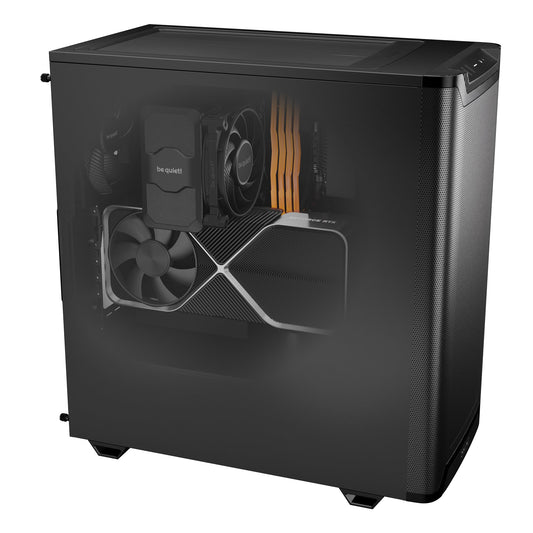
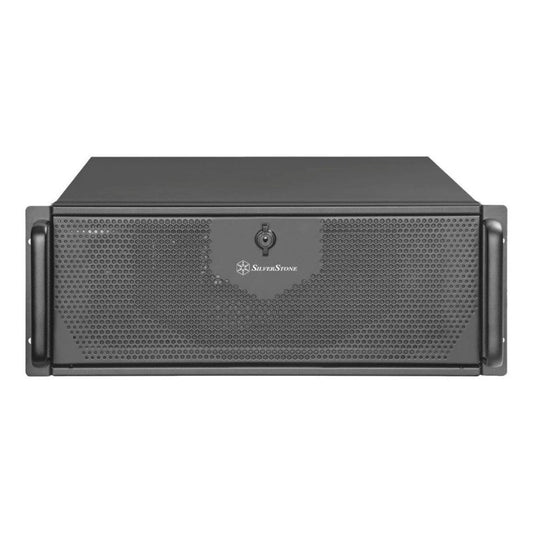
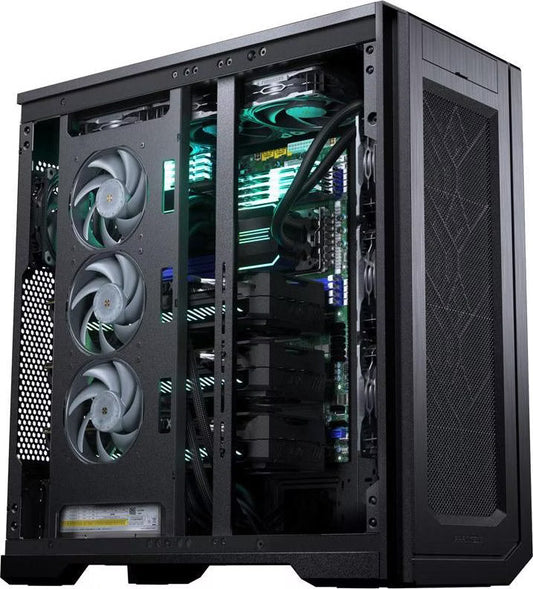
CoreIA RTX 5090The champion of the match: 1,792 GB/s, chat, agents, image and video. €10,291
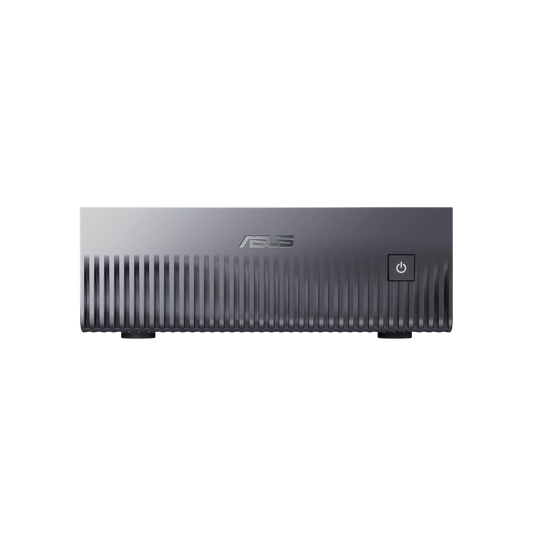
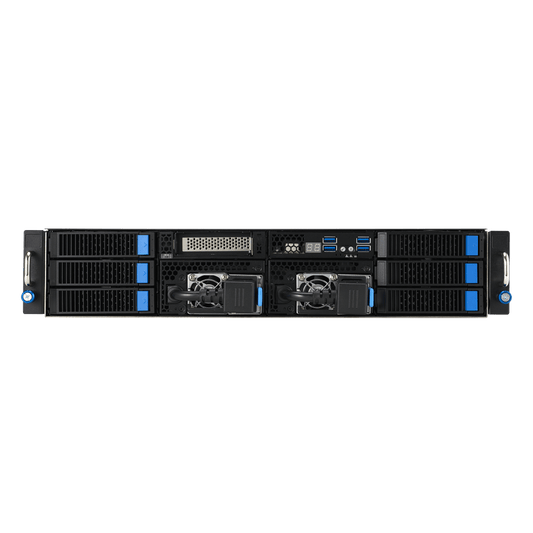
CoreIA GB10 (ASUS Ascent GX10)128 GB unified + CUDA: the direct answer to the Mac argument. €6,999
CoreIA RTX 5060 TiThe CUDA entry-level: smooth 14B models. €2,068
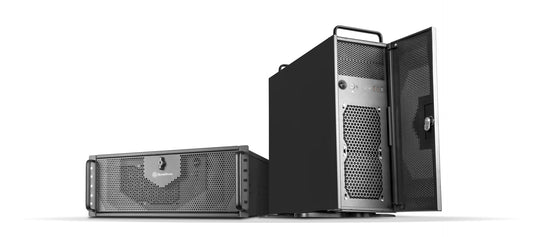
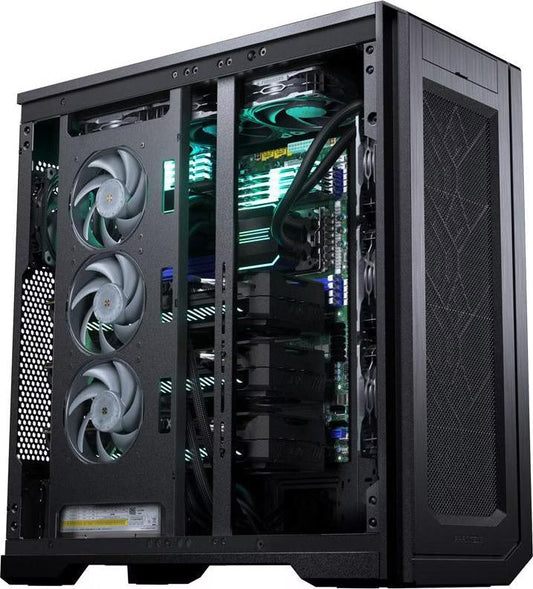
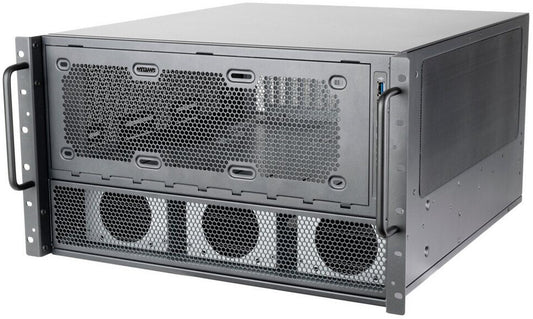
CoreIA 2x RTX PRO 6000 (192 GB ECC)When you need capacity AND speed: 70B+ at full bandwidth. €48,508
In short
Mac Studio or PC RTX for local AI?
PC RTX for speed (3 to 4× more tokens/s on models that fit in VRAM), agents, multi-user, image, video and fine-tuning. Mac Studio for running very large models solo, silently, if speed is not critical.
Why is the RTX 5090 faster despite having less memory?
Because text generation depends on bandwidth: 1,792 GB/s compared to 546 to 819 GB/s on the Mac Studio side. Every token rereads the entire model from memory.
Does a 70B model run on an RTX 5090?
Not comfortably: ~40 GB in Q4 for 32 GB of VRAM. You need either a 96 GB card (RTX 6000), or a dual-GPU, or 128 GB unified (GB10 or Mac Studio).
Is there an option with large unified memory on the NVIDIA side?
Yes: the GB10 mini-server, 128 GB unified with the complete CUDA ecosystem, around 240 W, compact format.